Digitize Hand-Drawn Children's Book Pages into Editable SVGs
Turn photographed marker, ink and watercolor picture book spreads into clean vector SVGs, then fix small character details in place with AI edits.
Illustrating a children's book, classroom story or sticker sheet by hand with markers, colored pencils and ink pens has a warmth that purely digital art struggles to match. The bottleneck hits when it is time to publish: smartphone photos of 30 or 40 paper spreads have uneven warm lighting, visible paper grain, occasional color spills outside an outline, or a character missing a tiny feature on page 18.
Redrawing 40 pages manually with the Pen tool takes weeks. Using the Hand-drawn illustration vectorizer together with in-place AI edits turns that cleanup into a repeatable, page-by-page pipeline.
Quick answer: Photograph each hand-drawn spread flat in daylight and upload it to Illustration vectorizer. Choose Color layers for full-color marker/gouache pages or Editable lines for ink linework, strip rough penciled story text with Ignore text/watermark, and use Edit with AI to fix isolated details (like keeping blue lake water inside its border or adding a missing nose) without redrawing the rest of the page.
Choose the right vector structure for your art style
Depending on how you illustrate on paper, pick one of two output modes before converting:
- Color layers (
colors): Best for colored marker, gouache or flat storybook art. Solid colors are cleaned up and grouped into<g>layers by color with no muddy scan noise, ready to scale to any trim size (8.5×8.5", A4, or poster prints). - Editable lines (
lines): Best when you ink black outlines on paper and prefer to paint flat colors, textures or halftones digitally in Illustrator, Affinity Designer or Procreate. After conversion, you can unify line thickness across every page of the book with the Stroke slider.
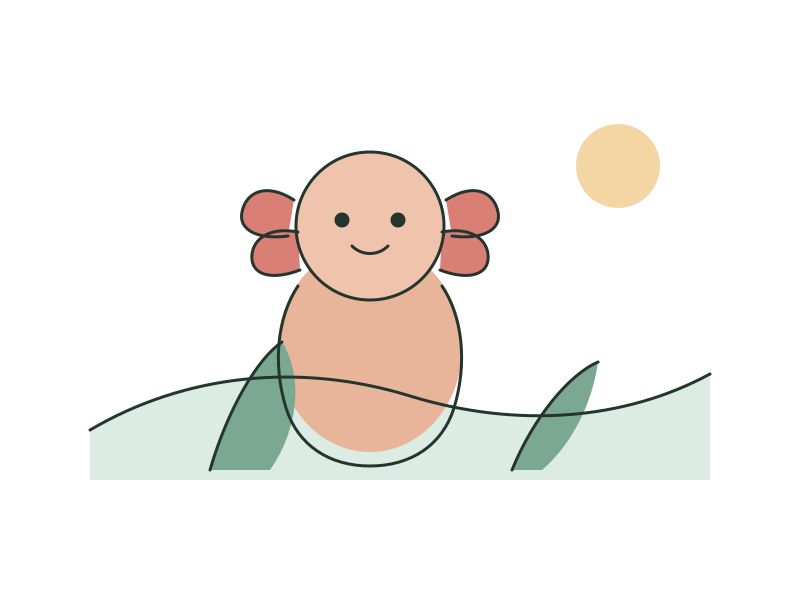
Paper marker art rebuilt as clean vector regions and outlines—scalable to any print trim size with zero paper shadow.
A 4-step self-publishing workflow across a whole book
- Batch-shoot pages in consistent window light. Lay pages flat on the floor near a bright window (avoid direct sunbeams and phone shadows) and crop right to the page edges.
- Separate art from typography. Handwritten pencil or marker captions on rough drafts rarely print cleanly at KDP or offset resolutions. Click Ignore text/watermark below the upload box so only the characters and scenery are vectorized, then set crisp book type in InDesign, Affinity Publisher or Canva.
- Fix small mistakes in place instead of redrawing. Suppose everything on a zoo spread looks charming except the blue water spilled past the shoreline, or a small quokka between two characters lost its nose during conversion. Click Edit with AI below the canvas and describe just that fix:
- "Fix the lake so the blue stays inside the shoreline and does not spill into the grass."
- "Add more leaves in the top tree canopy and put a small dark nose on the quokka." Each edit creates a new version in the Versions rail while leaving untouched characters intact.
- Bonus: create a coloring-book companion edition. Already finished your full-color picture book? Run your favorite spreads through the Coloring page generator to produce a matching printable activity book for classrooms and book launches.
Bring your paper spreads into a print-ready vector workflow with the Illustration vectorizer, or explore making age-appropriate printable coloring pages.
More Posts
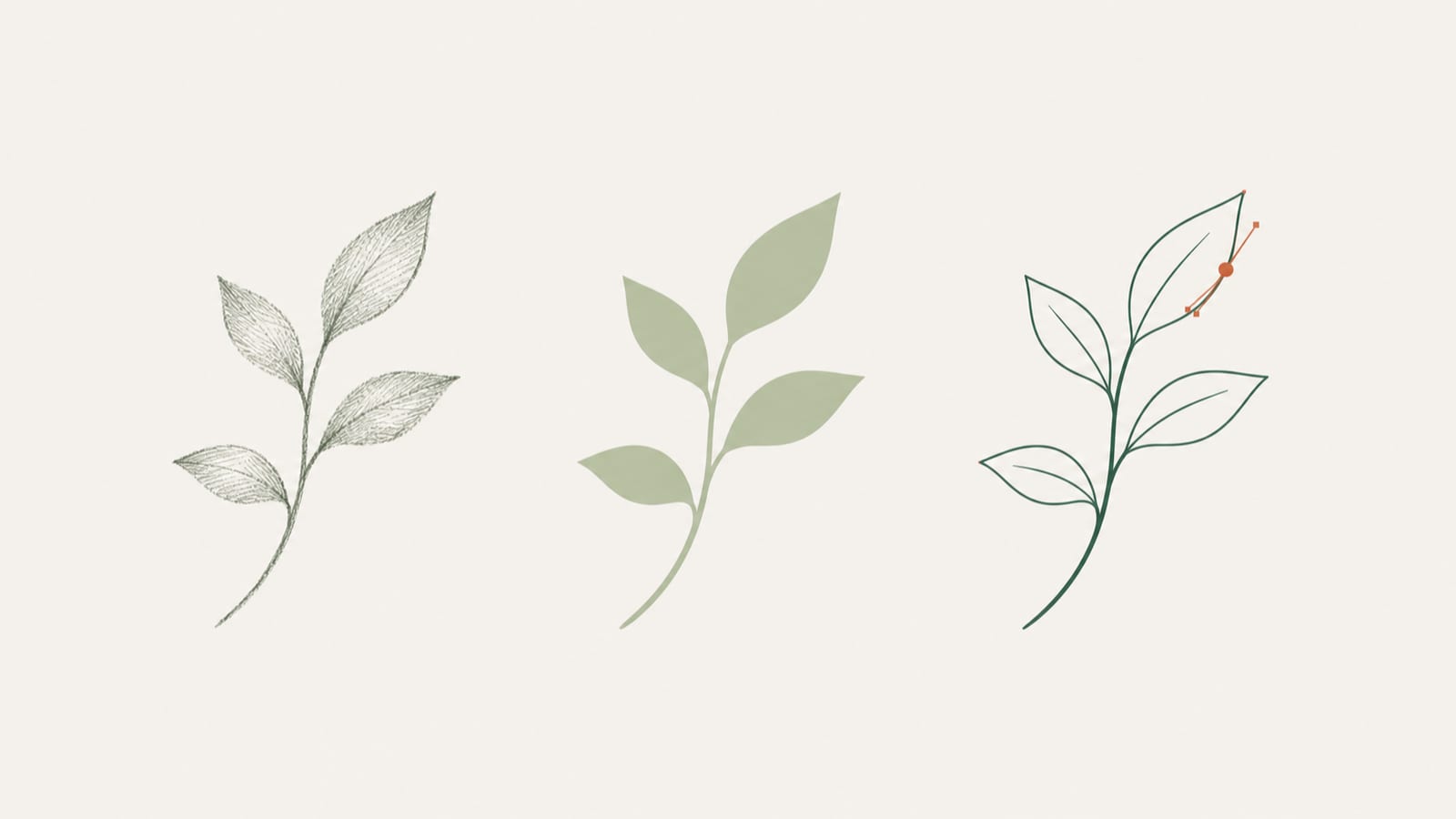
Are there AI tools for editable SVG line art illustrations? AI image models, generative vector & AI line art tools compared (2026)
Looking for an AI tool that generates editable SVG line art illustrations? Compare Midjourney / DALL·E text-to-image, Adobe Firefly Text to vector / Illustrator generative vector, Recraft, two-step bitmap vectorizers, Figma, and LineSVG across pricing, Chinese UI, export formats, and real limitations.

Animated SVG Line Drawings: Make Draw-On Animations
Make an animated SVG line drawing that draws itself on screen. Pick draw on, fade in or AI motion, set duration and order, then export SVG, MP4 or GIF.
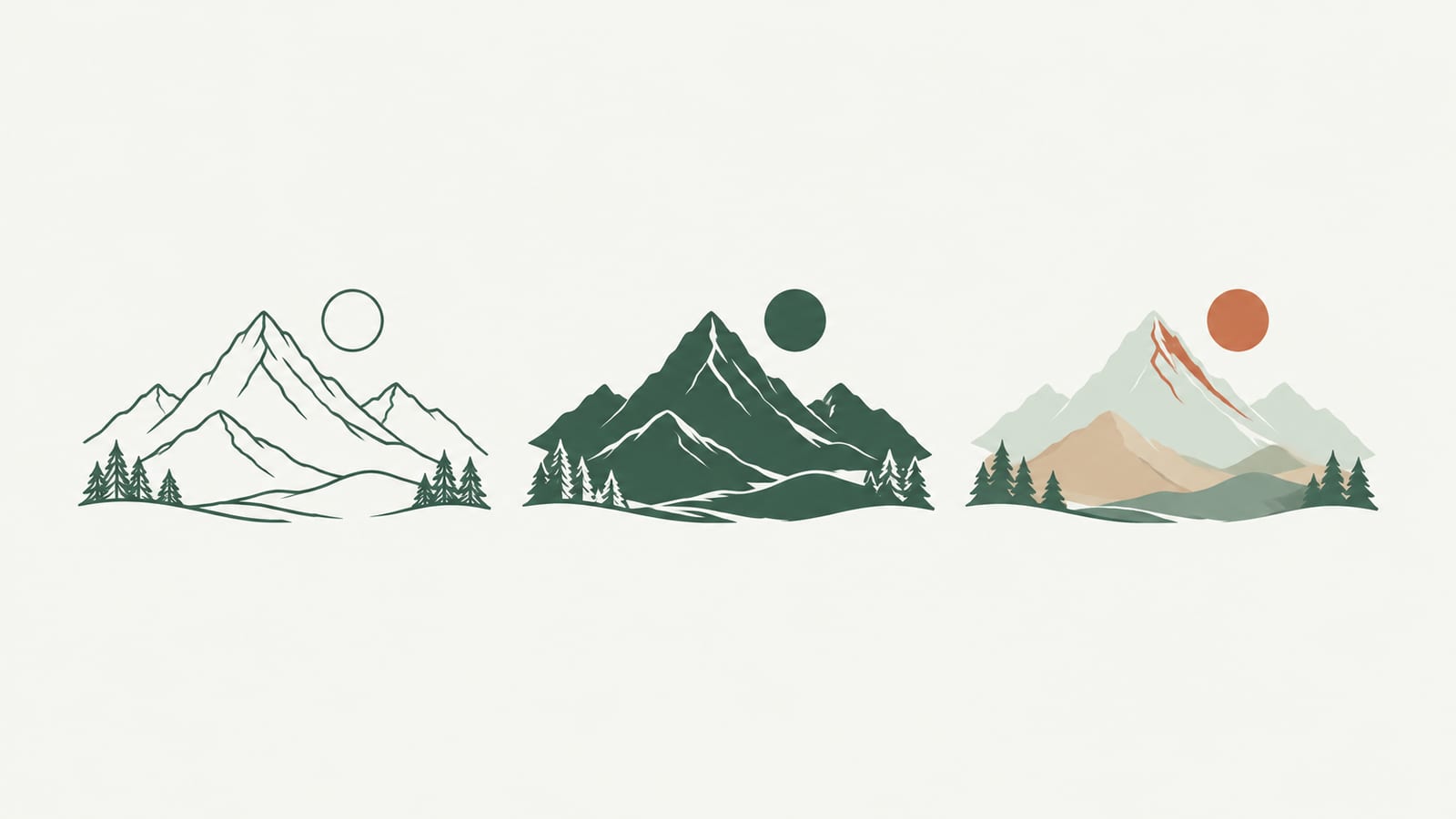
New: choose editable lines, cut-ready shapes or color layers
LineSVG now lets you choose editable lines, cut-ready shapes or color layers before generating, so each SVG output type matches the machine or app you use next.