Free SVG stroke draw-on animator
Upload any SVG to preview and export draw-on or fade-in animations for free, or add AI motion.
 Sample · made with LineSVGYour drawing will appear here.
Describe it or drop in an image, then watch it draw.
Tool guide
Animate any SVG into a smooth draw-on video, GIF or self-drawing web graphic—free
Drop in any SVG—whether made in LineSVG, Illustrator, Figma or Inkscape—click Animate in the top bar, and watch its strokes draw themselves onto the screen. Draw-on and Fade-in styles are completely free with live timing, order and loop controls, and export straight to lightweight CSS-animated SVG, 1080p MP4 or GIF in your browser.
- 01
Upload any SVG for free
Drop or pick an .svg file up to 2 MB. You can adjust stroke width and color right away without signing in.
- 02
Open Animate and tune timing
Pick Draw on or Fade in (both free), set duration from 1–12s, choose stroke order (left-to-right, top-to-bottom or longest first) and toggle loop.
- 03
Apply and export SVG, MP4 or GIF
Click Apply animation (0 credits), then download an animated SVG for websites or render 1080p MP4 / GIF for social posts and slides.
Tips for better results
- SVGs built from real strokes animate with a true pen-drawing reveal; solid filled shapes smoothly fade in alongside them.
- Long lines first draws main contours before small accents, which looks natural on portraits and icons.
- Want objects to spin, wave or bounce instead of drawing on? Sign in and pick AI motion.
Example edits
Upload a brand mark, signature or one-line illustration SVG, set Draw on · 4s · Left to right, and export a crisp 1080p MP4 intro.
Try it in the workspace above →SVG stroke animator: frequently asked questions
Is the SVG draw-on animator really free?
Yes. Uploading your SVG, previewing, applying Draw on or Fade in animations, and exporting animated SVG, MP4 or GIF cost 0 credits. Only AI motion (where a model invents custom movement like spinning wheels) uses credits.
Why do some parts fade in instead of drawing along the line?
True draw-on animation uses SVG stroke-dashoffset, which works on stroked paths. Filled shapes have no centerline to trace, so they fade in smoothly—or you can redraw an image as Editable lines first.
Where can I use the exported files?
Animated SVGs drop straight into websites, README files and hero sections with zero JavaScript. MP4 (1080p, 30 fps) and GIF (800px, 15 fps) work everywhere else: Reels, TikTok, Keynote, Notion and email.
Related tools
One workspace. Different starting points.
Each tool presets the output type, prompt and ratio. Pick one and start.
 Editable lines
AI line art generator
Describe an idea and get line art with adjustable strokes.
Open tool Editable lines
Photo to line art
Upload PNG, JPG or WebP (up to 20 MB). Get real SVG strokes you can thicken, recolor and export—not a flat bitmap filter.
Open tool Editable lines
Image to SVG
Convert a drawing or illustration into vector paths.
Open tool Editable lines
Online SVG editor
Upload any SVG to restyle its lines for free, or describe an edit (recolor, remove, rename) and AI changes the file in place.
Open tool Editable lines
Sketch to SVG
Bring a scanned or hand-drawn sketch into a vector workflow.
Open tool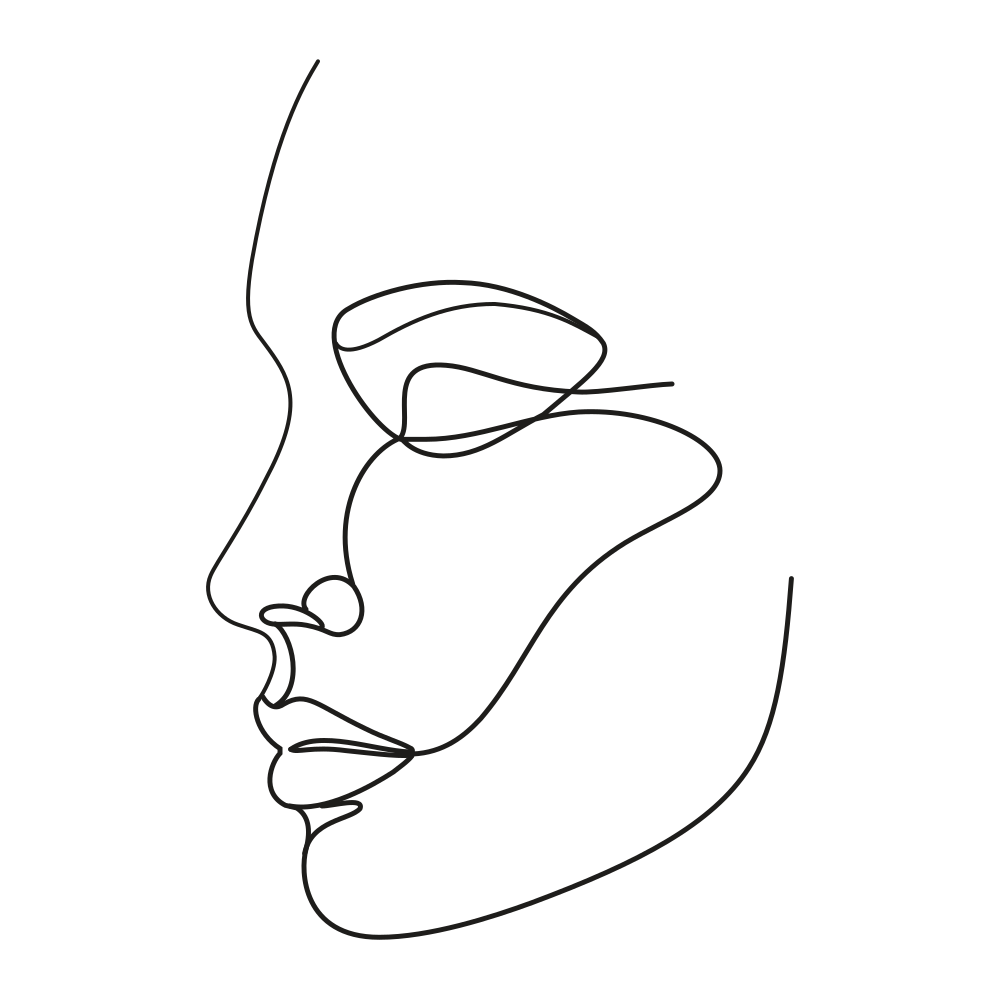 Editable lines
One line drawing
Turn a photo or prompt into minimalist portraits, pets and couples drawn in one continuous line.
Open toolStart your next design with editable lines
Describe an idea or drop in a drawing. Watch it draw, restyle the strokes, and export.