Use cases
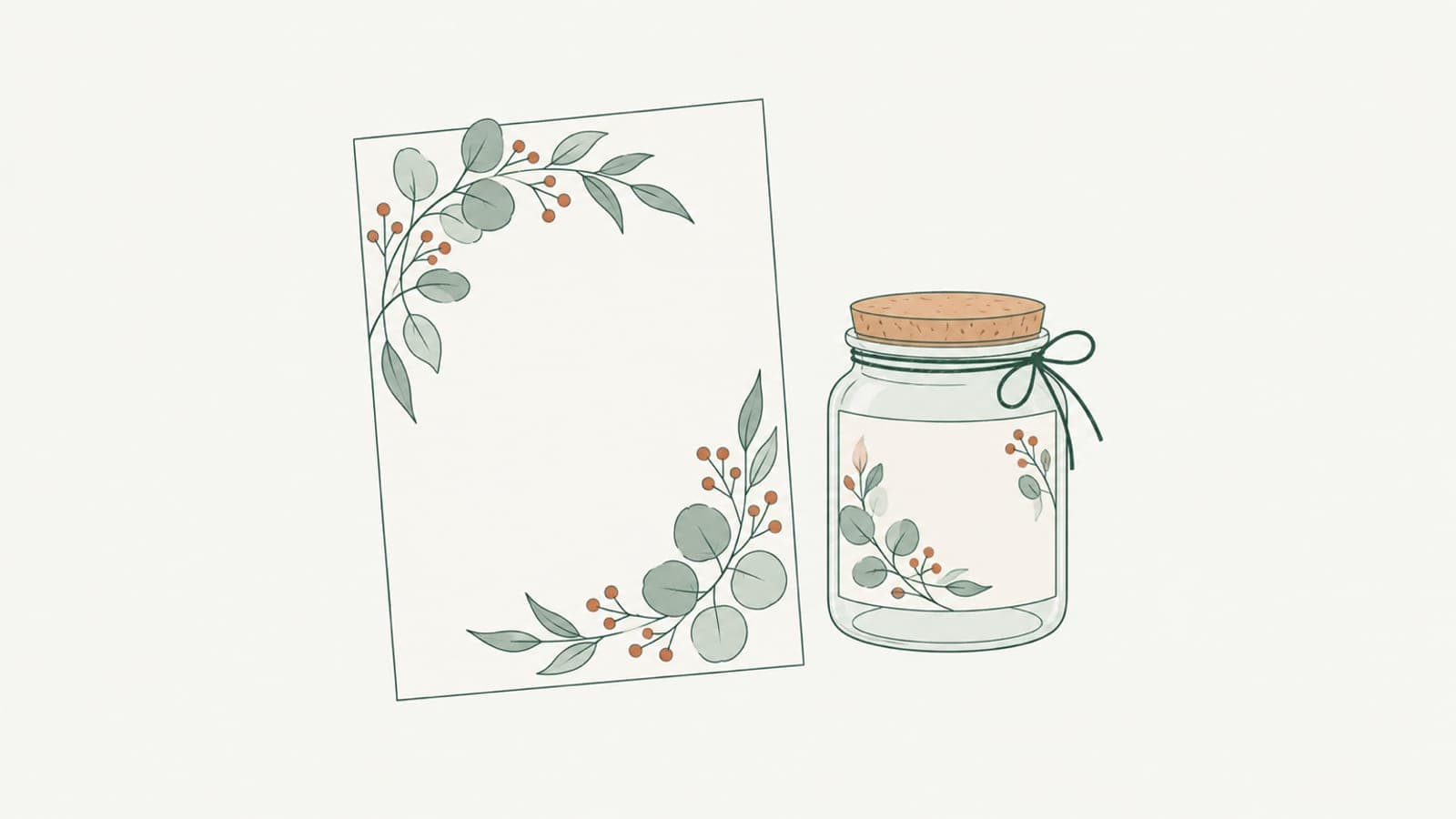
Botanical line art for labels, invitations and packaging
Create botanical line art for labels, invitations and packaging as SVG: set stroke color and weight for print, foil single-line leaves, keep branches crisp.


How-to
Using LineSVG files in Figma, Illustrator, Inkscape and Cricut Design Space
How to import SVG into Figma, Illustrator, Inkscape and Cricut Design Space so strokes stay editable, and when to set Draw, Score, Foil or Cut on each layer.

Use cases
Laser cutting vs engraving vs scoring: which SVG structure to use
Laser cutting vs engraving vs scoring: learn which SVG structure each operation needs, why scores come out as double lines, and how to prepare cut-ready files.

Use cases
One line drawings for weddings, pets and couples
Create one line drawings of couples, wedding guests and pets as clean SVG strokes for invitations, signs, foil cards, engraved gifts and framed prints.

Updates
New: choose editable lines, cut-ready shapes or color layers
LineSVG now lets you choose editable lines, cut-ready shapes or color layers before generating, so each SVG output type matches the machine or app you use next.
How-to
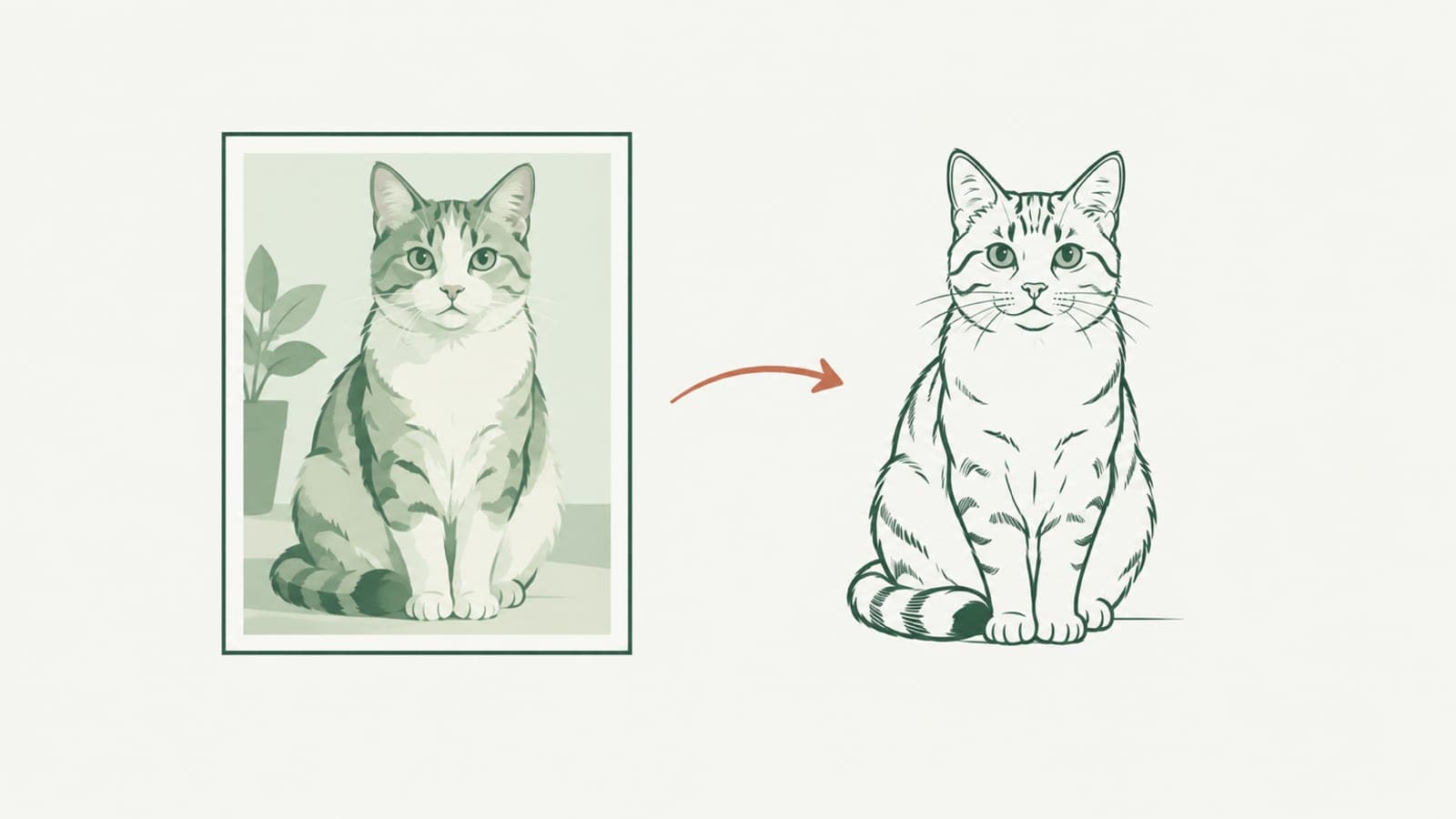
Photo to line art: get an SVG whose line width you can still change
Photo to line art that stays editable: turn a photo into an SVG made of real strokes, so you can change line width, color and dashes after it is generated.