Sketch to SVG
Bring a scanned or hand-drawn sketch into a vector workflow.
Real strokes. Change width, color and dashes after generation.
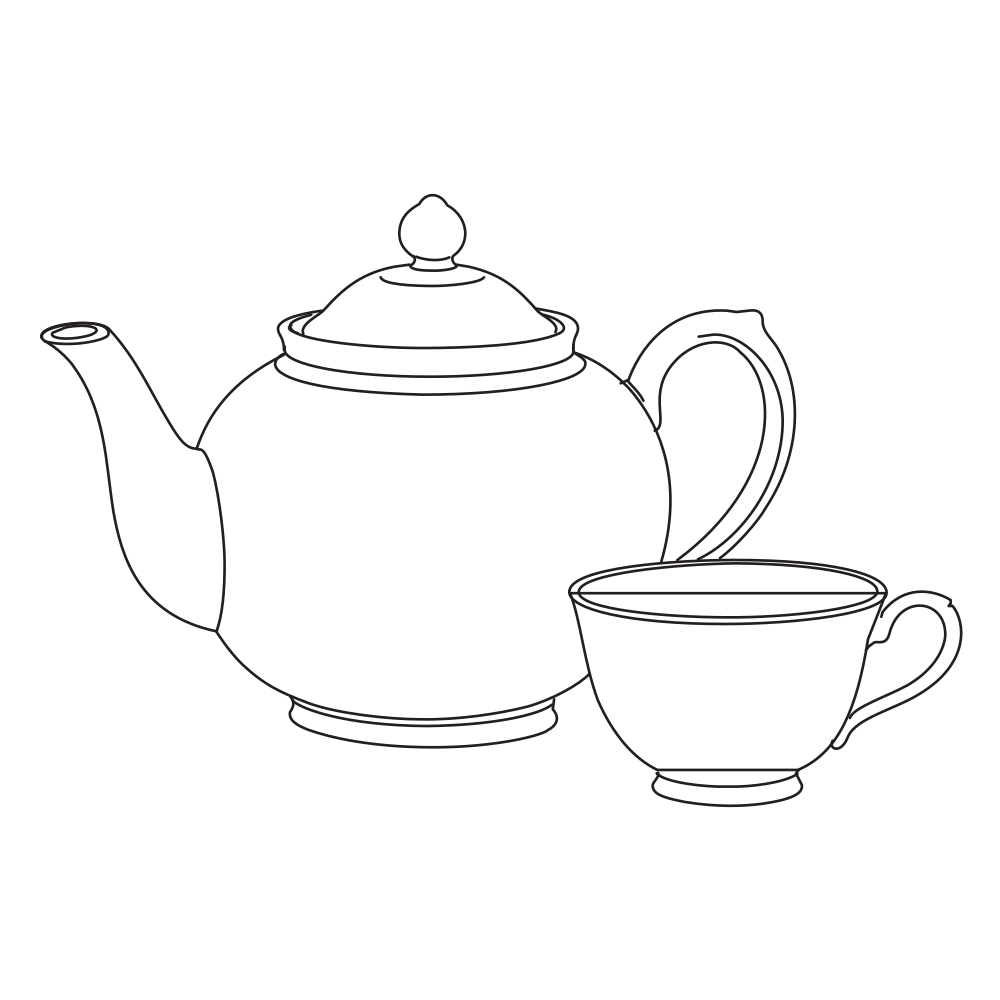 Sample · made with LineSVGYour drawing will appear here.
Describe it or drop in an image, then watch it draw.
Tool guide
Sketch to SVG: give a hand-drawn sketch a clean vector version
Photograph or scan a pencil, pen or tablet sketch and get an SVG with the same lines as editable strokes. LineSVG traces the sketch faithfully, and Redraw as lines rebuilds rough or shaded sketches as clean linework. Use it to move paper ideas into Illustrator, Figma, Procreate or a plotter.
- 01
Shoot the sketch straight on
Use even light and a plain paper background. Crop to the drawing and darken faint pencil lines if you can.
- 02
Trace or redraw
A clean ink sketch traces as strokes right away. For rough, shaded or messy sketches, press Redraw as lines to get a tidy line-art version.
- 03
Set the line weight and export
Adjust width, color and dashes, then export SVG or PNG, copy the code or save the edit to My creations.
Tips for better results
- Dark, confident lines on white paper trace best; ink over pencil before shooting if you can.
- Erase construction lines and stray marks you do not want in the vector.
- Keep Editable lines selected so you can thicken the strokes later for print or plotting.
A suitable source image
A pen sketch of a ceramic vase photographed straight on, on plain white paper, with no ruler or surrounding objects.
Try it in the workspace above →Sketch to SVG: frequently asked questions
Can I use a phone photo?
Yes. Shoot straight on in daylight or even room light so the paper looks white and the lines look dark, then crop to the drawing.
Will it keep the hand-drawn feel?
Tracing keeps the wobble and character of your lines. Redraw as lines gives a smoother, more finished version, so pick whichever suits the piece.
What about paper texture and pencil smudges?
Bright, even light hides most of it. If some remains, Redraw as lines draws the sketch as clean strokes and leaves the texture behind.
Related tools
One workspace. Different starting points.
Each tool presets the output type, prompt and ratio. Pick one and start.
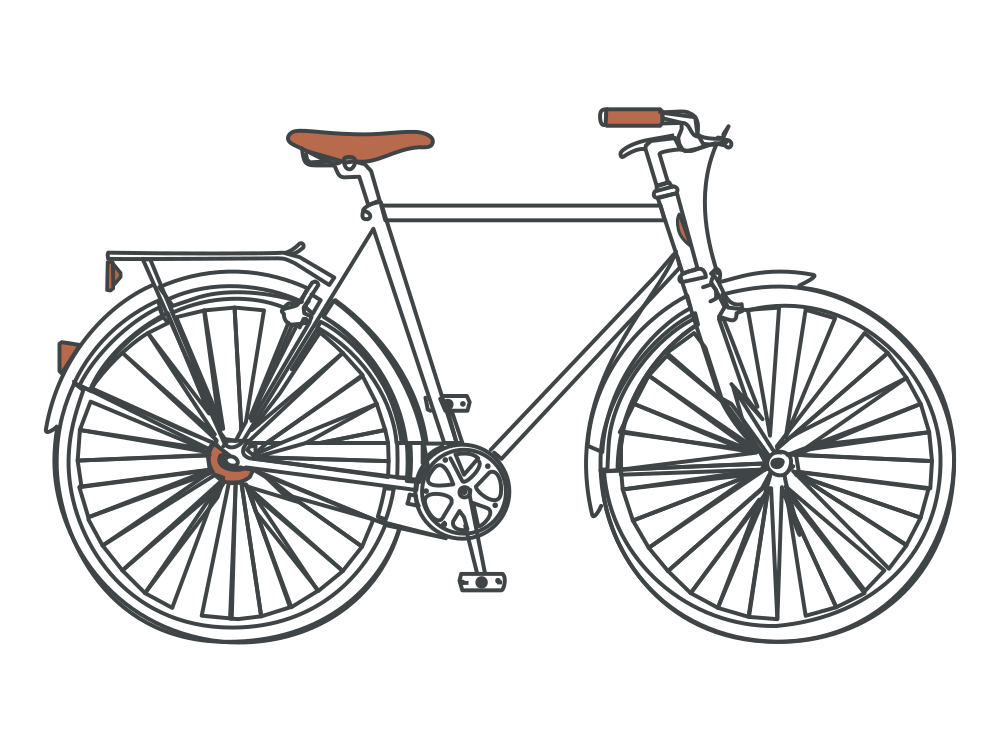 Editable lines
Line art generator
Describe an idea and get line art with adjustable strokes.
Open tool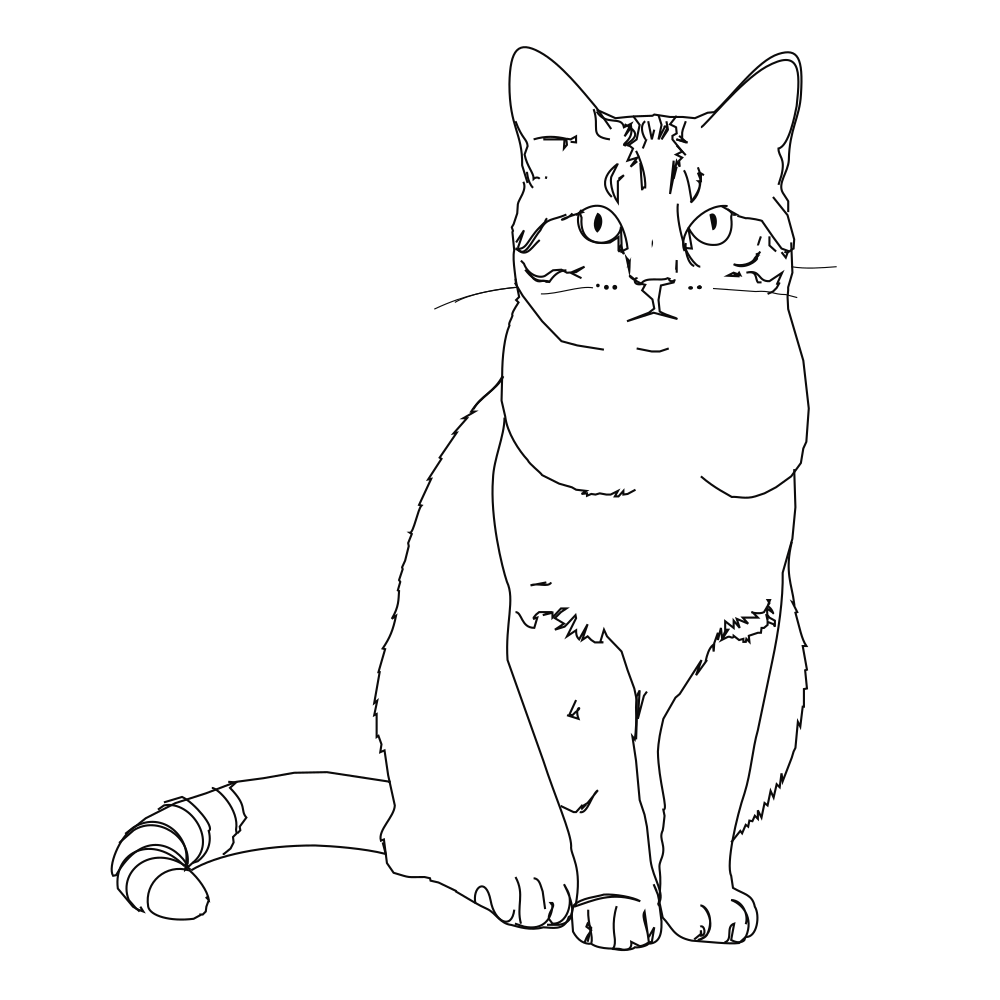 Editable lines
Photo to line art
Turn a photo or picture into clean vector line art.
Open tool Editable lines
Image to SVG
Convert a drawing or illustration into vector paths.
Open tool Editable lines
Online SVG editor
Upload any SVG to restyle its lines for free, or describe an edit (recolor, remove, rename) and AI changes the file in place.
Open tool Editable lines
One line drawing
Minimalist portraits, pets and couples drawn in one continuous line.
Open tool Editable lines
Botanical line art
Flowers, leaves and branches for prints, labels and invitations.
Open toolStart your next design with editable lines
Describe an idea or drop in a drawing. Watch it draw, restyle the strokes, and export.