Text or image to editable SVG line art
Describe an idea or upload a drawing. LineSVG draws real vector strokes you can restyle, recolor and export to any design tool.
Real strokes. Change width, color and dashes after generation.
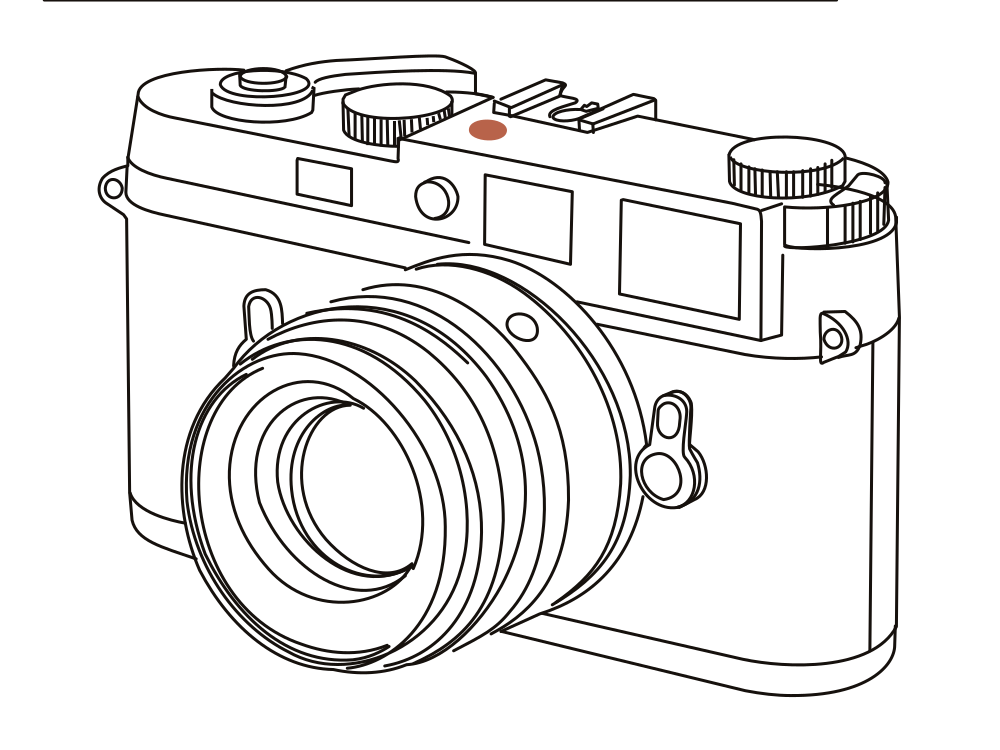 Sample · made with LineSVGYour drawing will appear here.
Describe it or drop in an image, then watch it draw.
Real results
Generated once. Adjustable forever.
Every drawing here is a real SVG made by LineSVG. Drag the slider: you are editing the strokes in the file itself.
Why LineSVG
Lines you can keep working with.
Most converters hand you a picture that happens to end in .svg. LineSVG gives you strokes you can restyle.
Real strokes, not outlines
Lines are stored as strokes, not filled shapes, so weight, color and dashes stay adjustable after generation.
Color when you want it
Keep colored strokes, fills and gradients together in one editable file.
See it draw live
Paths stream onto the canvas as they are generated, so you can judge the result early.
Made for your editor
Export clean SVG or PNG, copy the code, and keep refining in Figma, Illustrator or Inkscape.
How it works
Three steps from idea to editable SVG
- 01
Describe or upload
Type what you want, or drop in a PNG, JPG or WebP drawing.
- 02
Watch it draw
Lines stream onto the canvas. The full SVG is ready the moment the drawing completes.
- 03
Restyle and export
Adjust stroke weight, color or dashes, then download SVG or PNG, or copy the code.
Tools by scenario
One workspace. Different starting points.
Each tool presets the output type, prompt and ratio. Pick one and start.
 Editable lines
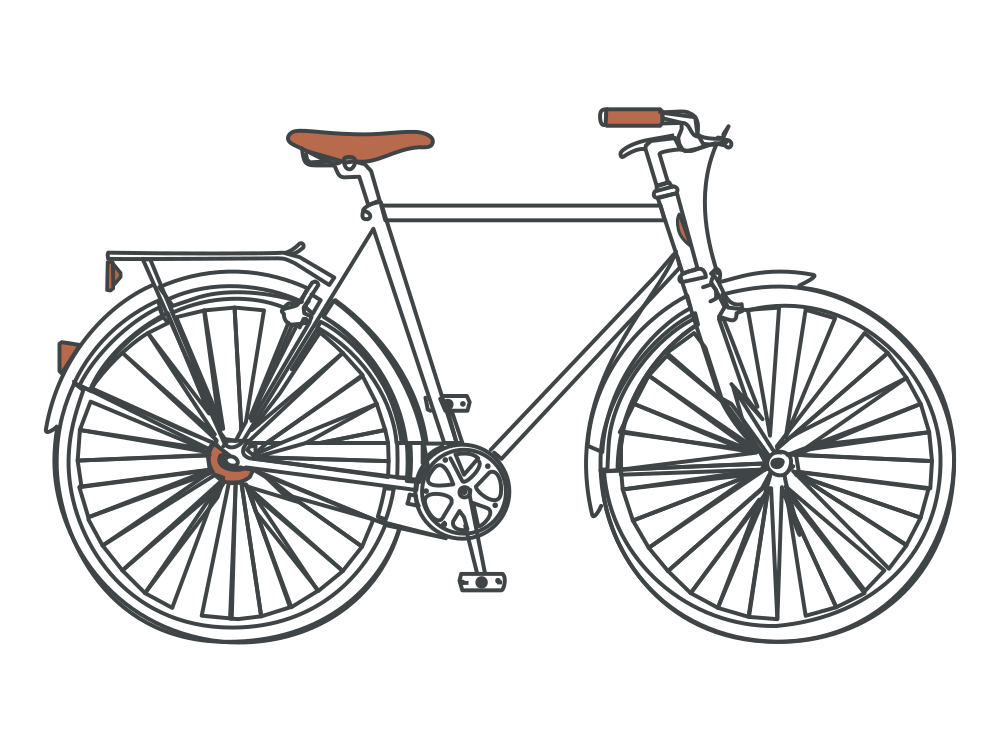
Line art generator
Describe an idea and get line art with adjustable strokes.
Open tool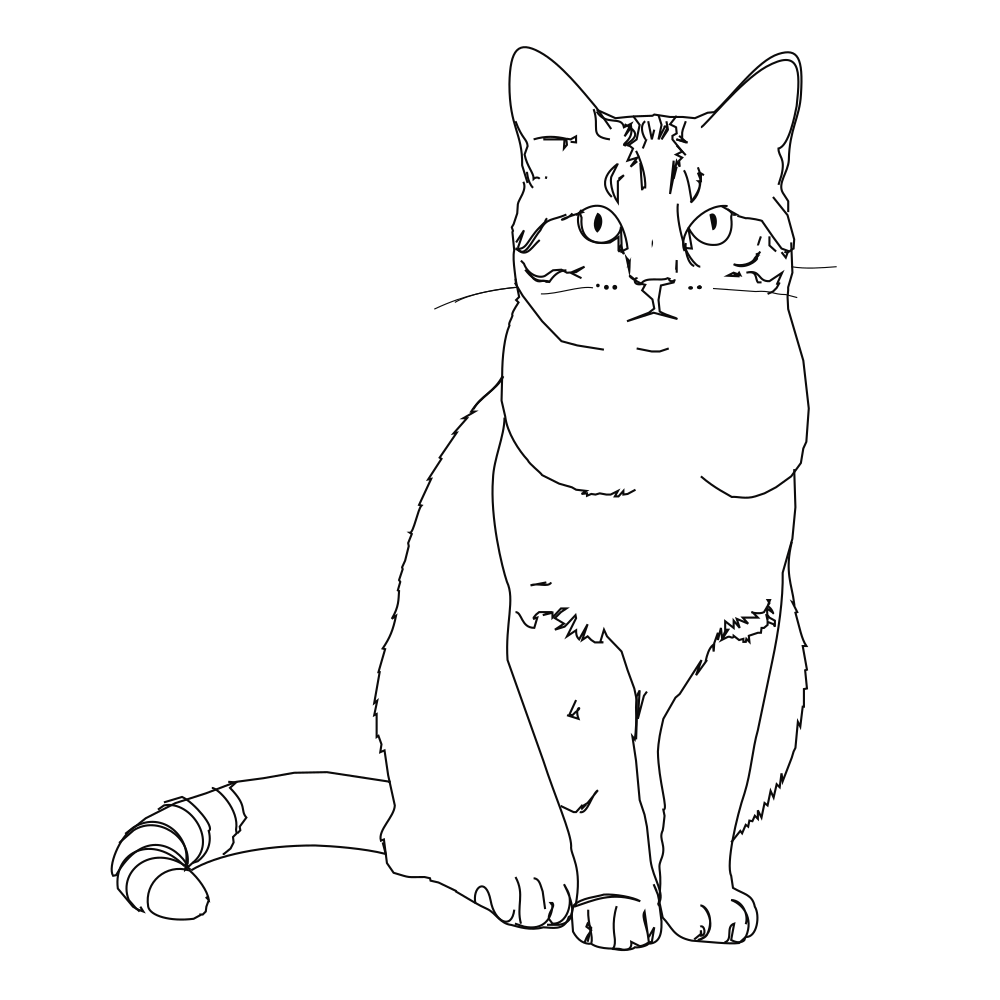 Editable lines
Photo to line art
Turn a photo or picture into clean vector line art.
Open tool Editable lines
Image to SVG
Convert a drawing or illustration into vector paths.
Open tool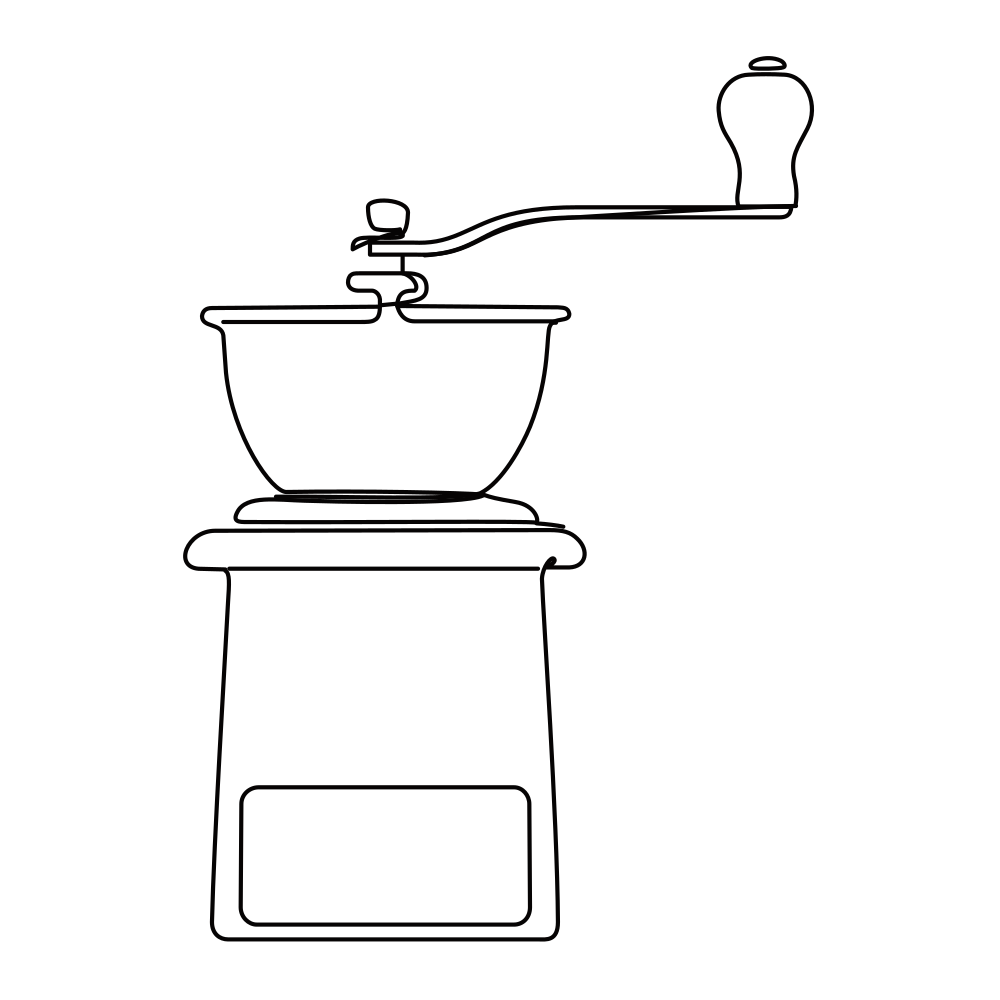 Editable lines
Online SVG editor
Upload any SVG to restyle its lines for free, or describe an edit (recolor, remove, rename) and AI changes the file in place.
Open tool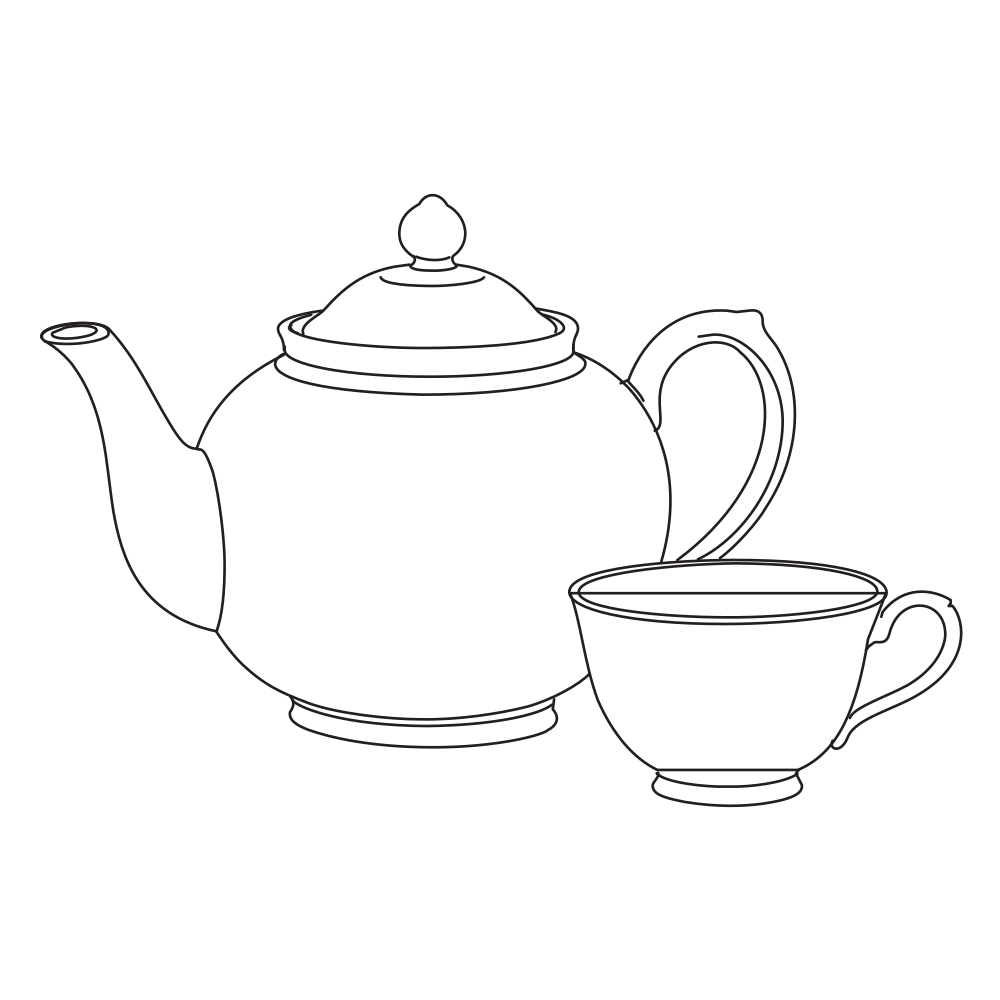 Editable lines
Sketch to SVG
Bring a scanned or hand-drawn sketch into a vector workflow.
Open tool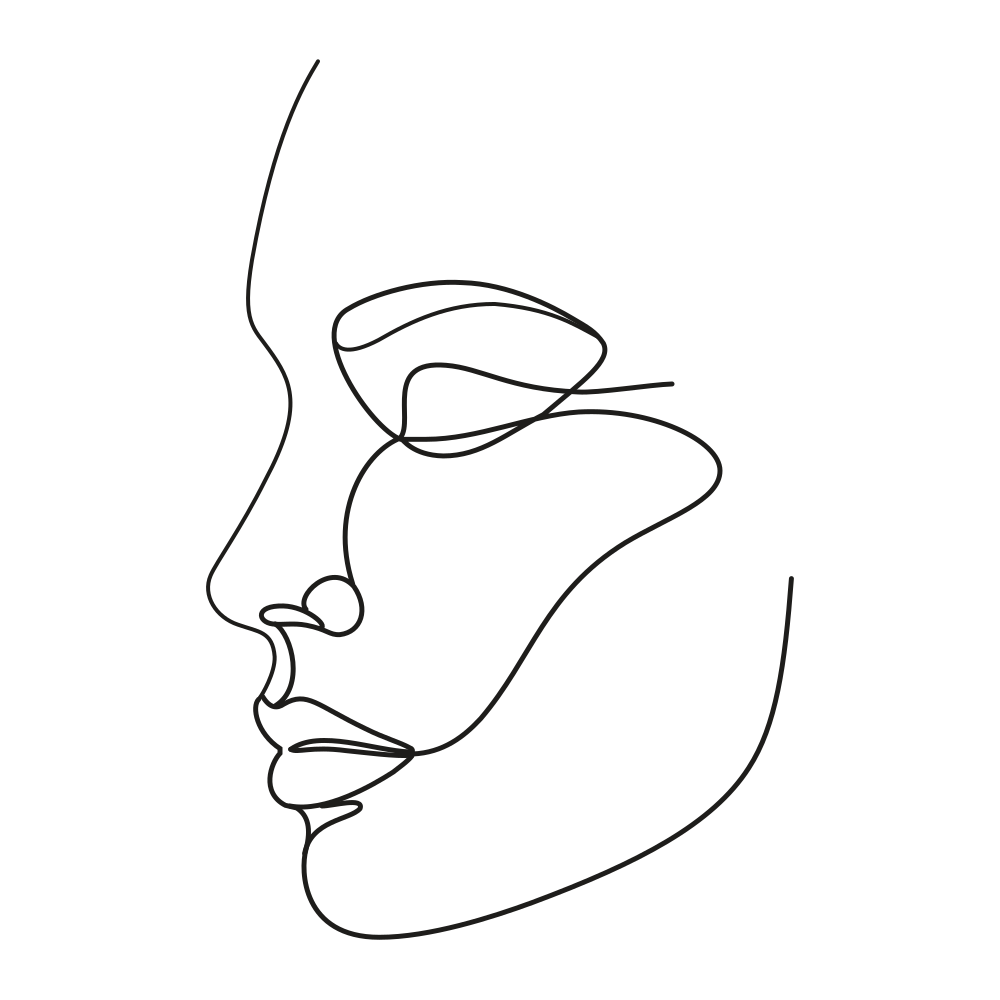 Editable lines
One line drawing
Minimalist portraits, pets and couples drawn in one continuous line.
Open toolSimple credit pricing
Every generation uses credits. Pick a monthly allowance or buy a pack when you need one. Save 60% with annual billing.
Save 60% with annual billing. Subscription credits arrive monthly and each grant expires after 30 days.
From the blog
Put your exported SVG to work
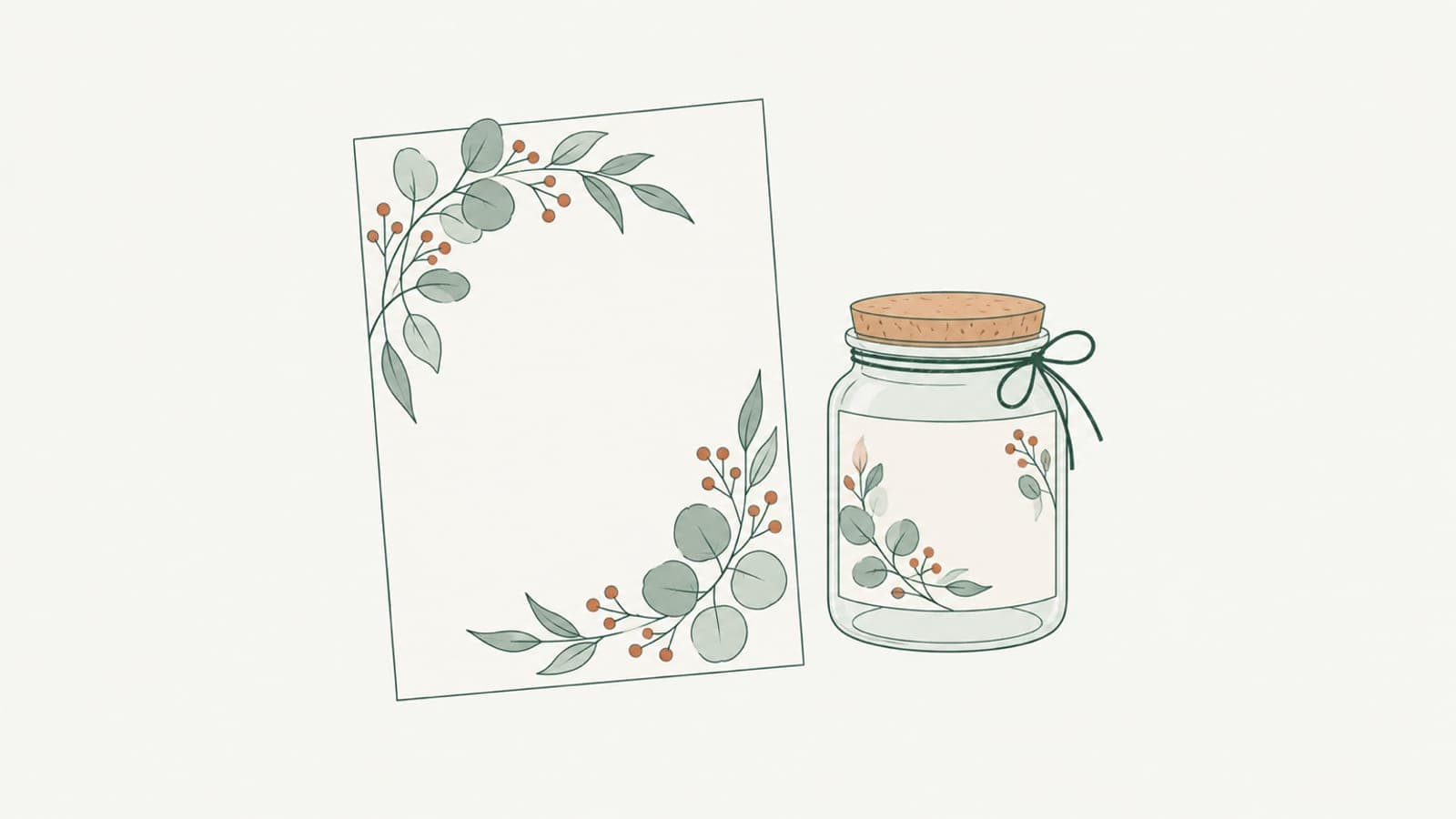
Botanical line art for labels, invitations and packaging
Create botanical line art for labels, invitations and packaging as SVG: set stroke color and weight for print, foil single-line leaves, keep branches crisp.


Using LineSVG files in Figma, Illustrator, Inkscape and Cricut Design Space
How to import SVG into Figma, Illustrator, Inkscape and Cricut Design Space so strokes stay editable, and when to set Draw, Score, Foil or Cut on each layer.

Laser cutting vs engraving vs scoring: which SVG structure to use
Laser cutting vs engraving vs scoring: learn which SVG structure each operation needs, why scores come out as double lines, and how to prepare cut-ready files.
FAQ
Before you start
Most vectorizers trace an image into filled outlines that only look like lines. LineSVG produces actual SVG strokes, so you can change width, color and dashes afterwards. Some elements, such as filled areas or gradients, are kept as fills on purpose.
Yes. Text to SVG starts from a description; Image to SVG starts from an existing drawing, illustration or sketch. PNG, JPG and WebP files up to 20 MB are supported.
LineSVG reinterprets your image as clean vector strokes rather than tracing every pixel, so proportions and small details can shift. Clear line drawings on plain backgrounds give the closest results. Treat the output as an editable starting point.
You can watch a free demo in the workspace without signing in. New accounts receive welcome credits, and each generation or conversion uses a fixed number of credits shown next to the button. If a task fails, its credits are returned.
Anywhere that opens SVG: Figma, Illustrator, Inkscape, Affinity Designer, or your code editor. Paths, strokes and gradients import as regular vector objects, so you can keep editing there.
Start your next design with editable lines
Describe an idea or drop in a drawing. Watch it draw, restyle the strokes, and export.