Image to SVG
Convert a drawing or illustration into vector paths.
Real strokes. Change width, color and dashes after generation.
 Sample · made with LineSVGYour drawing will appear here.
Describe it or drop in an image, then watch it draw.
Tool guide
Image to SVG: convert PNG and JPG drawings into real vector paths
Upload a PNG, JPG or WebP and get an SVG that keeps the line flow of your drawing. LineSVG traces the picture faithfully: thin lines come back as editable strokes and solid areas stay as filled shapes. Use it for illustrations, hand-lettered marks and diagrams that need to scale without blur.
- 01
Upload a clear picture
Pick a sharp PNG, JPG or WebP up to 20 MB with a plain background. Crop away anything you do not want traced.
- 02
Trace, then redraw if needed
The trace follows the picture as it is. If the artwork is thick or filled and you want strokes instead, press Redraw as lines.
- 03
Edit the strokes and export
Adjust width, color and dashes, then export SVG or PNG, copy the code or save the edit to My creations.
Tips for better results
- Thin, clear lines on a plain background trace best.
- Editable lines is the default. Choose Cut-ready shapes for solid artwork or Color layers for flat color illustrations.
- Upload the largest version you have so nearby lines stay separate.
A suitable source image
A clean ink illustration with clear outlines, a plain white background and enough resolution to tell nearby lines apart.
Try it in the workspace above →Image to SVG: frequently asked questions
Which files can I upload?
PNG, JPG and WebP images up to 20 MB. Larger, sharper sources give cleaner paths.
Will the SVG match my image?
The trace stays faithful to the picture. Flip the Original toggle to compare, then fine-tune any corner or curve in Illustrator, Figma or Inkscape.
How do I know how much is editable?
Each result shows a label with its share of real strokes. Filled shapes keep their fill; strokes respond to the width, color and dash controls.
Related tools
One workspace. Different starting points.
Each tool presets the output type, prompt and ratio. Pick one and start.
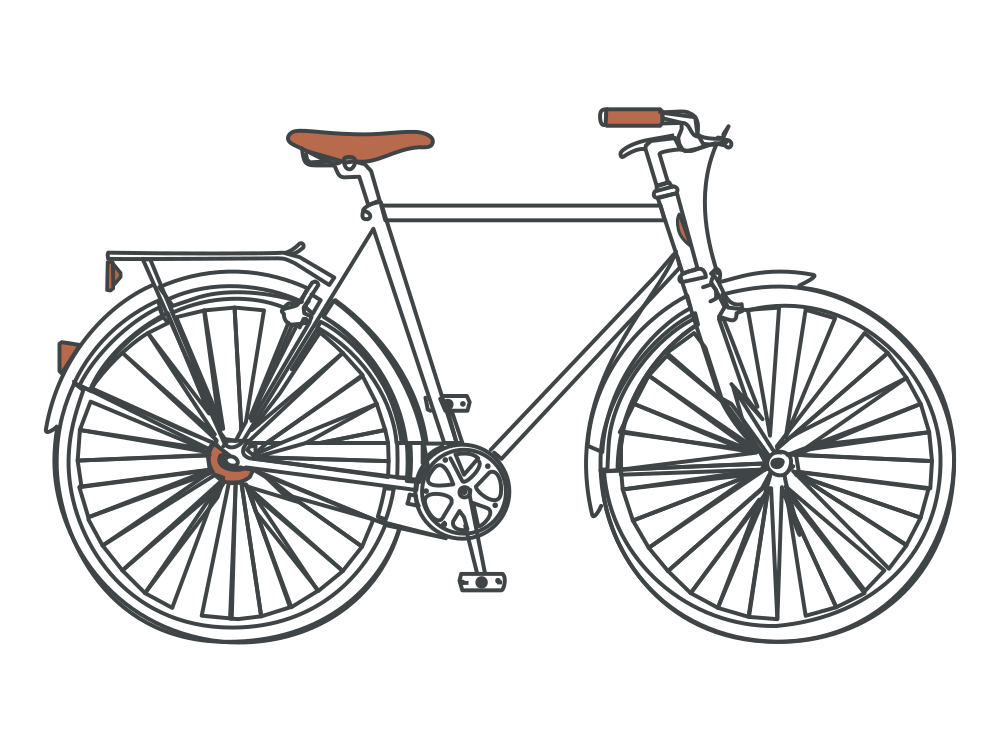 Editable lines
Line art generator
Describe an idea and get line art with adjustable strokes.
Open tool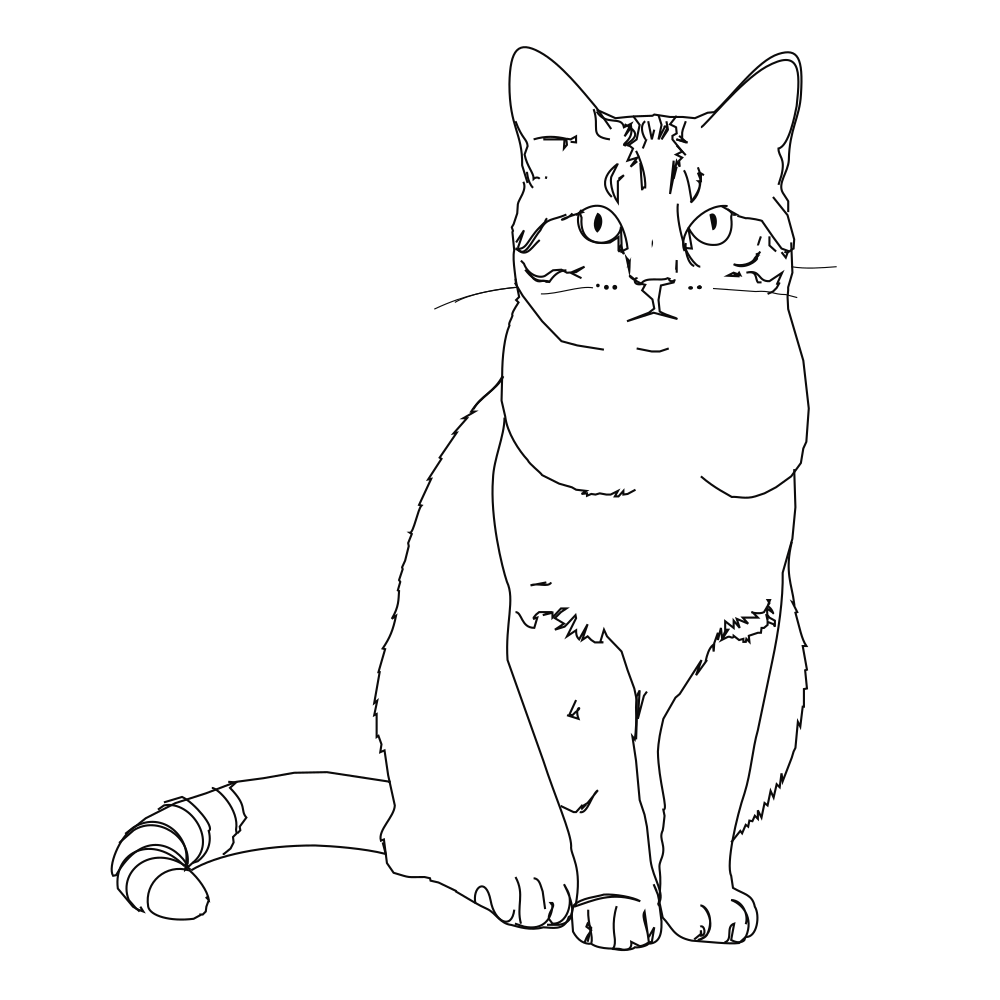 Editable lines
Photo to line art
Turn a photo or picture into clean vector line art.
Open tool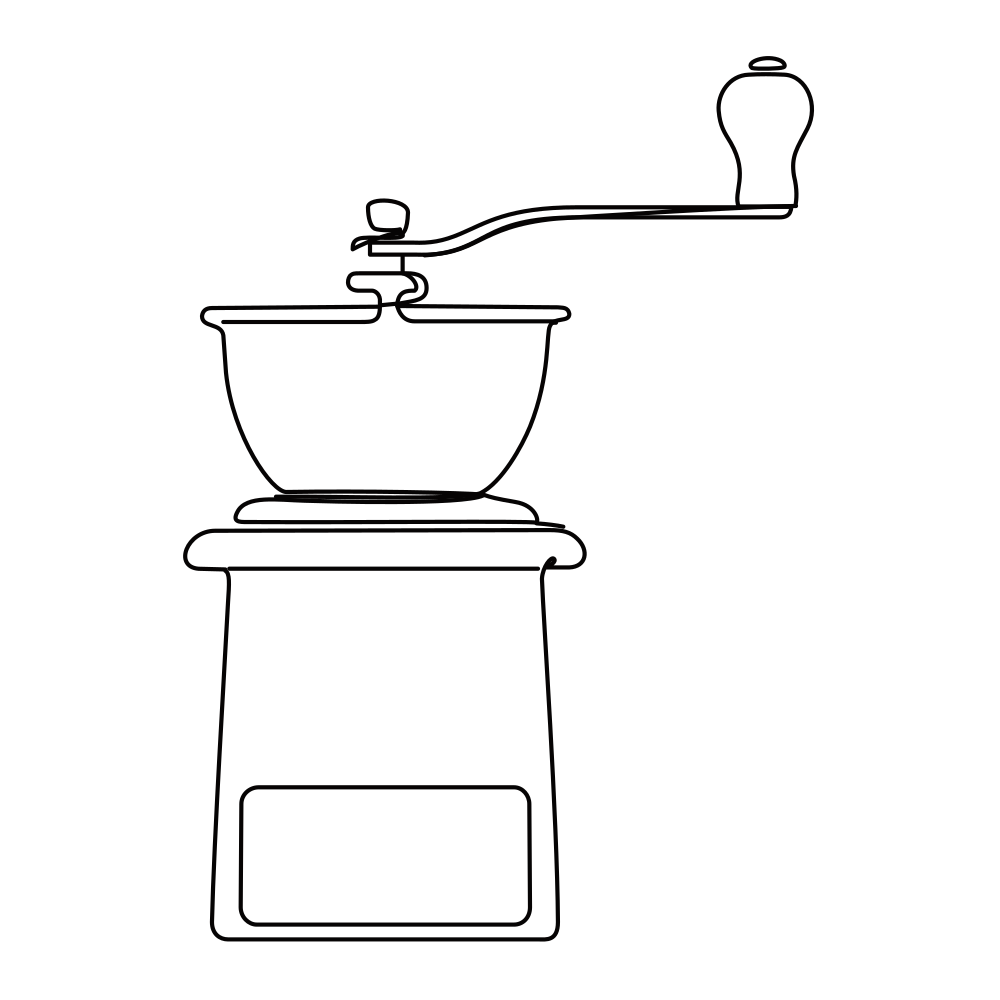 Editable lines
Online SVG editor
Upload any SVG to restyle its lines for free, or describe an edit (recolor, remove, rename) and AI changes the file in place.
Open tool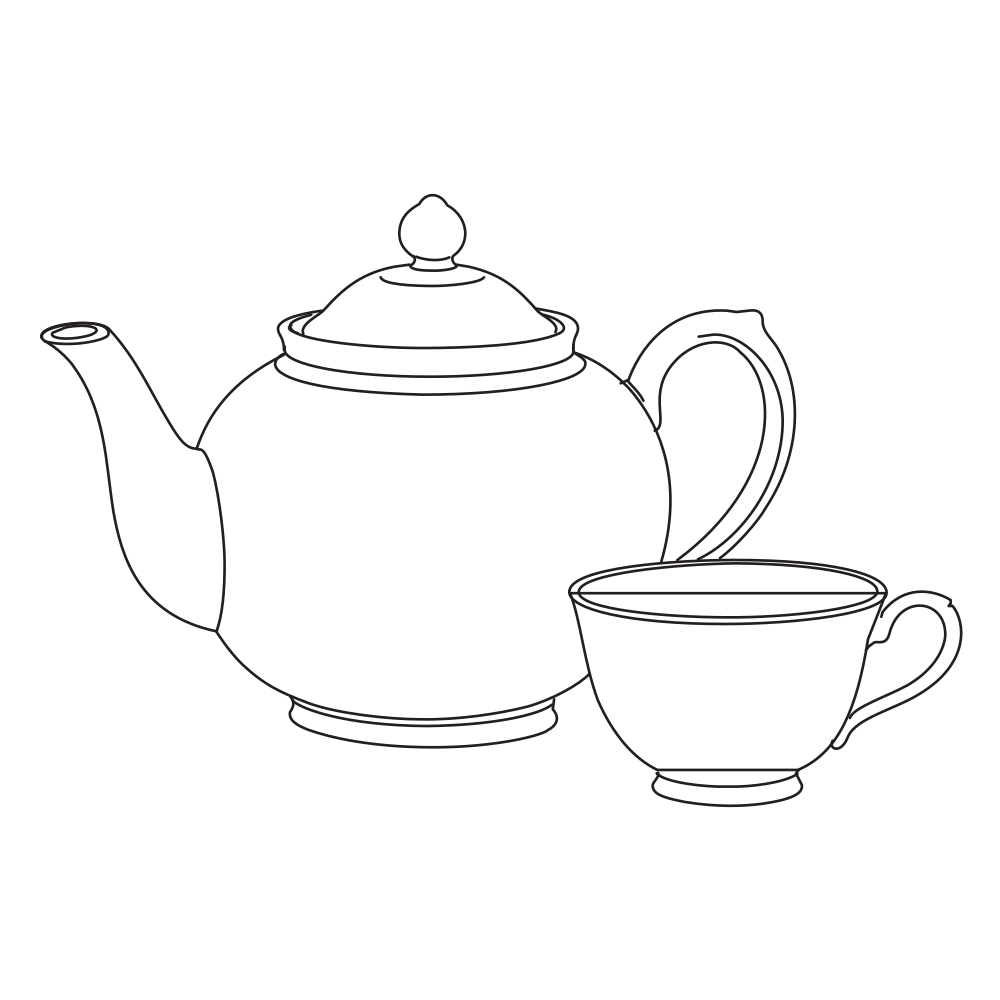 Editable lines
Sketch to SVG
Bring a scanned or hand-drawn sketch into a vector workflow.
Open tool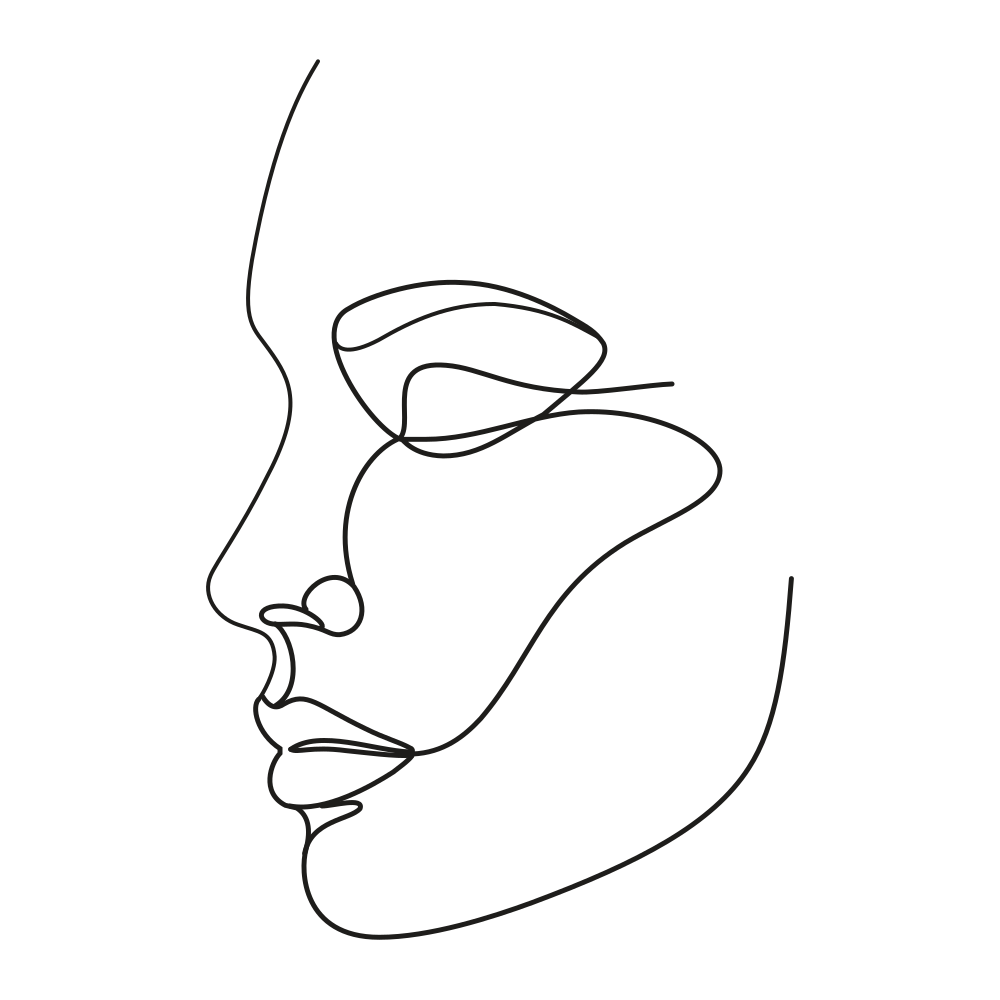 Editable lines
One line drawing
Minimalist portraits, pets and couples drawn in one continuous line.
Open tool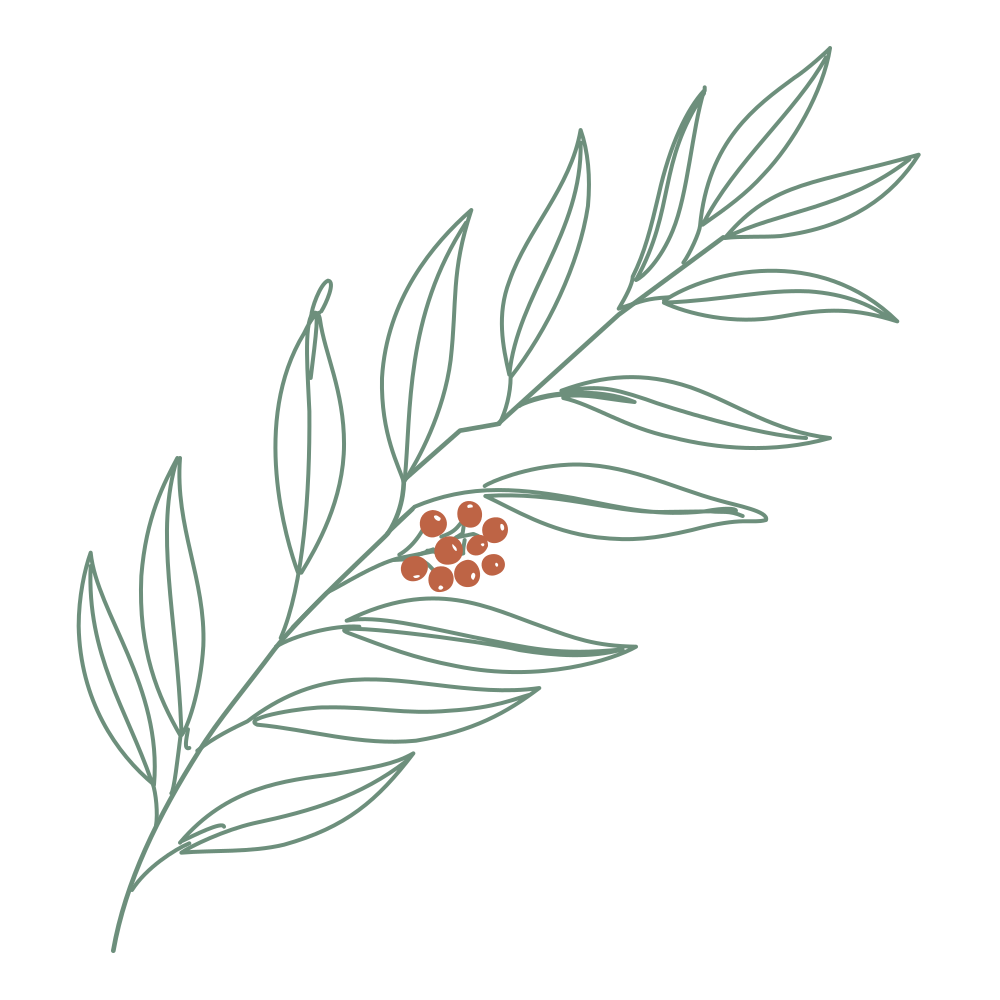 Editable lines
Botanical line art
Flowers, leaves and branches for prints, labels and invitations.
Open toolStart your next design with editable lines
Describe an idea or drop in a drawing. Watch it draw, restyle the strokes, and export.