One line drawing
Minimalist portraits, pets and couples drawn in one continuous line.
Real strokes. Change width, color and dashes after generation.
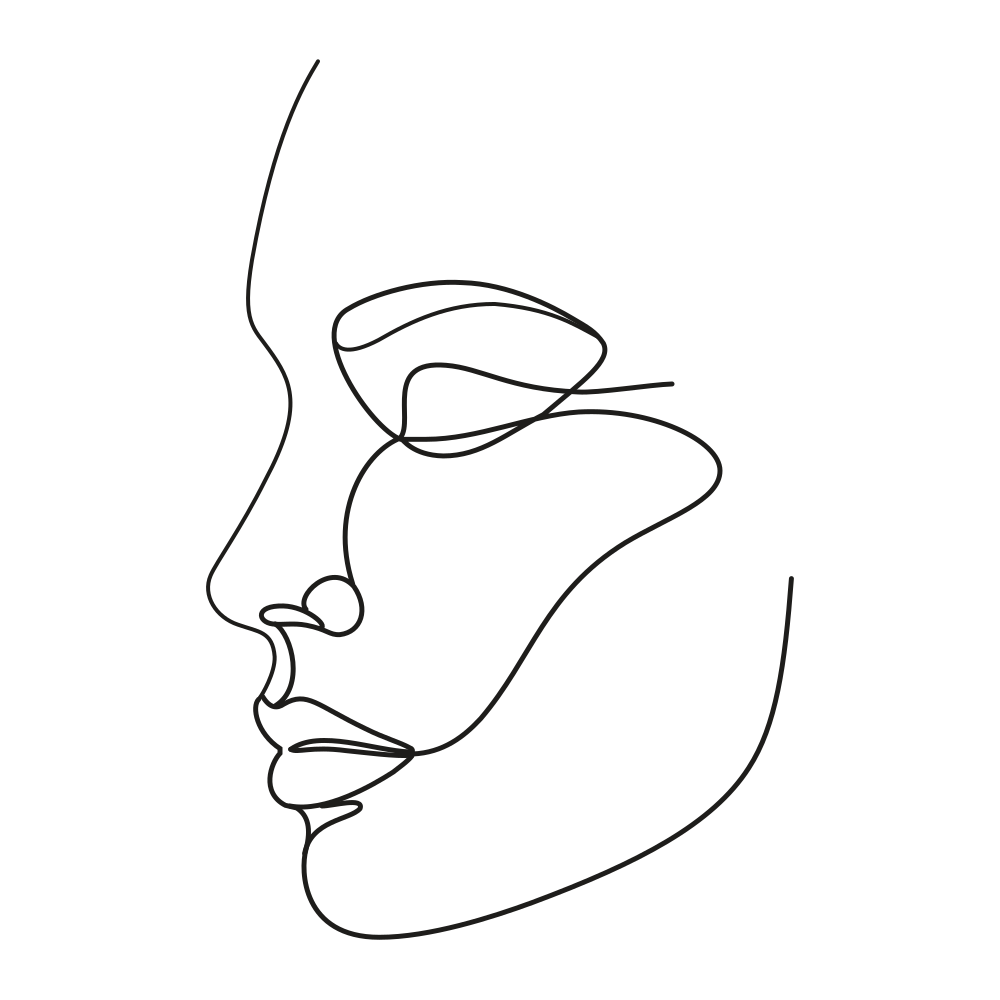 Sample · made with LineSVGYour drawing will appear here.
Describe it or drop in an image, then watch it draw.
Tool guide
One line drawing generator: portraits, pets and couples in one continuous line
Describe a face, a pet or two people and get a minimalist one line drawing as real SVG strokes. This tool runs with Pure lines switched on, so the result contains no filled elements: just flowing paths you can thicken, recolor or send straight to a pen plotter.
- 01
Describe the subject
Name who or what to draw, the pose and the mood. Keep it to one subject or one pair.
- 02
Check the flow
Follow the line from start to end. Look for a clean silhouette and a single unbroken path.
- 03
Set weight and export
Adjust stroke width and color, then export SVG or PNG or copy the code.
Tips for better results
- Profiles and simple poses produce the most elegant single lines.
- Ask for calm, flowing or elegant to steer the rhythm of the line.
- Keep Pure lines on when the drawing goes to a plotter, Cricut pen or embroidery running stitch.
Example description
A couple facing each other in profile, foreheads touching, one continuous flowing line, calm and minimal.
Try it in the workspace above →One line drawing: frequently asked questions
Is it really one line?
The tool asks for as few paths as possible, ideally one unbroken line, and Pure lines forbids any fills. Open the result to see the path count, then join stray segments in Illustrator or Inkscape if a design needs exactly one.
Can I turn a photo into a one line drawing?
Use Photo to line art with Redraw as lines for a photo reference. This tool creates the drawing from a text description.
What can I do with the file?
Print it as wall art, plot it with a pen, or place it in a wedding invitation or social post. The SVG scales to any size without losing crispness.
Related tools
One workspace. Different starting points.
Each tool presets the output type, prompt and ratio. Pick one and start.
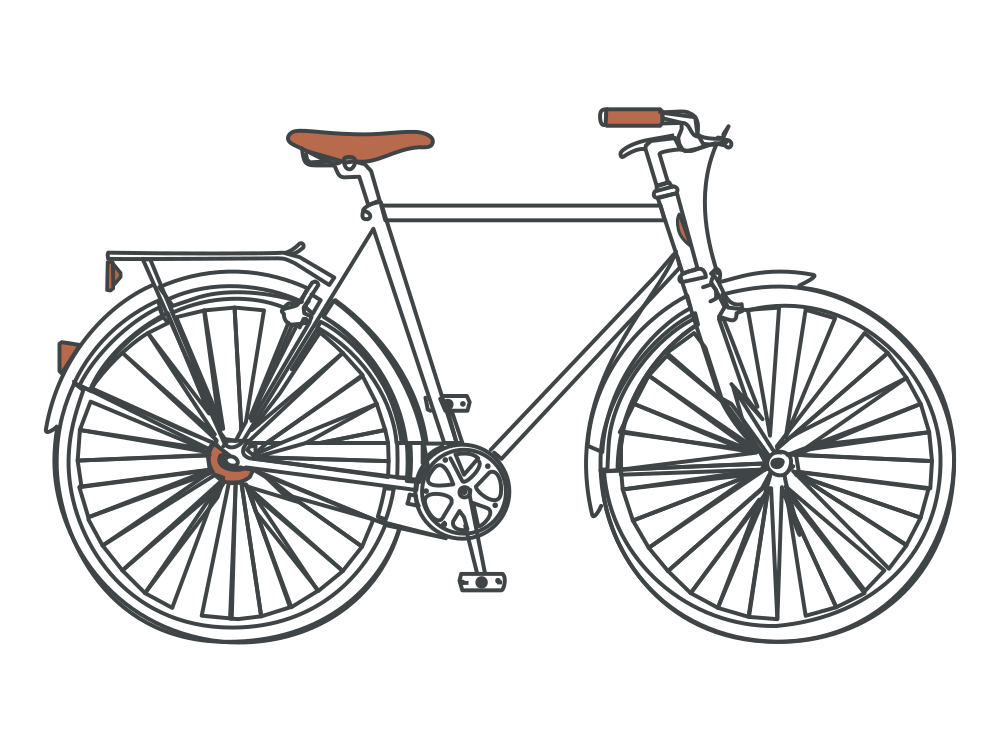 Editable lines
Line art generator
Describe an idea and get line art with adjustable strokes.
Open tool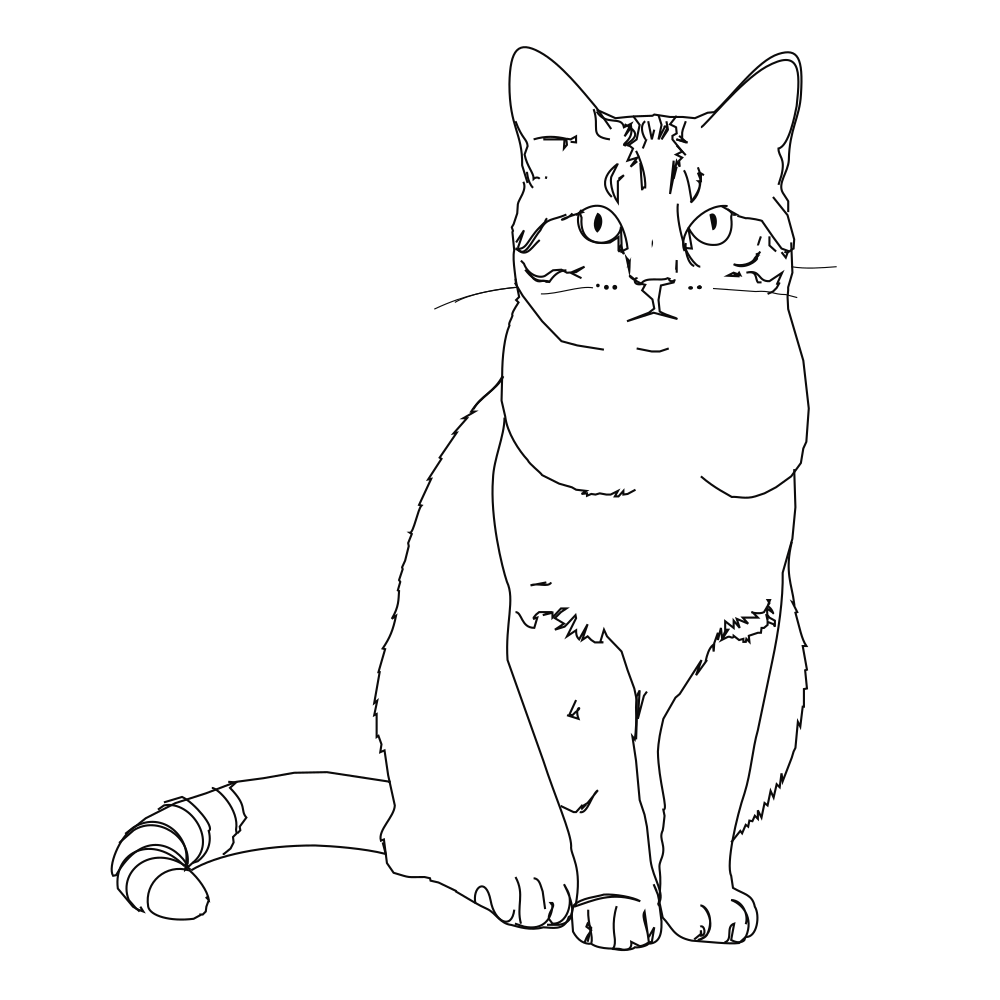 Editable lines
Photo to line art
Turn a photo or picture into clean vector line art.
Open tool Editable lines
Image to SVG
Convert a drawing or illustration into vector paths.
Open tool Editable lines
Online SVG editor
Upload any SVG to restyle its lines for free, or describe an edit (recolor, remove, rename) and AI changes the file in place.
Open tool Editable lines
Sketch to SVG
Bring a scanned or hand-drawn sketch into a vector workflow.
Open tool Editable lines
Botanical line art
Flowers, leaves and branches for prints, labels and invitations.
Open toolStart your next design with editable lines
Describe an idea or drop in a drawing. Watch it draw, restyle the strokes, and export.