LineSVGLineSVG
  • Generator
  • Pricing
  • Blog
  • How it works
  • My creations
LineSVG · Editable vector line art

Find your SVG starting point

Start with the generator or choose a tool below. Every tool shares the same vector workspace.

Start creating
Explore tools

Real editable strokes, with color when you ask for it.

Preview
Your next idea starts with a line.

Describe it, upload a drawing, or try the preview.

Preview only until saved
100%

Tools

One workspace. Different starting points.

Choose a task and start generating or converting.

Line art generator

Describe an idea and create editable vector line art.
Open tool

Image to SVG

Convert a line drawing or illustration into vector paths.
Open tool
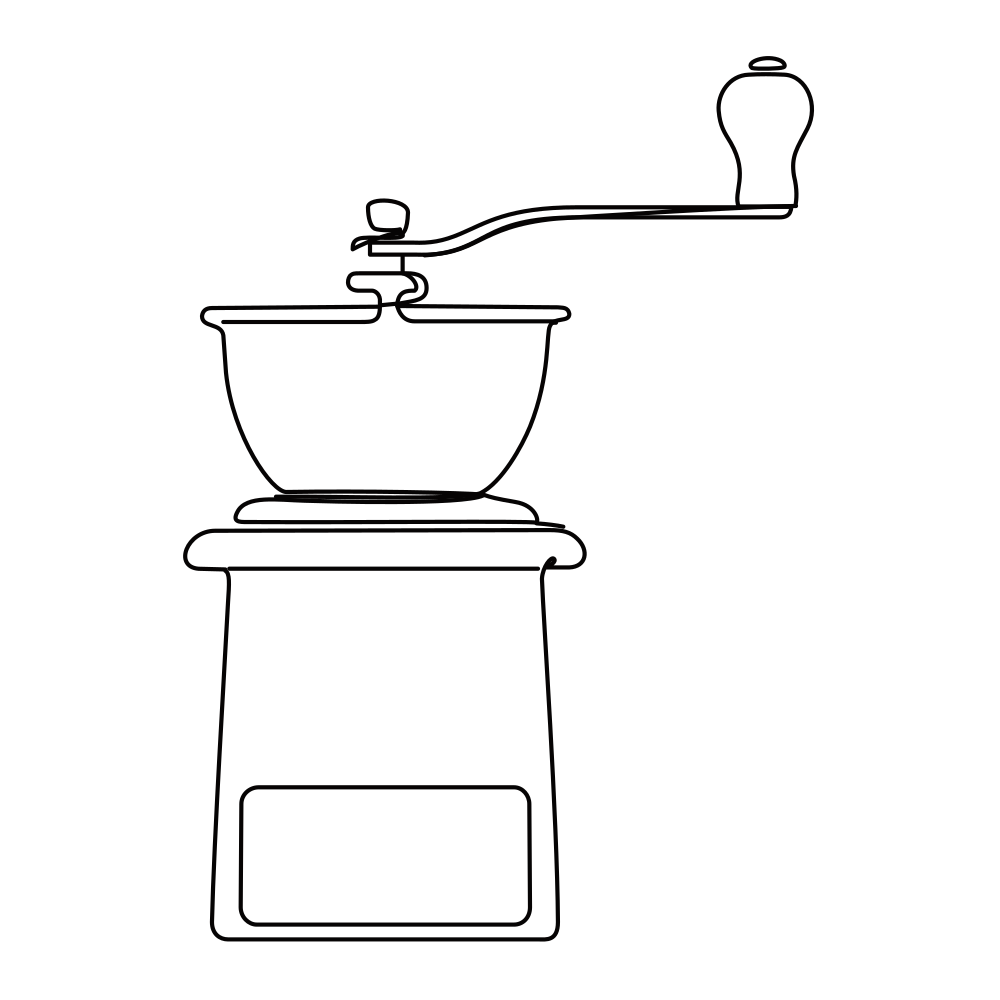
Sketch to SVG

Bring your scanned or hand-drawn sketch into a vector workflow.
Open tool
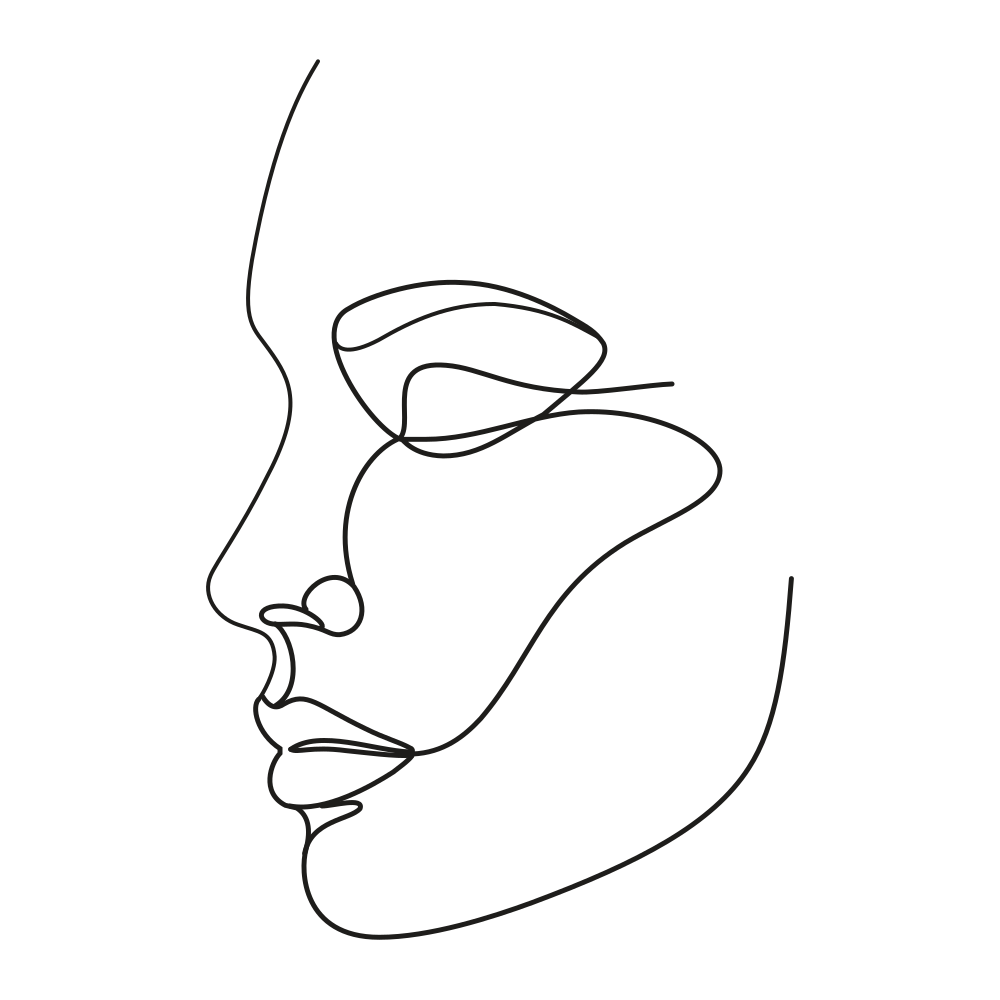
Line icon generator

Create a custom icon with clear, consistent strokes.
Open tool

Botanical line art

Flowers, leaves and botanical details made for your next design.
Open tool

How it works

From an idea to an SVG you can keep editing

  1. 01

    Describe or upload

    Describe the subject, composition, colors and line style, or upload a clear PNG, JPG or WebP drawing.

  2. 02

    Generate and review

    Watch the preview and wait for completion. Check the details against your intent and identify editable strokes.

  3. 03

    Adjust and export

    Change stroke weight, color or dashes, save a version, then export SVG for further work in your design tools.

FAQ

Before you start

LineSVG focuses on creating and preserving editable linework. Actual SVG strokes can change width, color and dashes instead of being thin filled outlines. Model outputs may still include filled elements, so review the result.

Yes. Text generation starts from an idea; Image to SVG starts from an existing drawing, illustration or sketch. PNG, JPG and WebP images up to 3 MB are supported.

No exact-match guarantee is made. AI may reinterpret proportions, details and connections. Treat the output as a starting point for editing, not a dimensionally precise or production-ready drawing.

The workspace includes a free streaming demo explicitly labeled as demo artwork. Real AI tasks require sign-in and sufficient credits. See Pricing for task costs. Failed tasks return reserved credits that have not expired.

Export SVG and continue in a vector editor that supports it. Software can interpret paths, gradients and styling differently, so check the imported result. Output is not guaranteed to be a ready-to-use plotter or manufacturing toolpath.

Start your next design with editable lines

Describe an idea or upload a drawing. Try the workspace, then continue your design.

Start creatingExplore all tools
LineSVGLineSVG

Create editable vector line art. Adjust real strokes and take your SVG into your next project.

Tools
  • Line art generator
  • Image to SVG
  • Sketch to SVG
  • Line icon generator
  • Botanical line art
Workspace
  • Start creating
  • Pricing & credits
  • My creations
  • Account settings
Resources
  • Blog & guides
  • How it works
  • FAQ
  • About LineSVG
  • Contact
Legal
  • Privacy Policy
  • Terms of Service
  • Cookie Policy
© 2026 LineSVG. All Rights Reserved.