Real strokes. Change width, color and dashes after generation.
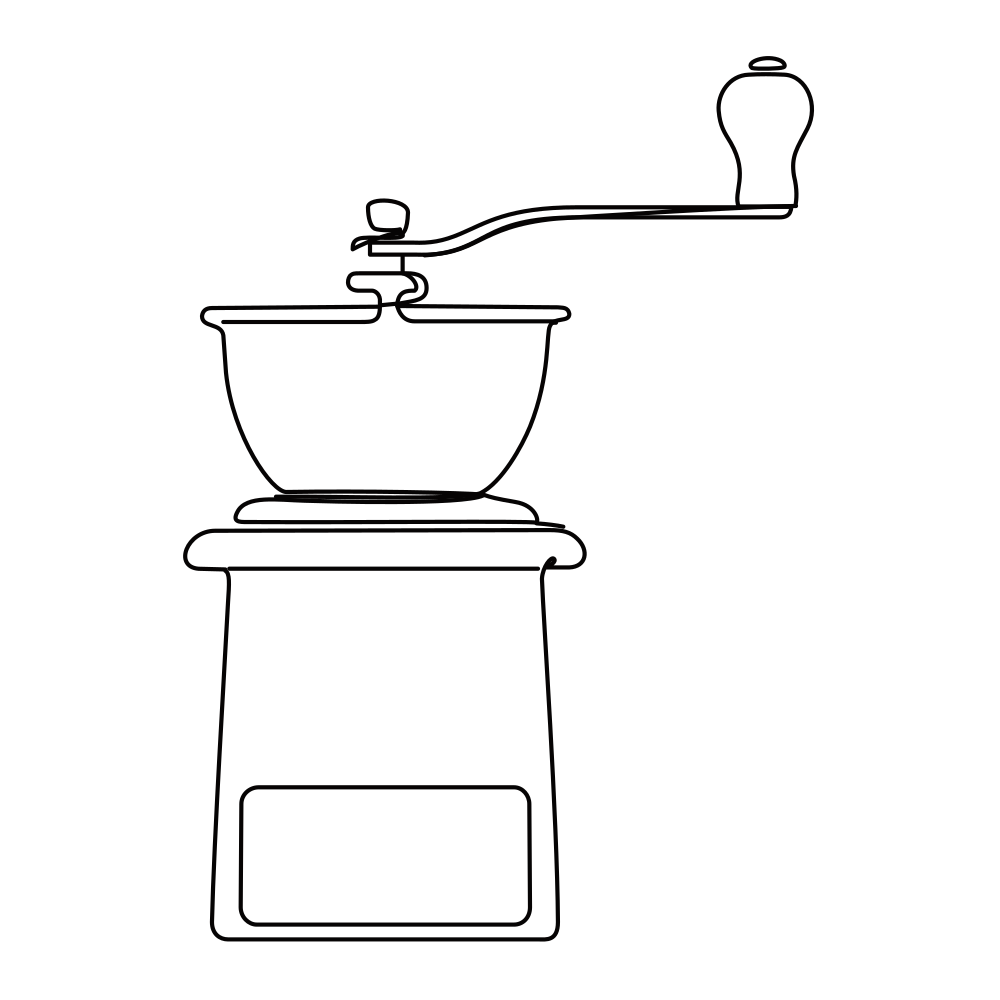 Sample · made with LineSVGYour drawing will appear here.
Describe it or drop in an image, then watch it draw.
Tool guide
Line icon generator for interfaces, slides and icon sets
Describe one object and get an outline icon as real SVG strokes, ready to drop into an app, a deck or a small illustration. This line icon generator defaults to Editable lines, so stroke width and color can match the rest of your icon set. Generate icons one at a time with the same wording for a consistent family.
- 01
Name one object
Describe the subject, rounded or square caps, generous padding and a consistent stroke style. Add no text if labels are not needed.
- 02
Match your set
Adjust stroke width and color to the weight your other icons use, then preview at the size it will be shown.
- 03
Export and save
Export SVG or PNG, copy the code into your project, or save the edit to My creations before starting the next icon.
Tips for better results
- One concept per icon reads best at 24 px; leave combinations for larger illustrations.
- Reuse the same prompt wording and stroke settings across a set so the icons feel like a family.
- Switch to Cut-ready shapes when you need a solid filled glyph instead of an outline.
Example description
A single outline icon of a coffee grinder, rounded caps, consistent line weight, generous square padding, no text or shadows.
Try it in the workspace above →Line icon generator: frequently asked questions
Can it generate a whole icon library?
One icon per generation. Keep the prompt structure and stroke settings the same across the set, then align them on a grid in Figma or Illustrator.
Can I match my brand color?
Yes. Ask for the color in the prompt, or set the stroke color after generation with the color control.
How do I get an icon that scales down well?
Ask for a simple silhouette, few inner details and consistent line weight. Slightly thicker strokes hold up better at 16 and 24 px.
Related tools
One workspace. Different starting points.
Each tool presets the output type, prompt and ratio. Pick one and start.
 Cut-ready shapes
Logo to vector
Rebuild a logo image as clean, scalable vector shapes.
Open tool Editable lines
Line art generator
Describe an idea and get line art with adjustable strokes.
Open tool Editable lines
Photo to line art
Turn a photo or picture into clean vector line art.
Open tool Editable lines
Image to SVG
Convert a drawing or illustration into vector paths.
Open toolEditable linesOnline SVG editor
Upload any SVG to restyle its lines for free, or describe an edit (recolor, remove, rename) and AI changes the file in place.
Open tool Editable lines
Sketch to SVG
Bring a scanned or hand-drawn sketch into a vector workflow.
Open toolStart your next design with editable lines
Describe an idea or drop in a drawing. Watch it draw, restyle the strokes, and export.