Online SVG editor
Upload any SVG to restyle its lines for free, or describe an edit (recolor, remove, rename) and AI changes the file in place.
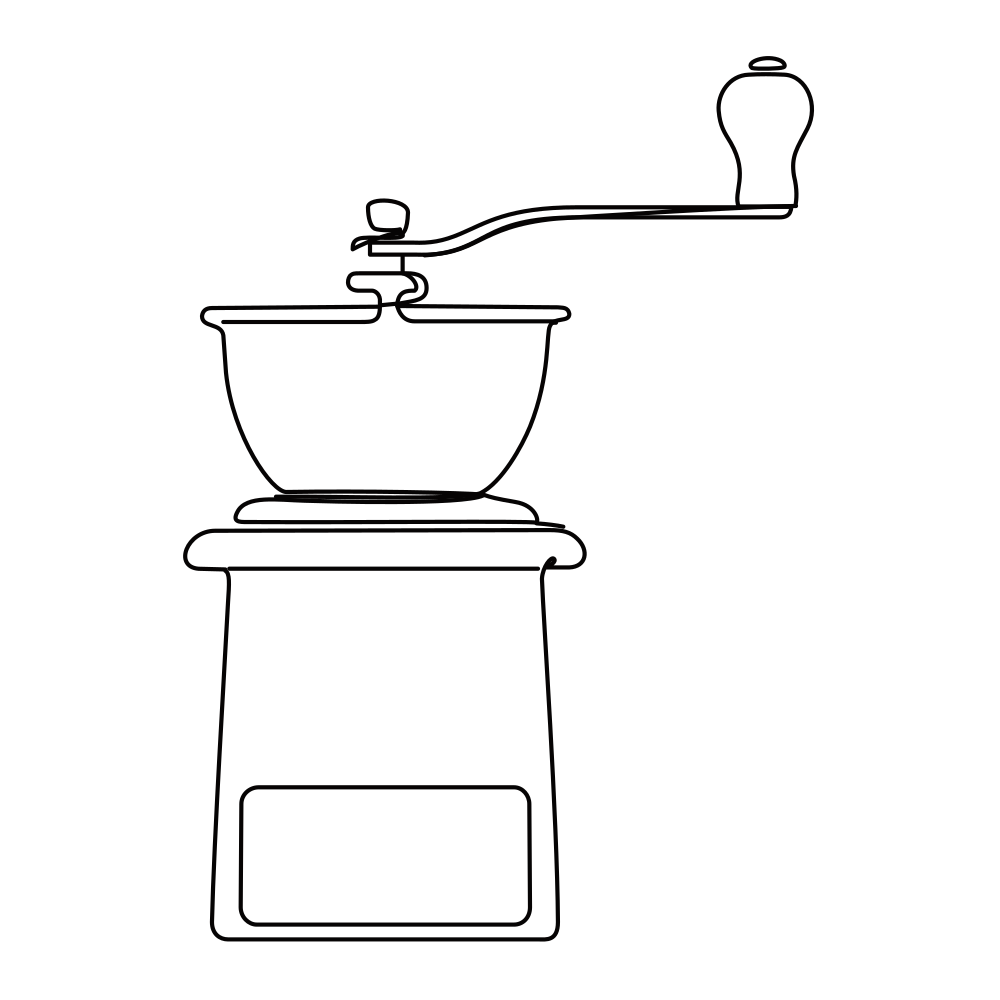 Sample · made with LineSVGYour drawing will appear here.
Describe it or drop in an image, then watch it draw.
Tool guide
Edit SVG online: change colors, lines and parts of any SVG
Upload an SVG and say what to change — remove a part, recolor a shape, rename a label, add an arrow. LineSVG edits the file in place, so everything you did not mention keeps its exact paths, text and layers. Stroke width, color and dashes can also be adjusted for free before or after an AI edit. It works with SVGs from Illustrator, Figma, Inkscape, chart libraries and diagram tools, not only drawings made here.
- 01
Upload your SVG
Drop, paste or choose an .svg file up to 2 MB. It opens right away and stays private to your account.
- 02
Adjust strokes or describe an edit
Change line color, width and dashes for free, or write the change you want, such as "delete the logo text" or "make the Healthcare flow red".
- 03
Keep every version and export
Each AI edit is saved as a new version next to the original. Compare, keep editing, then download SVG or PNG.
Tips for better results
- Name the part you mean: its label, color or position ("the second step box", "the red arrow on the left").
- One change per edit works best; chain several edits for bigger changes.
- Edits keep the file structure. To redraw an image as new line art, use Image to SVG instead.
- Files over about 200,000 characters can be previewed and restyled, but not edited with AI.
Example edits
Remove the mug handle and make the three steam lines two. · Rename "Approved" to "Manager review" and add an "Archive" step before End. · Delete the large caption on the right.
Try it in the workspace above →Online SVG editor: frequently asked questions
Can I edit an SVG I did not make with LineSVG?
Yes. Upload any SVG — exports from Illustrator, Figma, Inkscape, Visio or chart libraries work. Unsupported pieces such as embedded images or unusual style sheets are removed on upload and you are told when that happens.
Does an edit redraw the whole file?
No. The edit rewrites the SVG source in place, so parts you did not mention keep their exact paths and text. In our tests 96–100% of the original paths stayed identical.
Is this SVG editor free?
Uploading, previewing and changing line color, width and dashes are free. AI edits, such as changing fill colors, removing parts or renaming labels, cost the same credits as generating an SVG, and a failed edit returns them.
Related tools
One workspace. Different starting points.
Each tool presets the output type, prompt and ratio. Pick one and start.
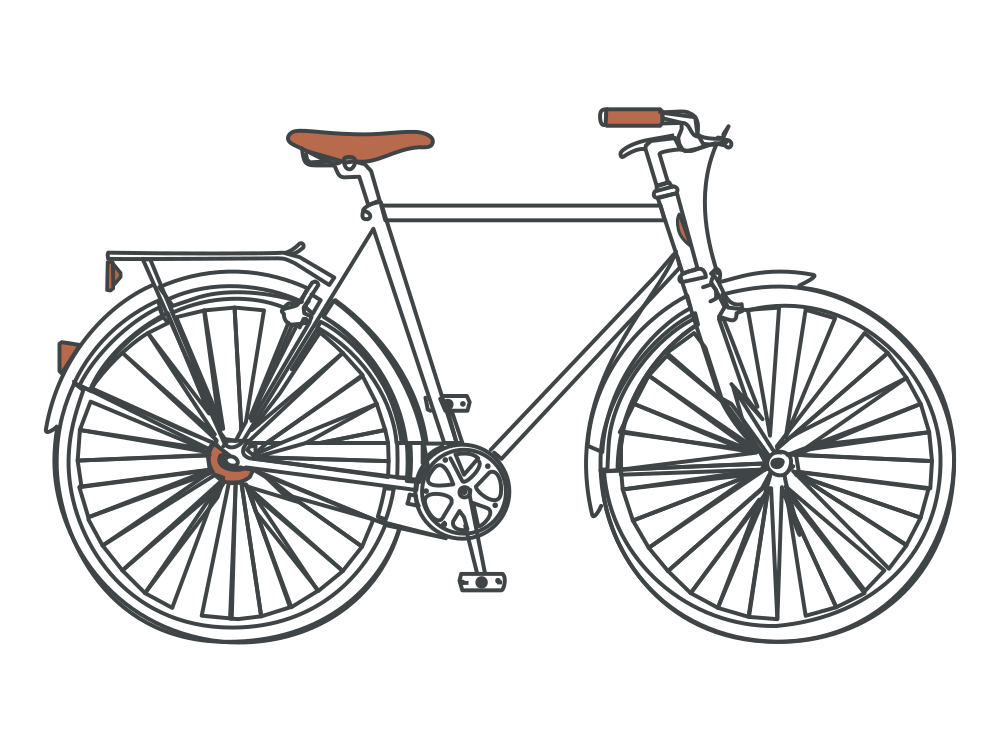 Editable lines
Line art generator
Describe an idea and get line art with adjustable strokes.
Open tool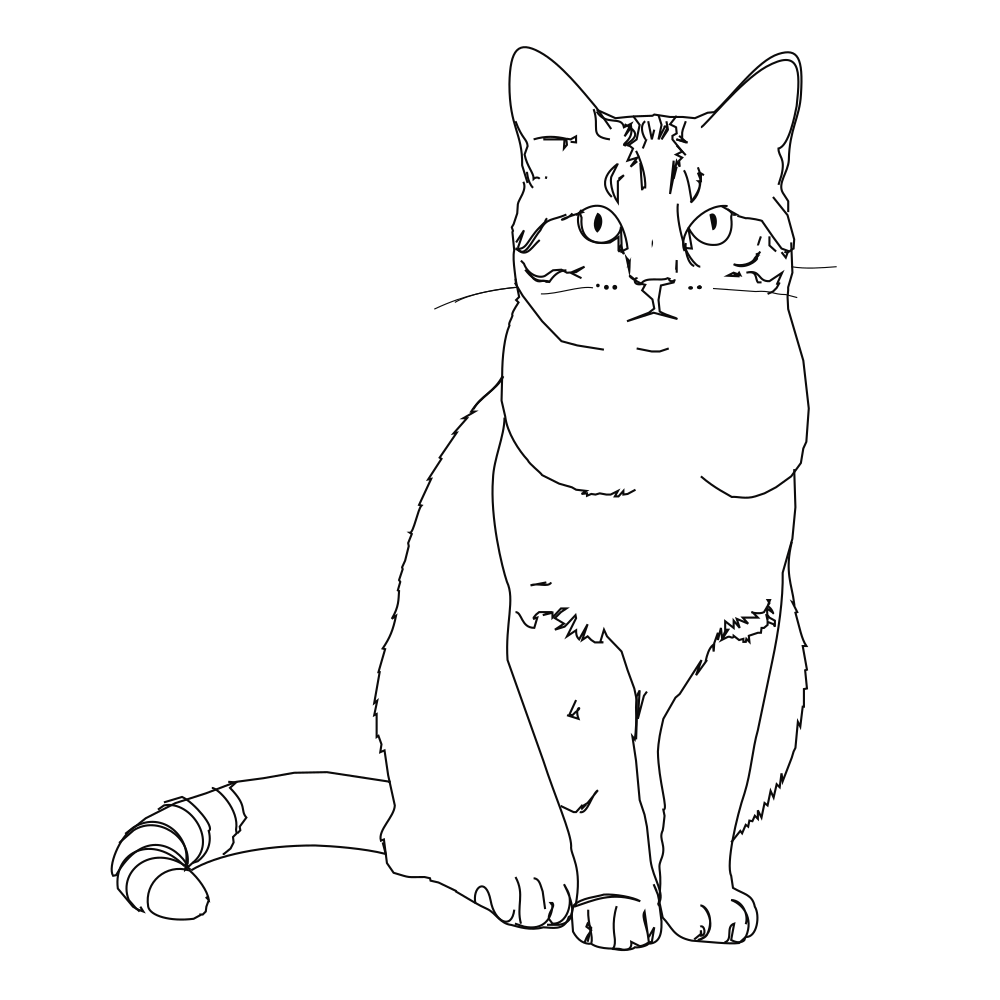 Editable lines
Photo to line art
Turn a photo or picture into clean vector line art.
Open tool Editable lines
Image to SVG
Convert a drawing or illustration into vector paths.
Open tool Editable lines
Sketch to SVG
Bring a scanned or hand-drawn sketch into a vector workflow.
Open tool Editable lines
One line drawing
Minimalist portraits, pets and couples drawn in one continuous line.
Open tool Editable lines
Botanical line art
Flowers, leaves and branches for prints, labels and invitations.
Open toolStart your next design with editable lines
Describe an idea or drop in a drawing. Watch it draw, restyle the strokes, and export.