Single line SVG for Cricut
Pen, foil and score designs with one path per line, no double lines.
Real strokes. Change width, color and dashes after generation.
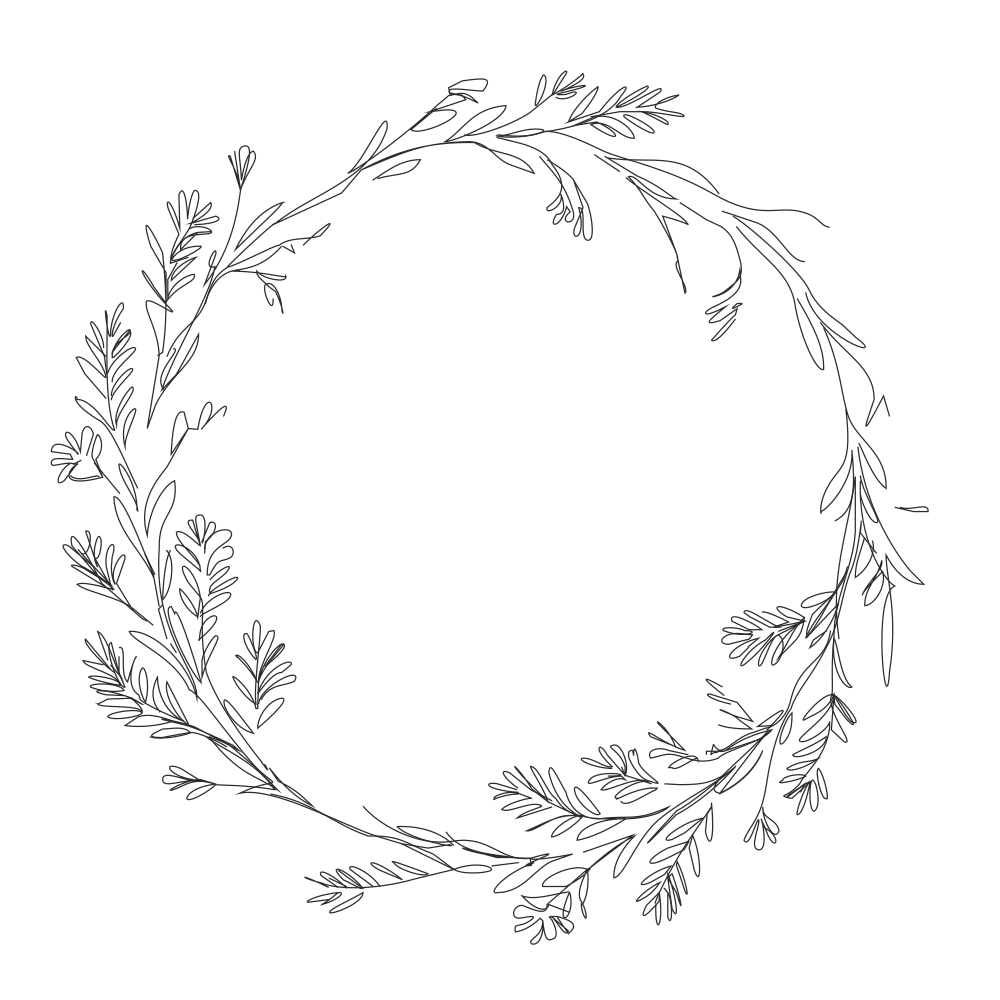 Sample · made with LineSVGYour drawing will appear here.
Describe it or drop in an image, then watch it draw.
Tool guide
Single line SVG for Cricut pen, foil and score
Generate designs where every line is one open stroke: no closed filled shapes, no doubled paths and nothing for a pen or foil tip to trace twice. Pure lines is switched on for this tool, so the file is ready for Cricut Design Space, pen plotters, embroidery running stitch and CNC engraving.
- 01
Describe the design
Name the motif and the tool, such as foil quill or scoring stylus. Ask for delicate or bold linework as needed.
- 02
Check the paths
Open the result and confirm each line is a single stroke with no overlaps and no fills.
- 03
Export and import
Export SVG, upload it to Design Space and set the layer to Draw, Foil or Score.
Tips for better results
- Simple motifs with fewer crossings foil and score more cleanly.
- Set the stroke width before export so the preview matches the real pen.
- Keep Pure lines on whenever the machine follows the path rather than cutting a shape.
Example description
A delicate floral wreath with small leaves and buds, single-line drawing for a Cricut foil pen, no fills.
Try it in the workspace above →Single line SVG for Cricut: frequently asked questions
Why does Design Space cut instead of draw?
Change the layer operation from Cut to Draw, Foil or Score after upload. The file itself contains only open strokes.
Will there be double lines?
The tool asks for one path per line and no overlapping duplicates, and Pure lines forbids fills. Run a quick check in Inkscape or Illustrator if your pen still doubles up on a segment.
Does this work for embroidery and plotters?
Yes. Open strokes map to a running stitch in embroidery software and to pen paths on any plotter, and CNC engraving follows the same lines.
Related tools
One workspace. Different starting points.
Each tool presets the output type, prompt and ratio. Pick one and start.
 Cut-ready shapes
Laser cut SVG
Connected, cut-ready shapes for lasers and vinyl cutters.
Open tool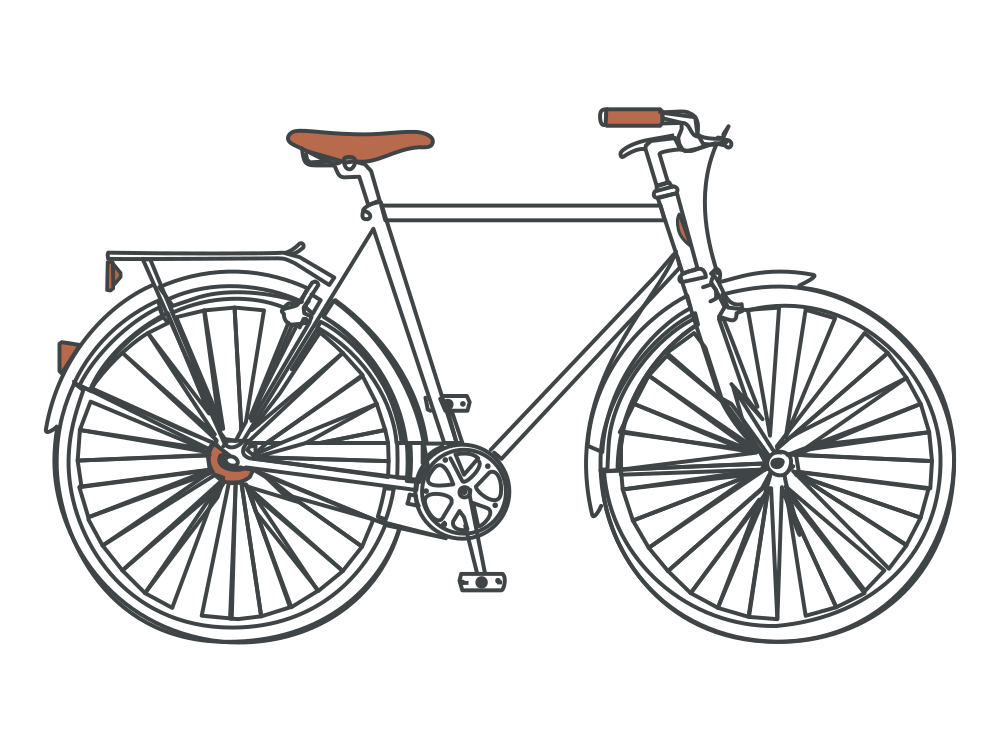 Editable lines
Line art generator
Describe an idea and get line art with adjustable strokes.
Open tool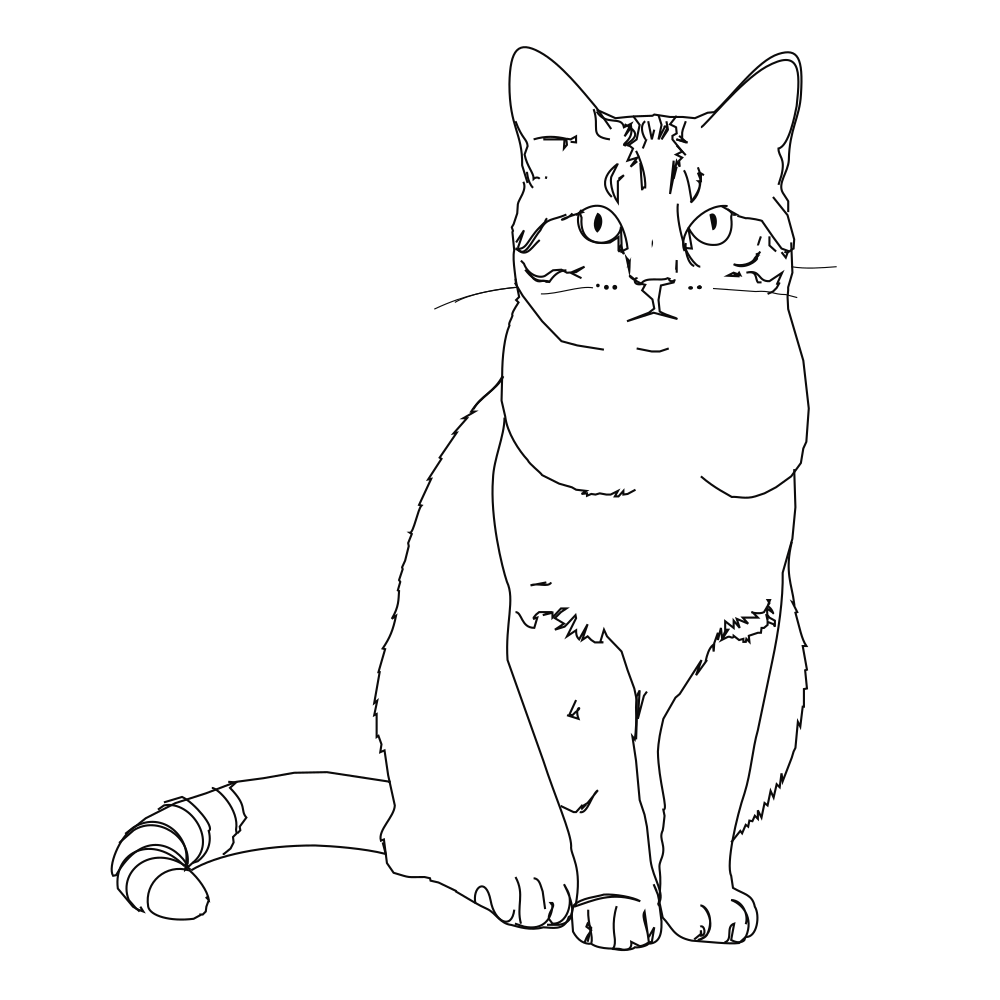 Editable lines
Photo to line art
Turn a photo or picture into clean vector line art.
Open tool Editable lines
Image to SVG
Convert a drawing or illustration into vector paths.
Open tool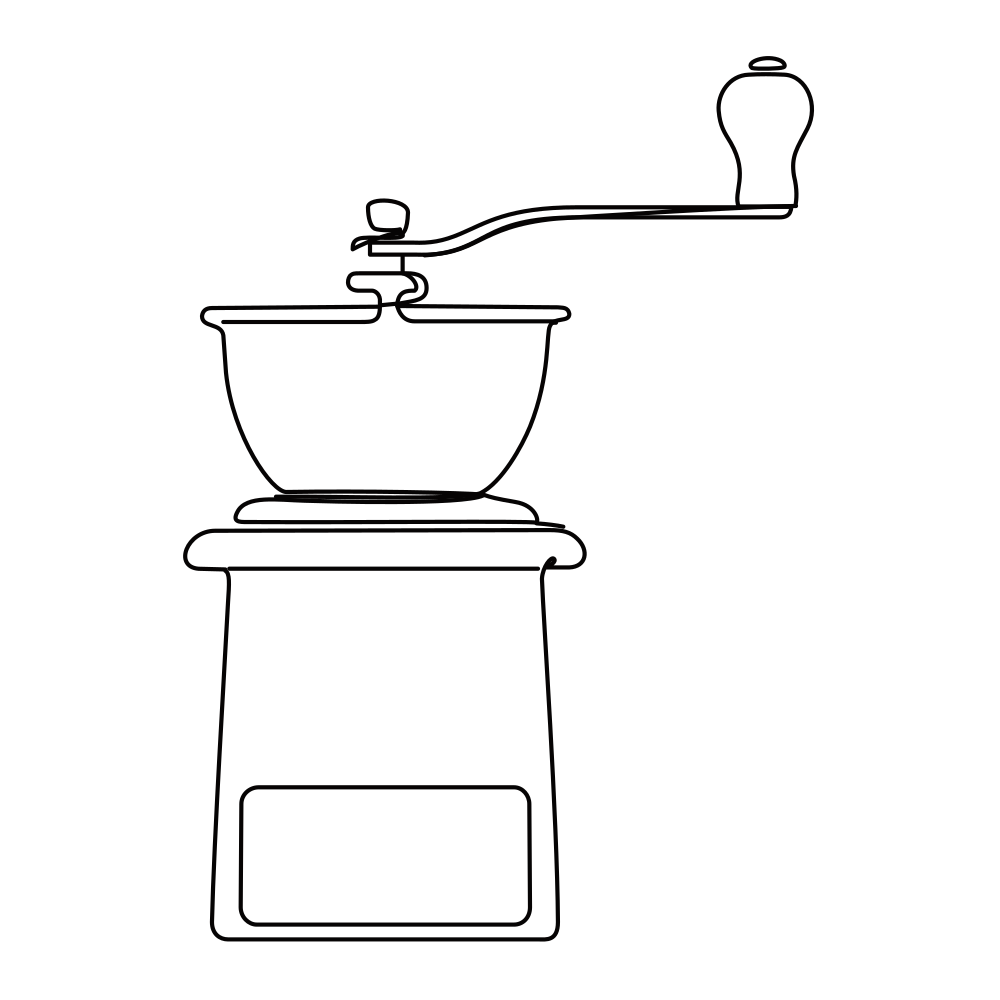 Editable lines
Online SVG editor
Upload any SVG to restyle its lines for free, or describe an edit (recolor, remove, rename) and AI changes the file in place.
Open tool Editable lines
Sketch to SVG
Bring a scanned or hand-drawn sketch into a vector workflow.
Open toolStart your next design with editable lines
Describe an idea or drop in a drawing. Watch it draw, restyle the strokes, and export.