Line art generator
Describe an idea and get line art with adjustable strokes.
Real strokes. Change width, color and dashes after generation.
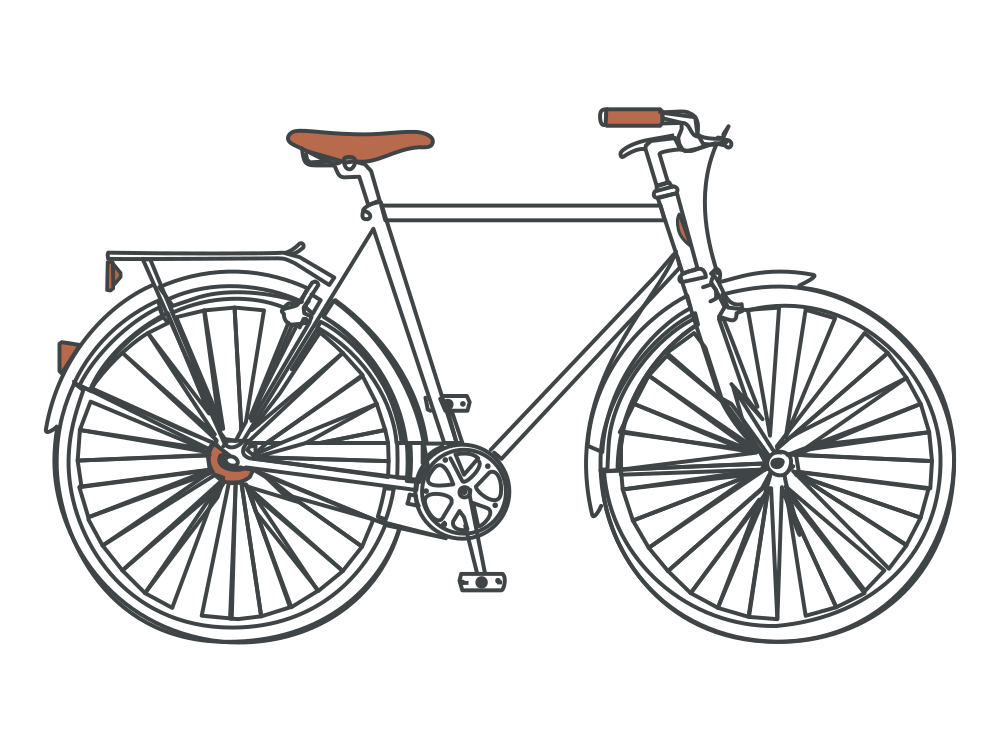 Sample · made with LineSVGYour drawing will appear here.
Describe it or drop in an image, then watch it draw.
Tool guide
A line art generator that draws real, editable SVG strokes
Describe a subject and a line style and get an SVG illustration drawn as real strokes. This line art generator defaults to Editable lines, so you can change width, color and dashes after the drawing arrives. Use it for illustration concepts, editorial spots, stickers and any asset you want to keep refining in a vector editor.
- 01
Describe the drawing
Name one subject, the composition and the line style. Add a colored accent or ask for an unfilled outline if that matters.
- 02
Pick an output type
Editable lines is the default. Switch to Cut-ready shapes for solid silhouettes or Color layers for flat colored artwork.
- 03
Tune the strokes and export
Adjust width, color and dashes, then export SVG or PNG, copy the code or save the edit to My creations.
Tips for better results
- One main subject and a simple composition give the cleanest drawing.
- Words like thin, clean outline and consistent line weight steer the model toward strokes.
- Turn on Pure lines when the drawing is headed for a pen plotter or cutting machine.
Example description
A single vintage bicycle in side view, clean editable outline strokes, consistent line weight, one muted terracotta accent, no text.
Try it in the workspace above →Line art generator: frequently asked questions
Is this the same as tracing an image?
No. This tool draws from your description. Upload a drawing to Image to SVG when you already have a picture to convert.
How much of the result can I edit?
Every result shows a label with its share of real strokes. The higher the share, the more of the drawing responds to the width, color and dash controls.
Can I create colored line art?
Yes. Ask for a limited palette or a single accent color, then fine-tune the stroke colors after generation. For flat colored artwork grouped by color, choose Color layers.
Related tools
One workspace. Different starting points.
Each tool presets the output type, prompt and ratio. Pick one and start.
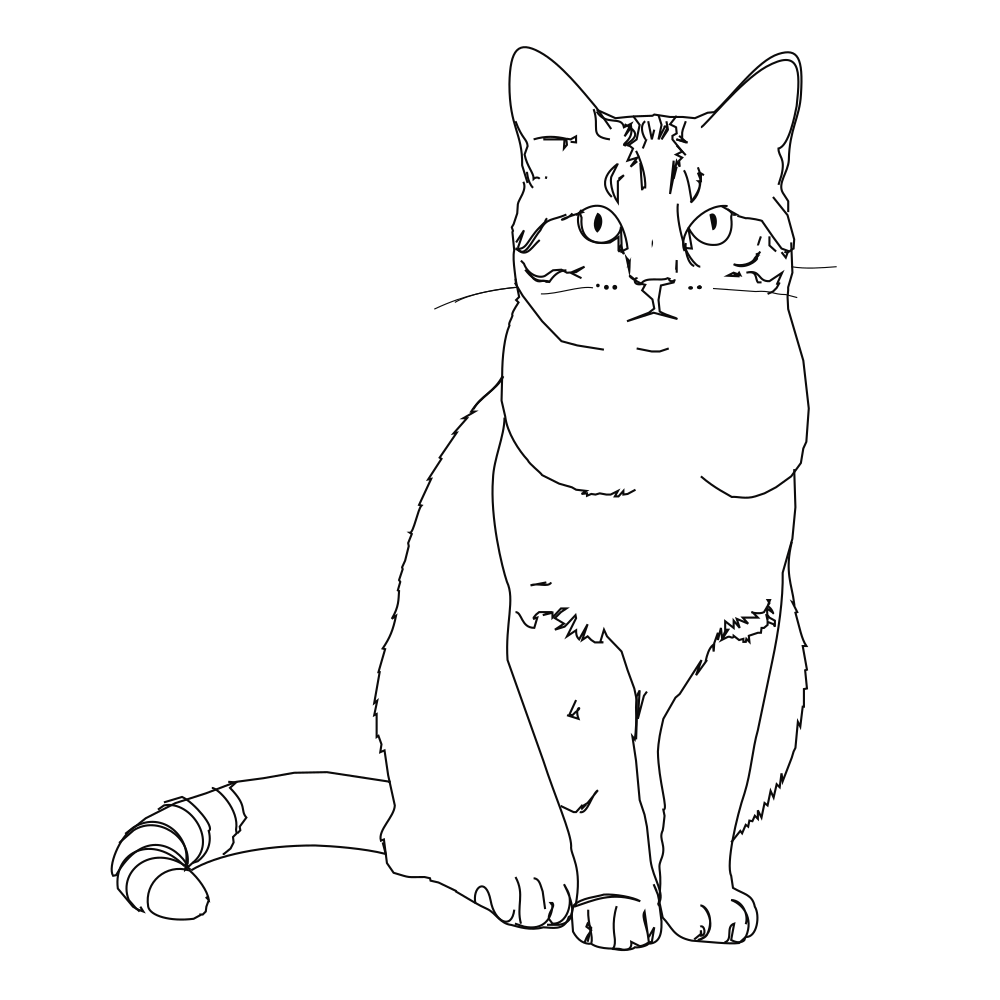 Editable lines
Photo to line art
Turn a photo or picture into clean vector line art.
Open tool Editable lines
Image to SVG
Convert a drawing or illustration into vector paths.
Open tool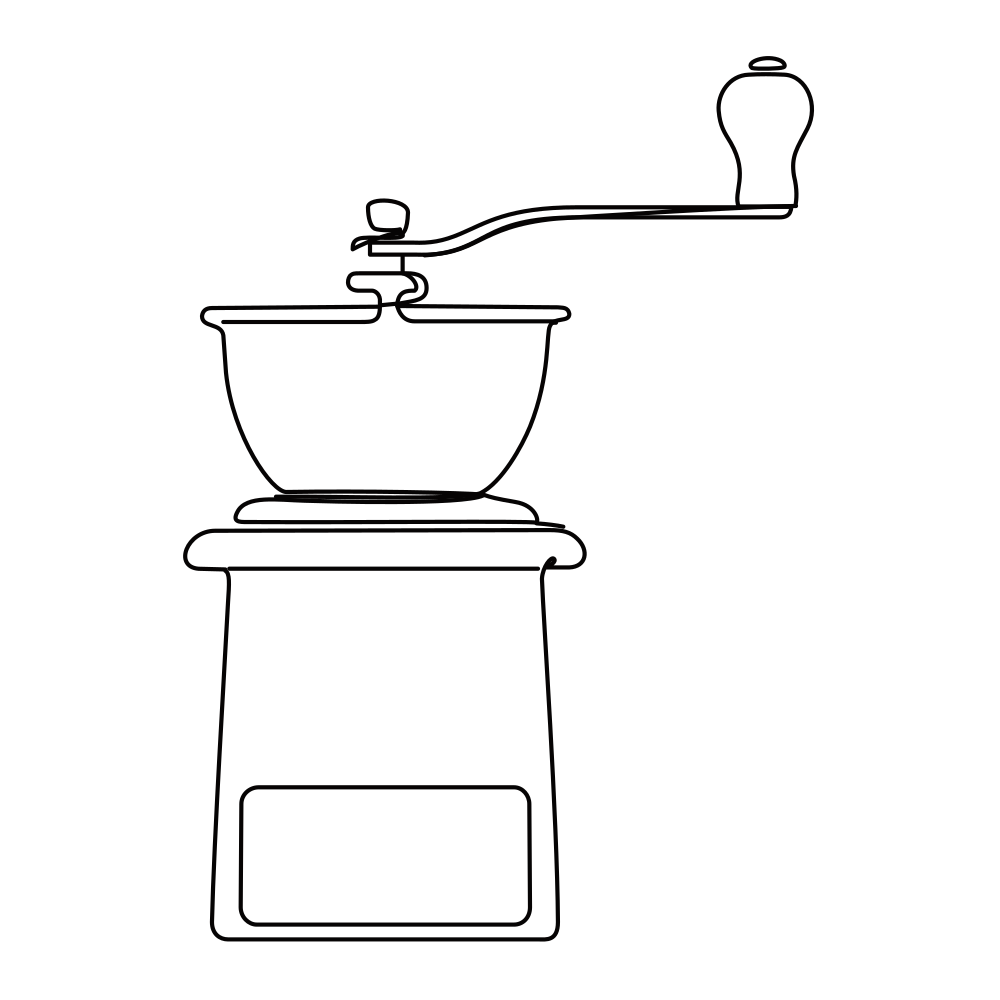 Editable lines
Online SVG editor
Upload any SVG to restyle its lines for free, or describe an edit (recolor, remove, rename) and AI changes the file in place.
Open tool Editable lines
Sketch to SVG
Bring a scanned or hand-drawn sketch into a vector workflow.
Open tool Editable lines
One line drawing
Minimalist portraits, pets and couples drawn in one continuous line.
Open tool Editable lines
Botanical line art
Flowers, leaves and branches for prints, labels and invitations.
Open toolStart your next design with editable lines
Describe an idea or drop in a drawing. Watch it draw, restyle the strokes, and export.