Coloring page generator
Printable coloring pages with clean outlines and adjustable line thickness.
Real strokes. Change width, color and dashes after generation.
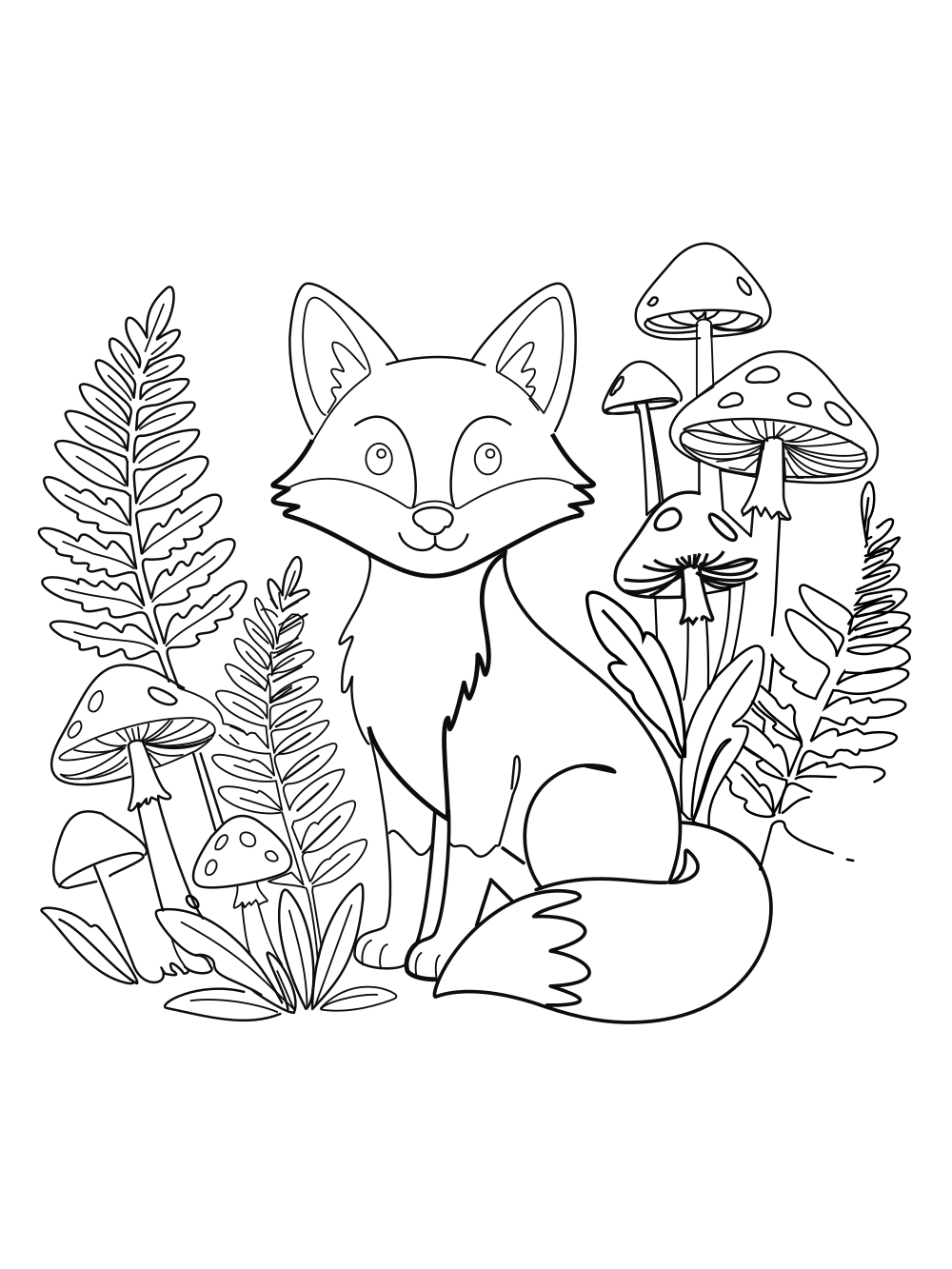 Sample · made with LineSVGYour drawing will appear here.
Describe it or drop in an image, then watch it draw.
Tool guide
Coloring page generator: printable pages with clean, closed outlines
Describe a scene and get a coloring page with uniform black outlines, closed regions and plenty of white space. Because the outlines are real strokes, you can thicken them for toddlers or thin them for adult coloring books before you print or publish on KDP.
- 01
Describe the scene
Name the characters, setting and level of detail. Say kids or adult to set the complexity.
- 02
Check the regions
Look for closed shapes that are easy to color and no shading or gray fills.
- 03
Set the thickness and export
Choose a line width that suits the age group, then export SVG for print or PNG for a quick sheet.
Tips for better results
- Thick outlines and large shapes suit young children; fine detail suits adult coloring books.
- Ask for a white background and no shading to keep every region open for color.
- Generate a series with the same wording and line width for a consistent book.
Example description
A friendly fox sitting among mushrooms and ferns, coloring page style, clear closed outlines, generous white space, no shading.
Try it in the workspace above →Coloring page generator: frequently asked questions
Can I use these pages in a book I sell?
Yes. Export the SVG at your page size and lay out pages in your publishing tool. Generate a consistent set with the same prompt style and line width for a KDP coloring book.
Why are the lines editable?
The outlines are SVG strokes, so one drawing can serve a toddler version with thick lines and an adult version with fine lines without regenerating.
What page sizes work?
The SVG scales to letter, A4 or any trim size without losing sharpness. Pick a 3:4 ratio for portrait pages.
Related tools
One workspace. Different starting points.
Each tool presets the output type, prompt and ratio. Pick one and start.
 Editable lines
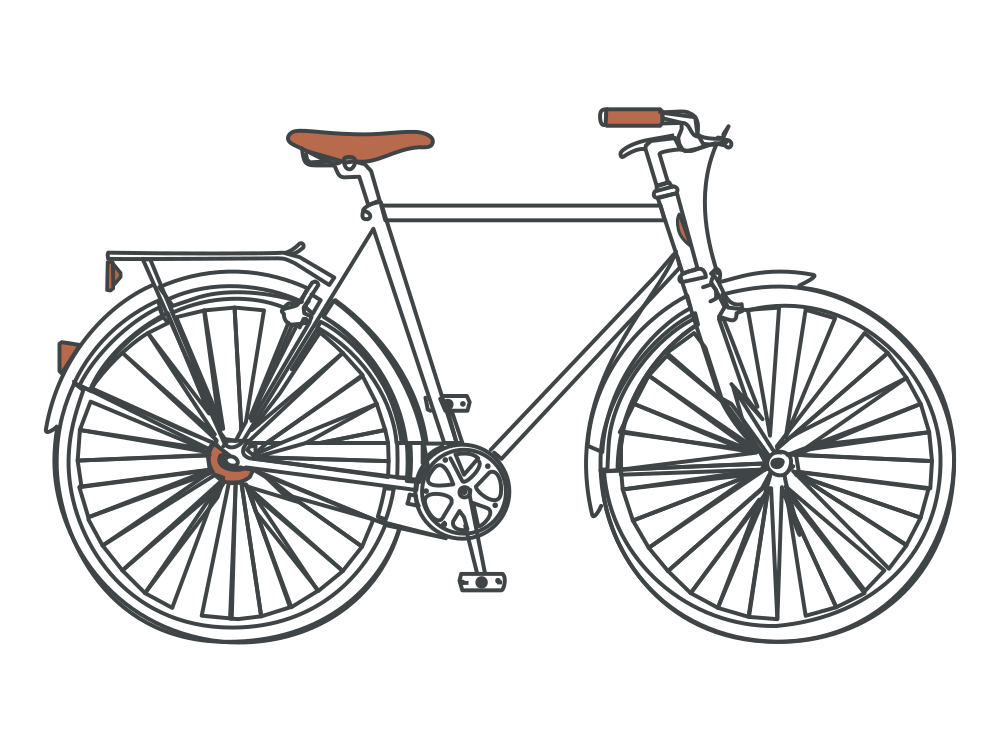
Line art generator
Describe an idea and get line art with adjustable strokes.
Open tool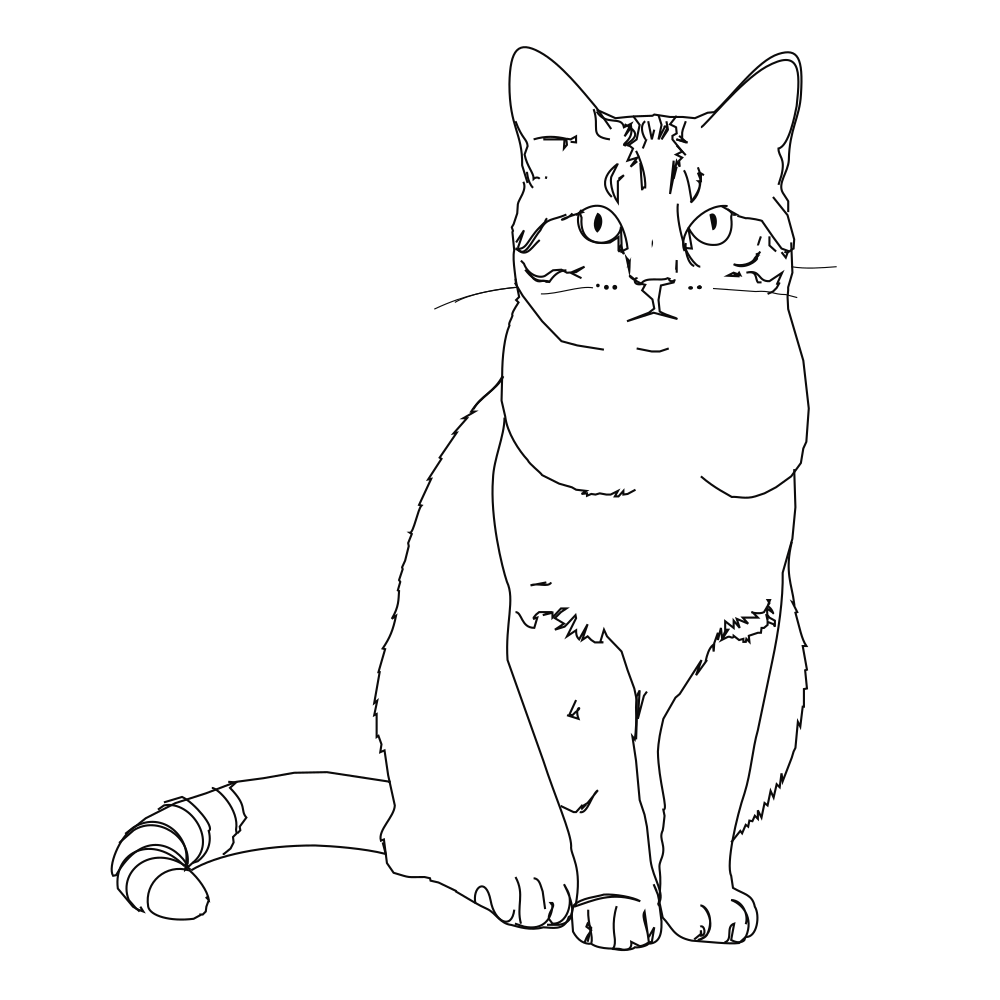 Editable lines
Photo to line art
Turn a photo or picture into clean vector line art.
Open tool Editable lines
Image to SVG
Convert a drawing or illustration into vector paths.
Open tool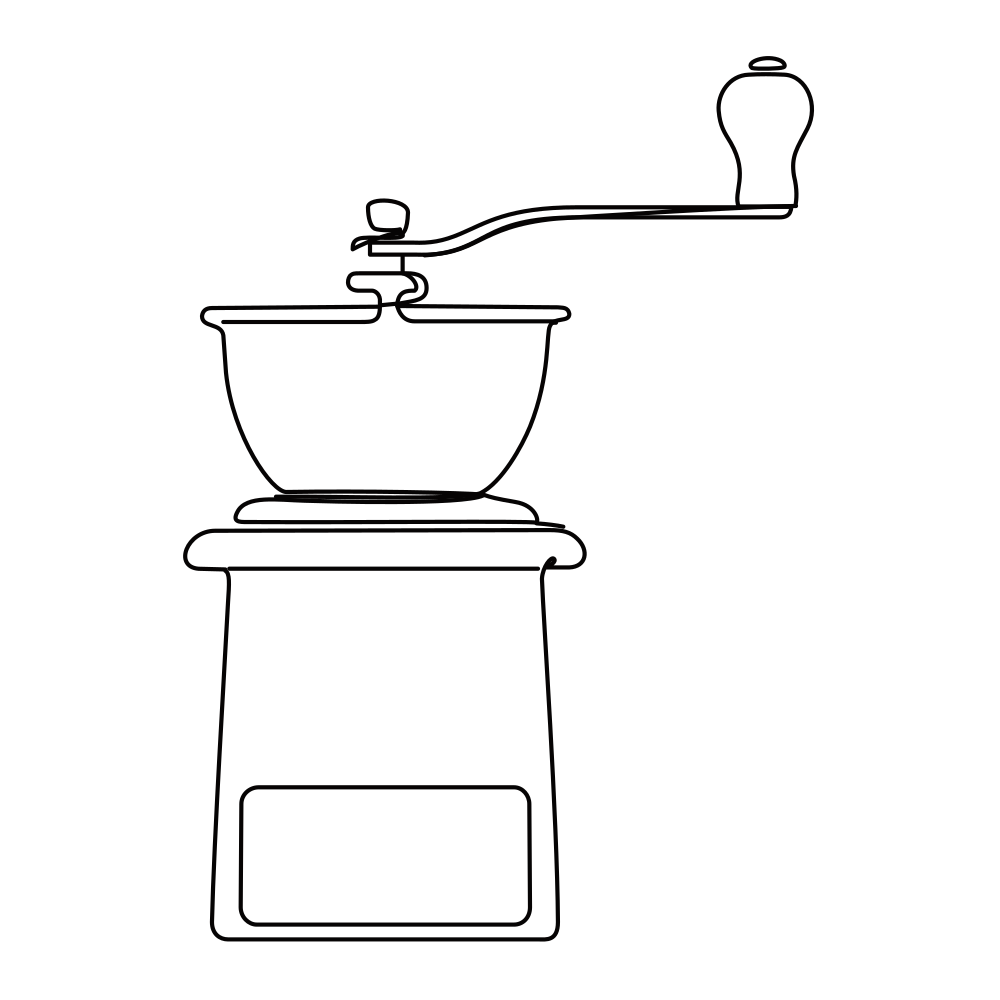 Editable lines
Online SVG editor
Upload any SVG to restyle its lines for free, or describe an edit (recolor, remove, rename) and AI changes the file in place.
Open tool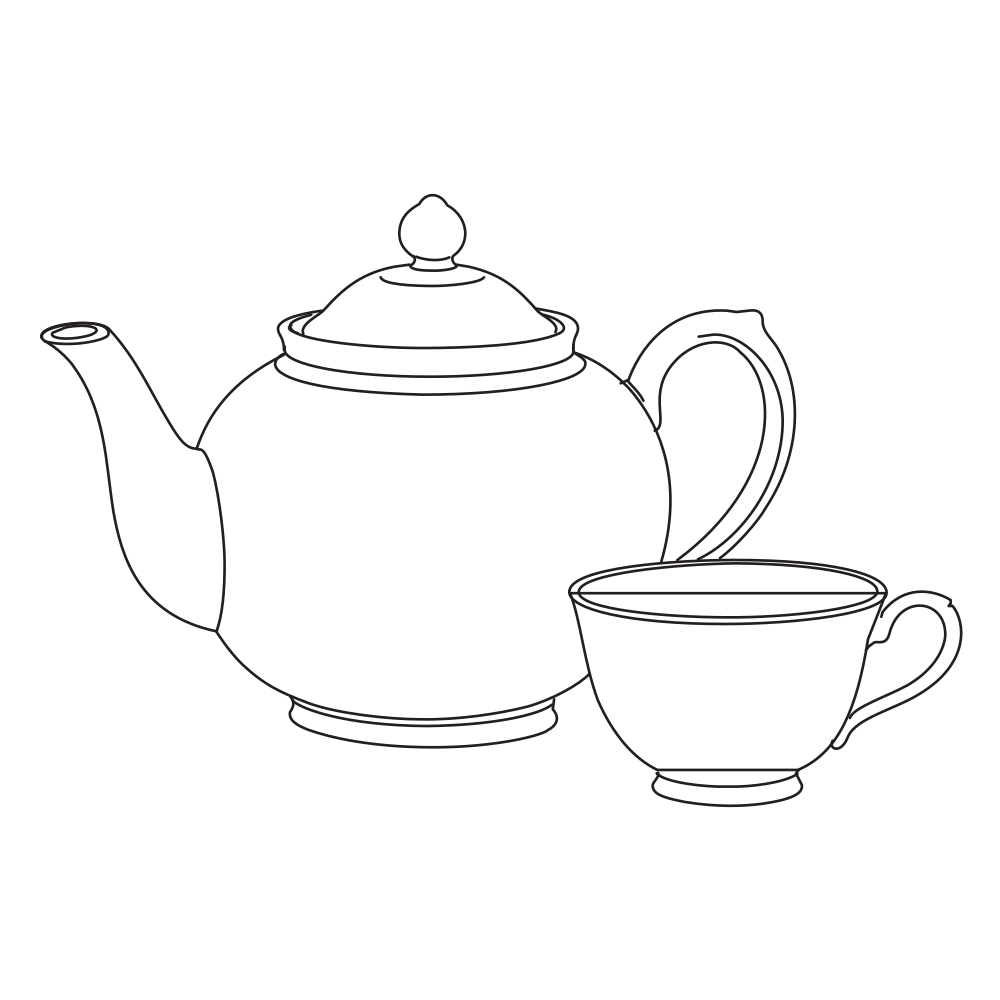 Editable lines
Sketch to SVG
Bring a scanned or hand-drawn sketch into a vector workflow.
Open tool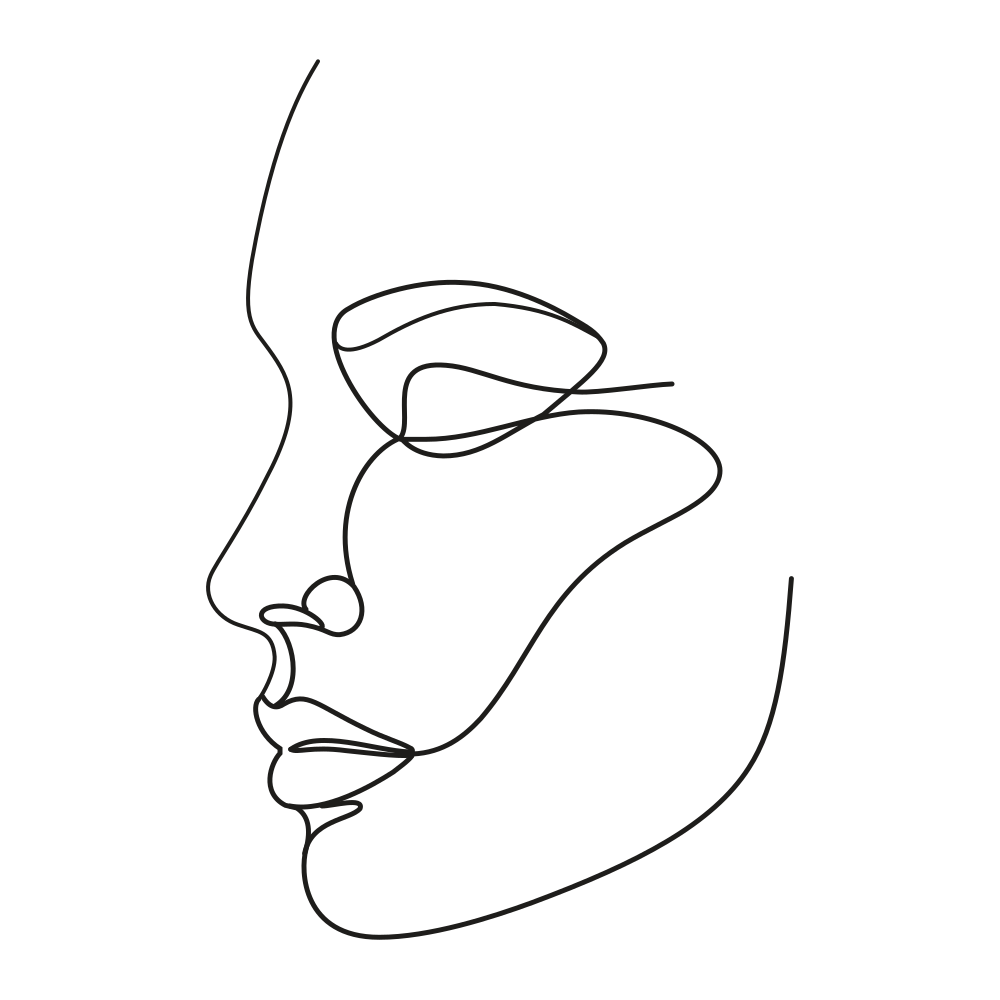 Editable lines
One line drawing
Minimalist portraits, pets and couples drawn in one continuous line.
Open toolStart your next design with editable lines
Describe an idea or drop in a drawing. Watch it draw, restyle the strokes, and export.