
How-to
Using LineSVG files in Figma, Illustrator, Inkscape and Cricut Design Space
How to import SVG into Figma, Illustrator, Inkscape and Cricut Design Space so strokes stay editable, and when to set Draw, Score, Foil or Cut on each layer.

How-to
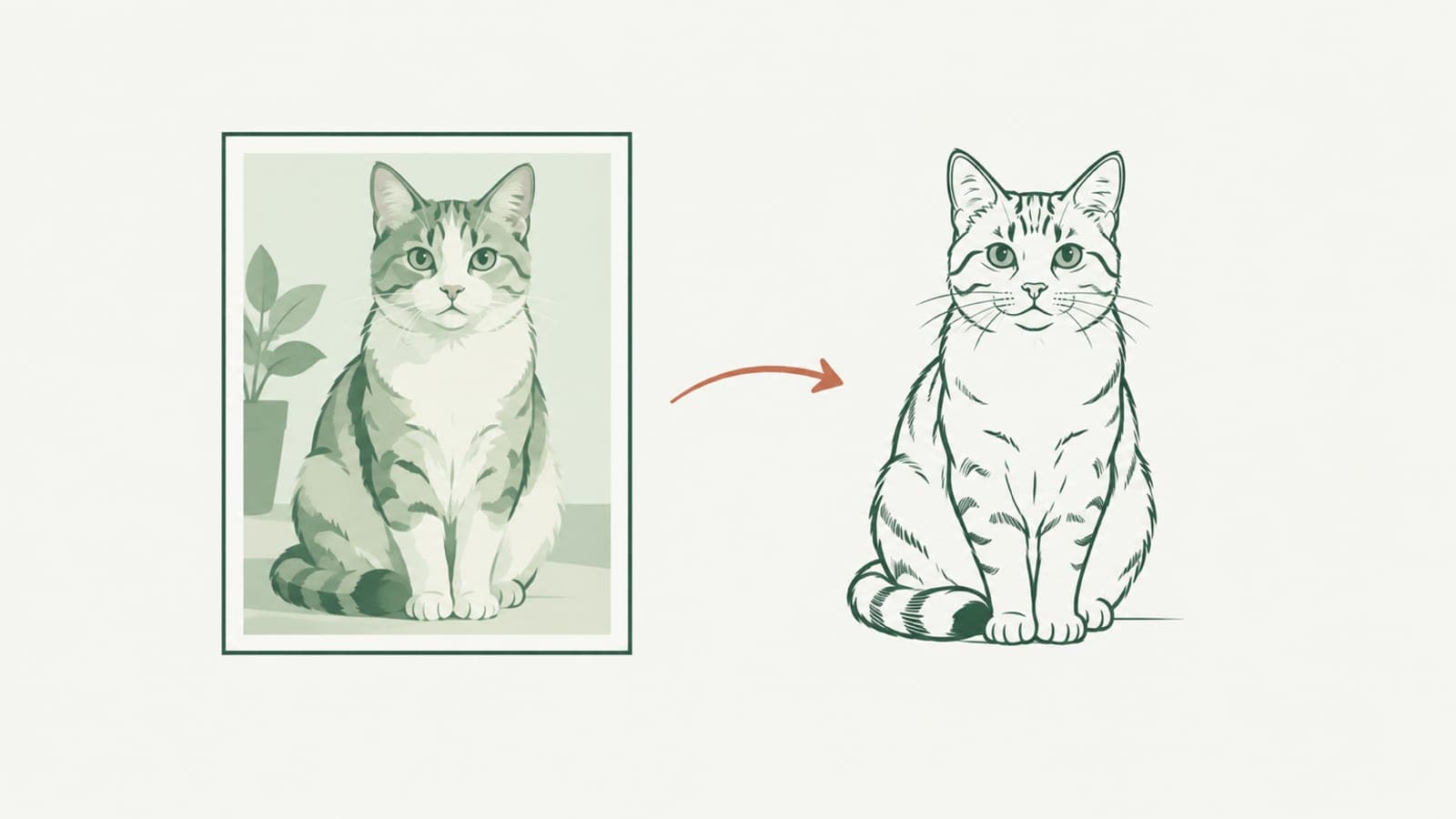
Photo to line art: get an SVG whose line width you can still change
Photo to line art that stays editable: turn a photo into an SVG made of real strokes, so you can change line width, color and dashes after it is generated.
How-to
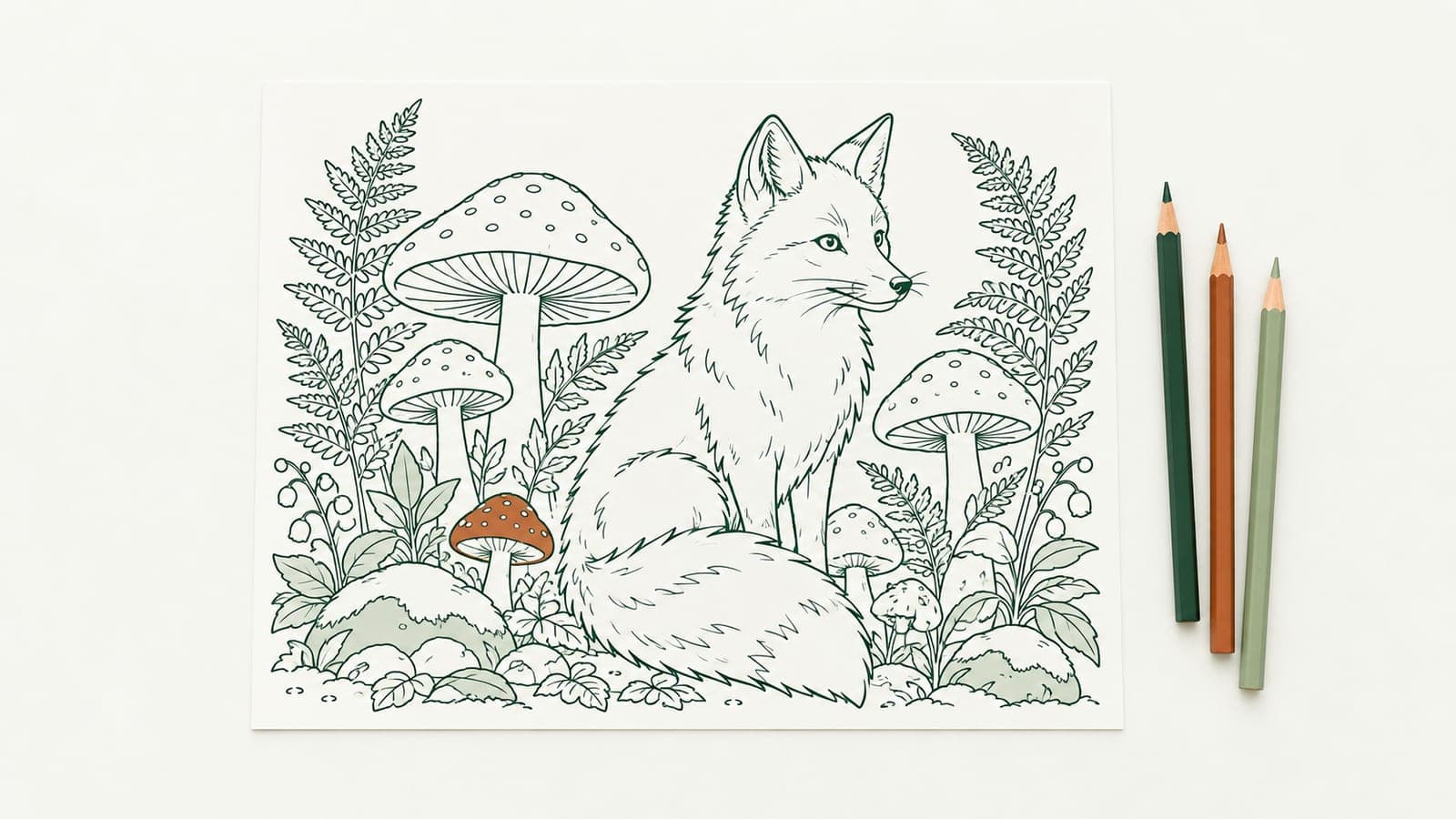
Make printable coloring pages with line thickness that fits the age
Make printable coloring pages from a text prompt or drawing, then set the line thickness for toddlers, kids or adults before you print or sell the SVG.
How-to
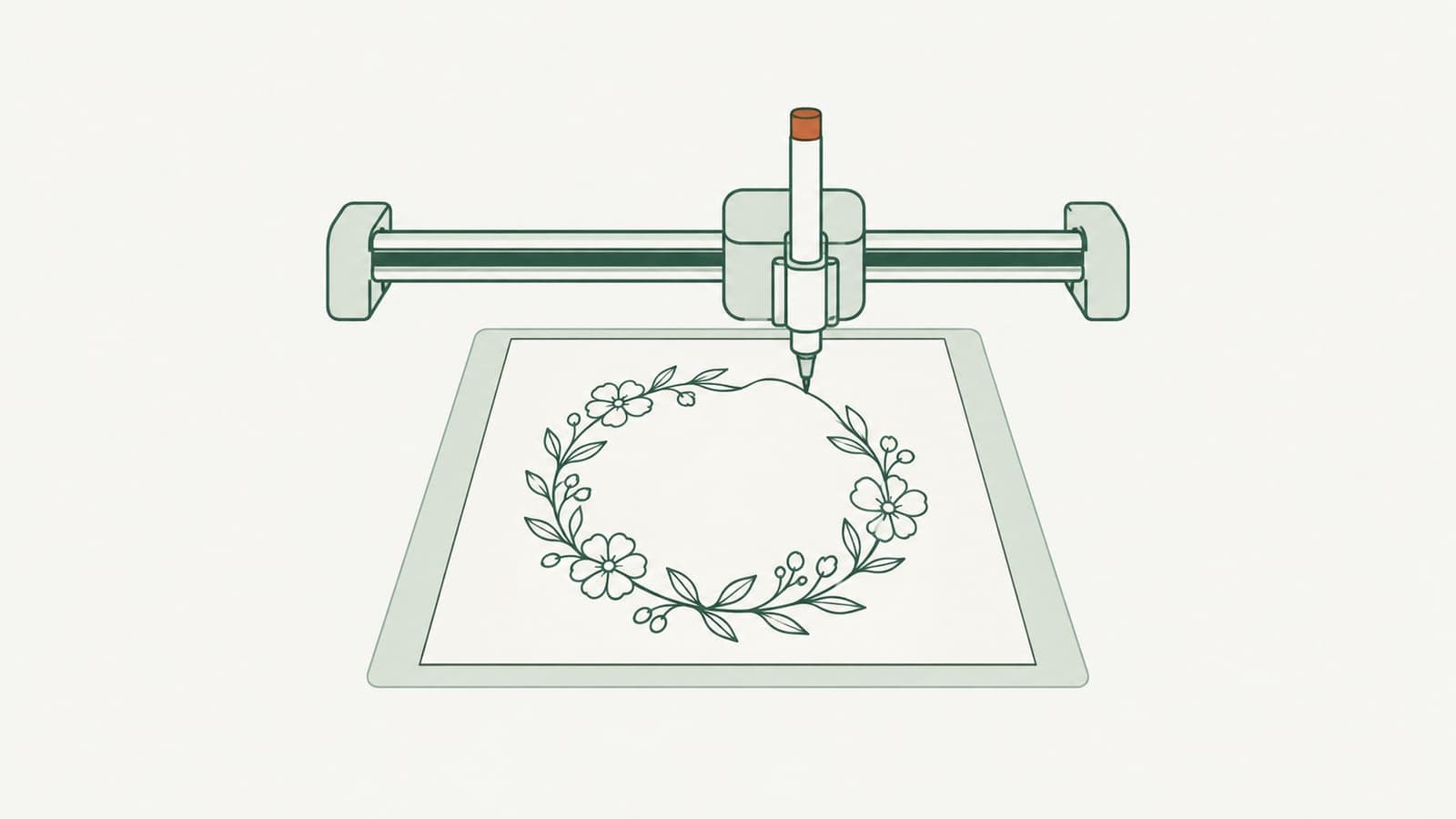
How to make single line SVGs for Cricut pen, foil and score
Make single line SVGs for Cricut pen, foil and score: why outlined files draw double lines, how to generate pure strokes, and the Design Space settings to use.
How-to
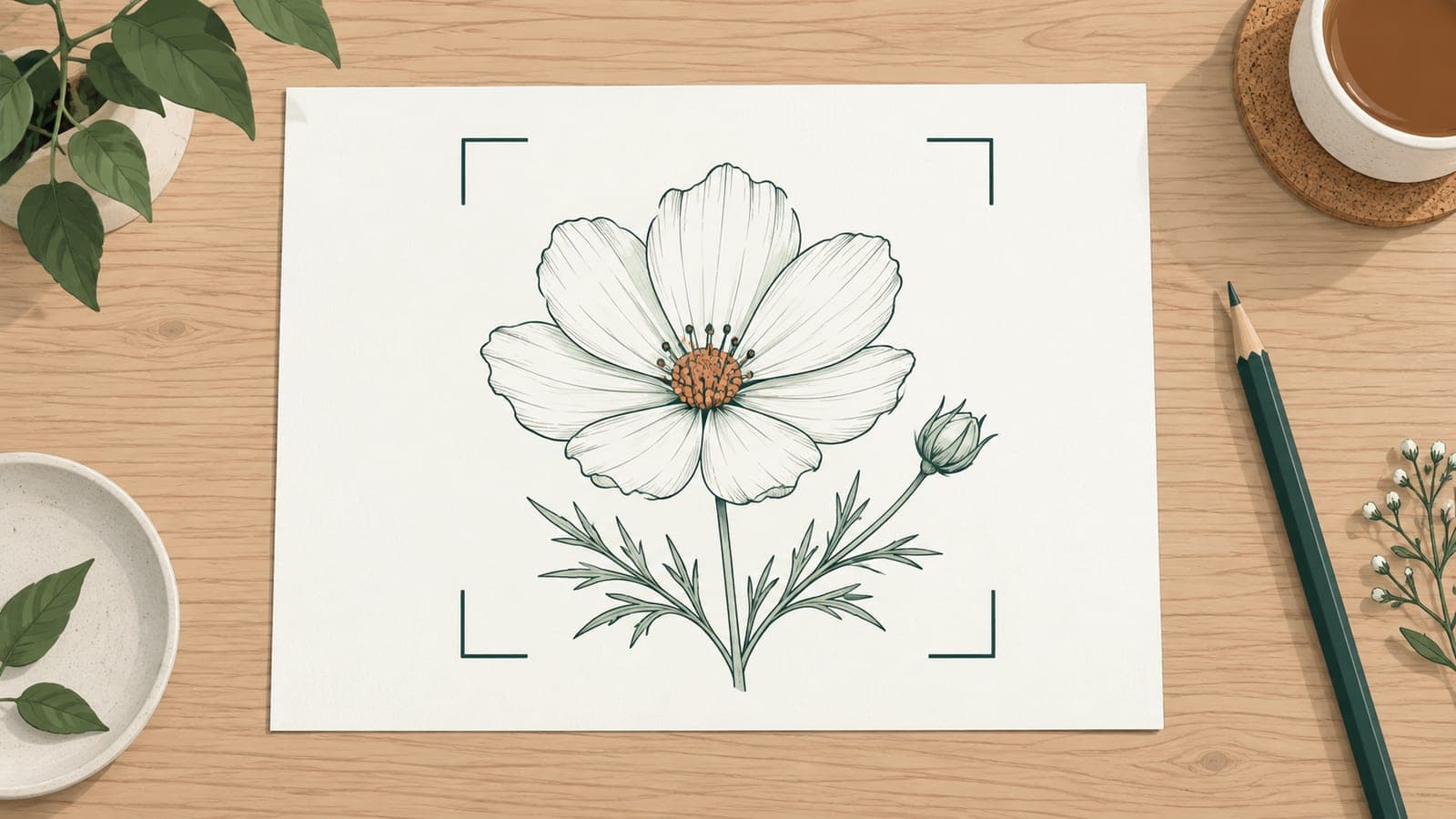
Image to SVG: prepare a better source drawing
Image to SVG works best with a clean source. Learn how to photograph, crop and clean a sketch so it traces into real, editable SVG strokes instead of fills.