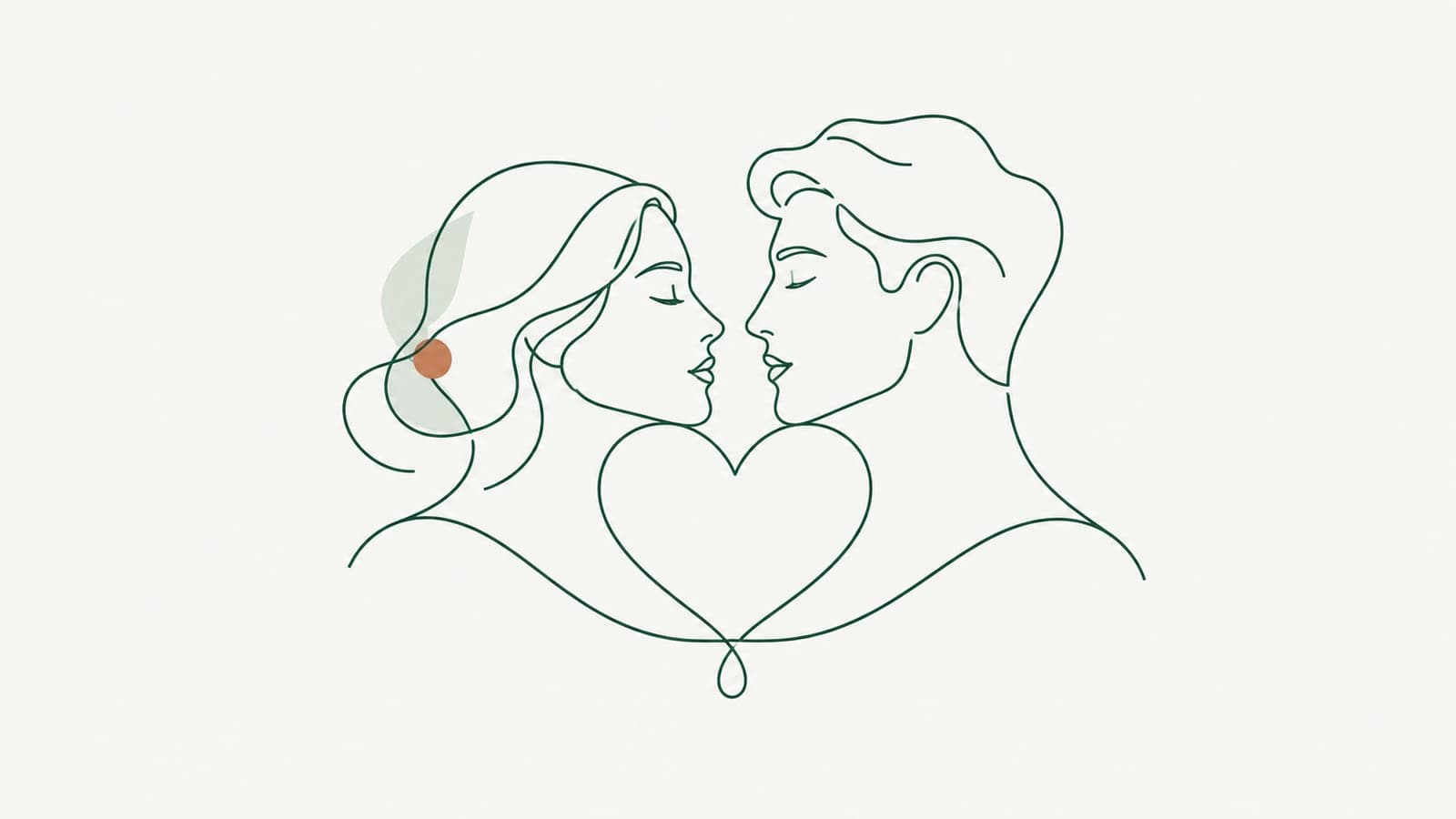
One line drawings for weddings, pets and couples
Create one line drawings of couples, wedding guests and pets as clean SVG strokes for invitations, signs, foil cards, engraved gifts and framed prints.
One line drawings are everywhere at weddings and on gift shelves: two faces joined by a single flowing contour, a dog sketched in one loop, a couple's initials hidden in the curve. The style looks effortless, which is exactly what makes it hard to produce on demand. This post covers how to make one line drawings of couples, wedding moments and pets as SVG files you can print, foil, engrave or put on a sign.
Why one line portraits work so well for gifts and events
A continuous line drawing keeps only what makes a subject recognizable: the slope of a nose, the tilt of two heads toward each other, a dog's ear shape. That restraint has practical advantages for makers:
- It reads at any size. A thin line portrait works on a place card and on a large welcome sign.
- It suits many materials. Pen, gold foil, laser score, embroidery and screen print all handle a clean single line well.
- It is personal without being literal. Guests recognize the couple, but the drawing feels like art rather than a photo.
- It pairs well with type. Names and a date sit comfortably next to open line work.
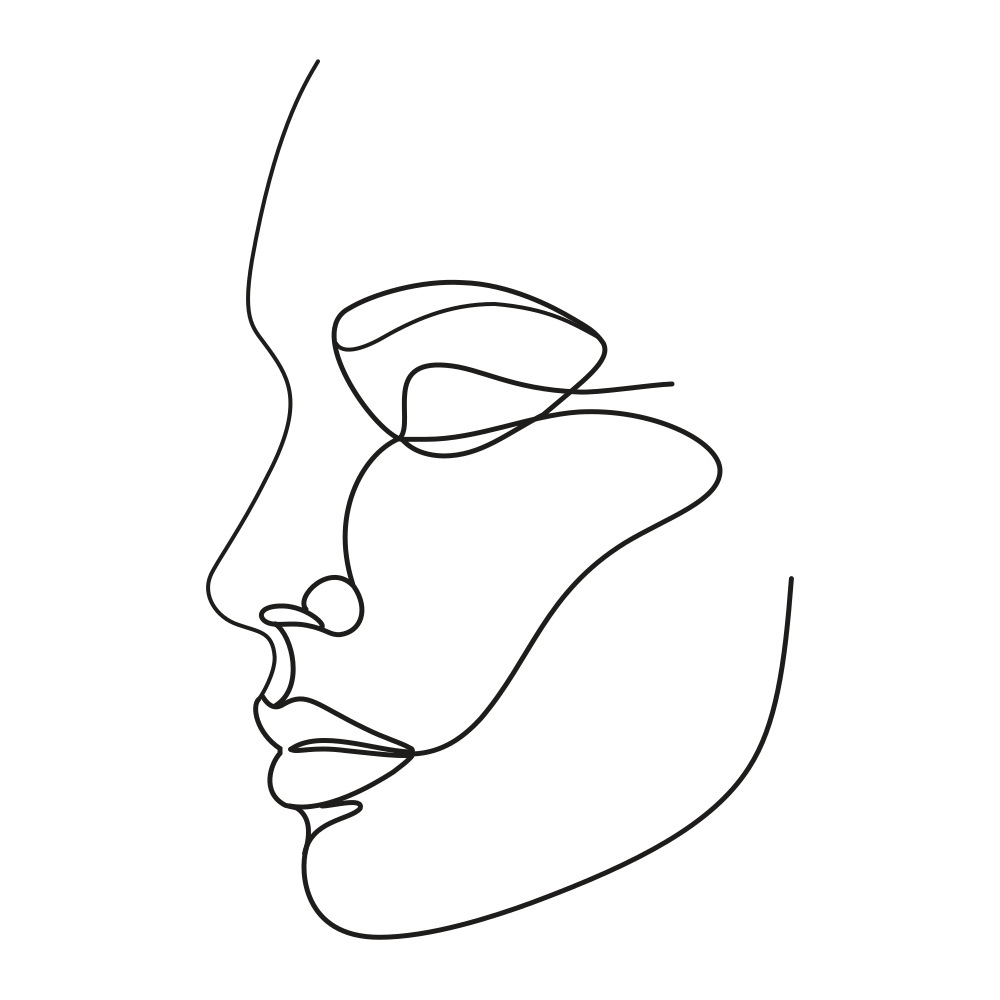 A one-line face profile generated in LineSVG, made entirely of strokes with no fills.
Structure matters more than style
A one line drawing only stays useful if the file is made of real strokes. A stroke is a line with a thickness setting. With strokes, you can make the line thinner for a delicate invitation and heavier for a sign seen across a room, all from the same file.
Many downloaded one line files are actually thin filled outlines. They look identical on screen, but the width cannot be changed, and on a Cricut pen, foil tool or laser score they produce a double line because the machine follows both edges. The why your cutter draws double lines post explains that effect in detail.
LineSVG labels each result so you know what you have, for example "Editable lines · 100%". For portraits, aim for a result at or near 100% lines.
Three ways to start
From a text description. Open the one line drawing tool, choose Editable lines, and describe the pose rather than the people: "continuous one line drawing of a couple kissing in profile, minimal, flowing line, white background". Pose, angle and mood are what the line can carry.
From a photo. Upload a PNG, JPG or WebP up to 20 MB through photo to line art. A few things help:
- Choose a photo with a clear silhouette and a plain background.
- Profiles and three-quarter views read better in line form than straight-on faces.
- Crop tightly around the subject so small background details do not become stray lines.
LineSVG traces what the image shows. A photo with lots of solid dark areas can come back as filled shapes. If the result has no strokes, use Redraw as lines to redraw the image as line art; it works best when the input is already fairly thin-lined, so an initial line sketch or a high-contrast, simple photo gives the cleanest result. The photo to line art SVG guide goes deeper on photo prep.
From your own sketch. If you draw the contour yourself on paper or a tablet, upload the sketch. A clean, thin line drawing comes back as real strokes that you can then restyle.
Wedding ideas
- Invitations and save-the-dates: a thin one line portrait of the couple above the names. Print it, or send single-line files to a Cricut foil tool for gold line work. Hey Let's Make Stuff notes that Cricut foil works with single-line images.
- Welcome signs: raise the stroke width so the portrait holds up at distance, then use it on acrylic, wood or a printed board.
- Table numbers and place cards: one drawing, reused small. The width slider keeps it from getting spidery at small sizes.
- Guest book and thank-you cards: a matching line style across stationery ties the event together.
- Engraved keepsakes: laser score a single line on wood or glass. For which structure to send to a laser, see laser cutting vs engraving vs scoring.
Pet portraits
Pets are one of the best subjects for one line work, because owners recognize ear shape, posture and tail at a glance.
- Pick a side view or a sitting pose with a clear outline of ears and tail.
- Describe or upload. For text, name the breed and pose: "one line drawing of a sitting corgi, side view, minimal".
- Choose the output. Editable lines for print and design; turn on Pure lines (for machines) if the drawing will go to a pen plotter, a Cricut pen or foil, or a running-stitch embroidery file, so no filled element slips in.
- Adjust the line. Set stroke width and color for the final product. A dashed line can look like stitching on a tote bag mockup.
- Add the name in your design app, and save the edit as a new version in My creations.
- Export the SVG for machines or scaling, or a PNG for a product listing or a quick print.
Popular pet products include memorial frames, mugs, ornaments, collar tags and embroidered patches. If you sell custom portraits, the same flow lets you turn a customer's photo into a clean line proof quickly and send them the PNG for approval.
Couples and family portraits
Couples portraits work best when the pose tells the story: foreheads touching, a hand on a shoulder, two profiles facing each other. For families, keep the group small, two or three figures, so the line stays readable. Larger groups tend to turn into a tangle once everything is reduced to contour.
Anniversary gifts, housewarming prints and engagement announcements all use the same file. Keep the Editable lines version as your master; create thinner or bolder variants for each product rather than regenerating.
Make yours
Start with the one line drawing tool for posed couples and pets from a description, or photo to line art when you have a favorite photo. The free demo in the workspace lets you try a portrait before signing in.
More Posts

Using LineSVG files in Figma, Illustrator, Inkscape and Cricut Design Space
How to import SVG into Figma, Illustrator, Inkscape and Cricut Design Space so strokes stay editable, and when to set Draw, Score, Foil or Cut on each layer.

Laser cutting vs engraving vs scoring: which SVG structure to use
Laser cutting vs engraving vs scoring: learn which SVG structure each operation needs, why scores come out as double lines, and how to prepare cut-ready files.
Tattoo line art: from AI sketch to a stencil with even line weight
Turn tattoo line art from an AI sketch or photo into a clean SVG stencil with even line weight, no black blocks, and strokes you can thicken before printing.