Technical diagram & manual line art SVG
Convert mechanical sketches, product manual views and academic figures into crisp, orthographic SVG line art.
Real strokes. Change width, color and dashes after generation.
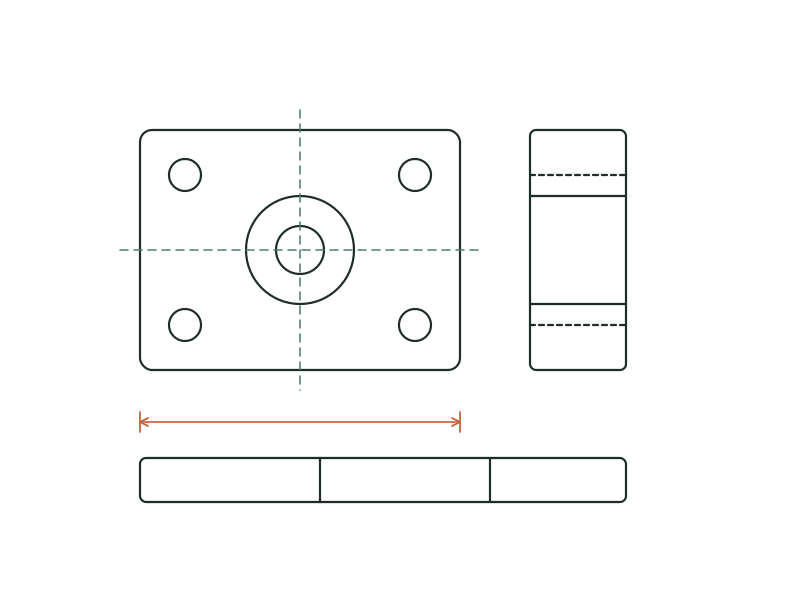 Sample · made with LineSVGYour drawing will appear here.
Describe it or drop in an image, then watch it draw.
Tool guide
Turn mechanical sketches, manual views and academic figures into crisp SVG line art
Convert product photos, hand-drawn schematics or rough diagrams into clean orthographic SVG linework with uniform stroke weight. Unlike general AI image generators that produce blurry raster pictures, LineSVG outputs genuine vector strokes you can open in Illustrator, Visio, Inkscape or LaTeX workflows to edit line weights, dashes and callouts.
- 01
Upload a reference view or switch to Text to SVG
Drop in a product photo, whiteboard sketch or schematic figure, or switch tabs to describe an orthographic view.
- 02
Add optional conversion notes
Use presets like "1:1 exact lines" or "Ignore text/watermark" to keep geometry clean and strip scan clutter.
- 03
Standardize stroke weight and export
Set a uniform technical line weight or dashed helper style, then export SVG for your CAD/illustration editor.
Tips for better results
- Shoot products straight-on rather than at a steep wide-angle perspective when you want an orthographic manual figure.
- Keep one assembly or diagram per run; add dimension text and precision tolerances in Illustrator, Visio or CAD afterwards.
- Use Edit SVG to adjust arrow spacing, remove unwanted callouts or recolor highlight paths in place.
A suitable source image
A straight-on photo of a USB-C power adapter and coiled cable for an instruction manual, or a clean whiteboard sketch of a four-bar linkage.
Try it in the workspace above →Technical diagram to SVG: frequently asked questions
Is this a dimensional CAD tool?
It creates clean, editable technical illustrations and schematic SVGs rather than parametric millimeter-accurate CAD files. For precise hole tolerances, verify dimensions in your CAD software.
Can I edit the lines in Visio, Illustrator or Figma?
Yes. Every line is exported as a standard SVG path or geometric primitive with XML stroke attributes, ready to ungroup and restyle.
How do I remove old labels or watermarks from a scanned figure?
Click the "Ignore text/watermark" chip under the image box before converting so only the structural diagram lines are redrawn.
Related tools
One workspace. Different starting points.
Each tool presets the output type, prompt and ratio. Pick one and start.
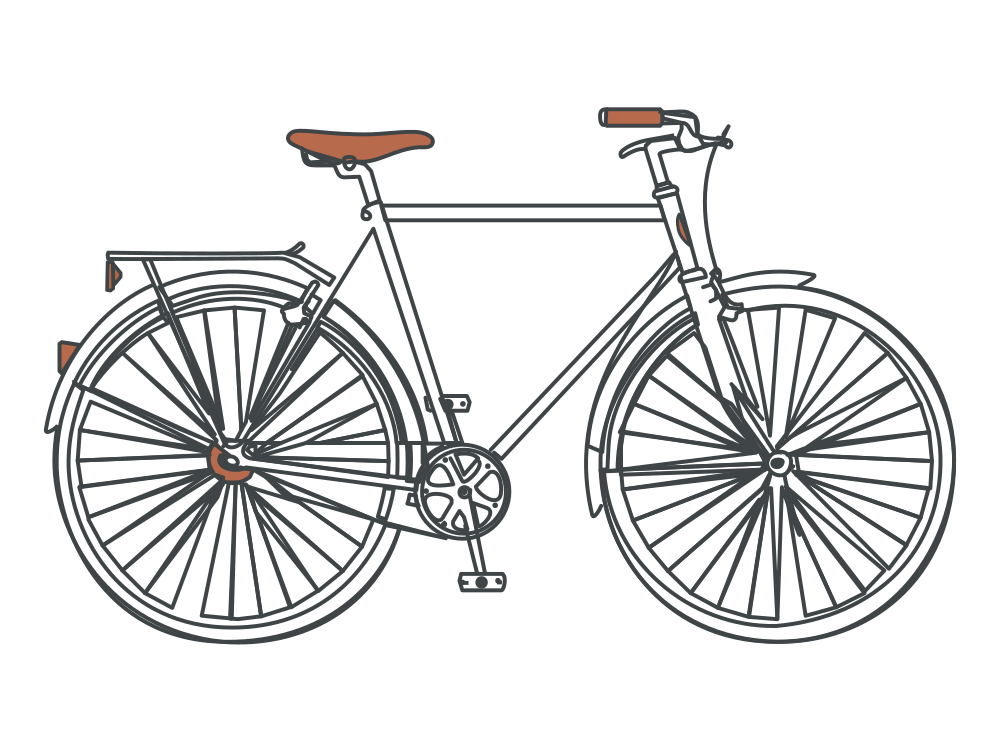 Editable lines
AI line art generator
Describe an idea and get line art with adjustable strokes.
Open tool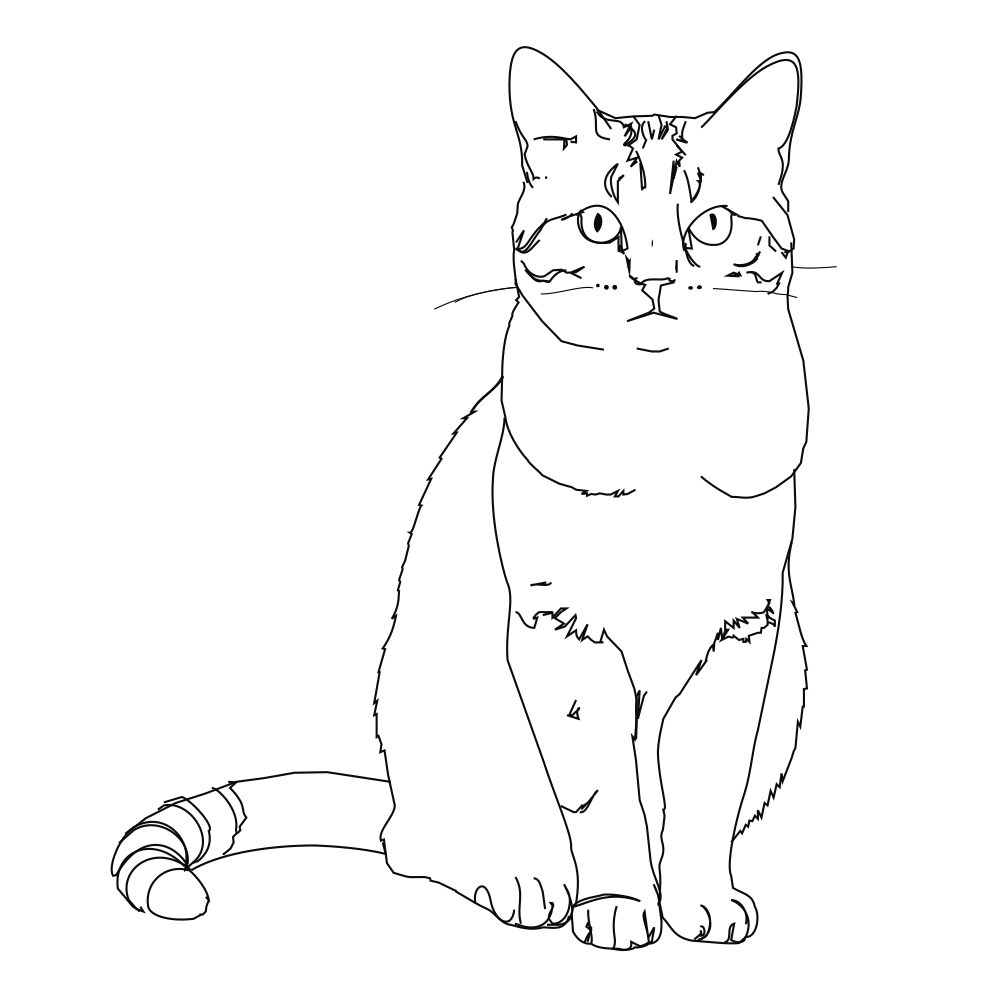 Editable lines
Photo to line art
Upload PNG, JPG or WebP (up to 20 MB). Get real SVG strokes you can thicken, recolor and export—not a flat bitmap filter.
Open tool Editable lines
Image to SVG
Convert a drawing or illustration into vector paths.
Open tool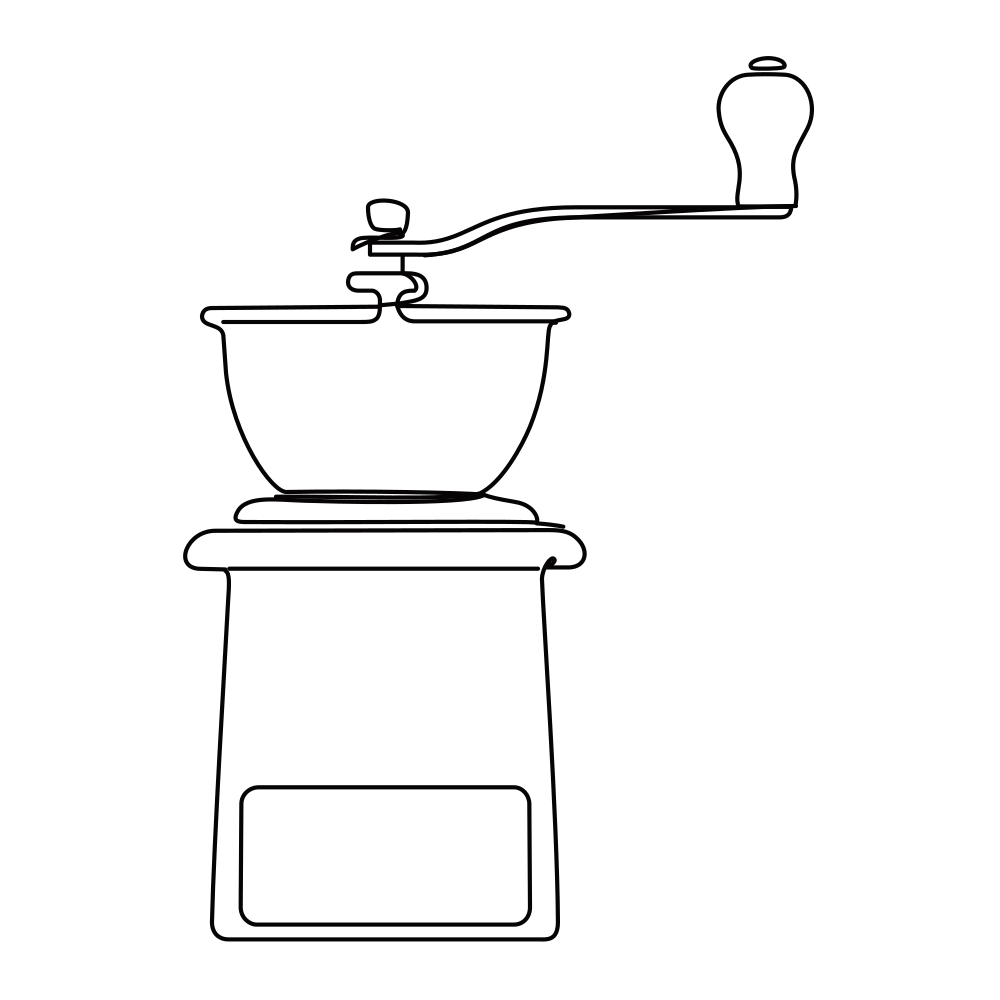 Editable lines
Online SVG editor
Upload any SVG to restyle its lines for free, or describe an edit (recolor, remove, rename) and AI changes the file in place.
Open tool Editable lines
Sketch to SVG
Bring a scanned or hand-drawn sketch into a vector workflow.
Open tool Editable lines
One line drawing
Turn a photo or prompt into minimalist portraits, pets and couples drawn in one continuous line.
Open toolStart your next design with editable lines
Describe an idea or drop in a drawing. Watch it draw, restyle the strokes, and export.