Handwritten signature to SVG converter
Turn a photo or scan of a handwritten signature into a clean, transparent SVG with adjustable stroke thickness.
Real strokes. Change width, color and dashes after generation.
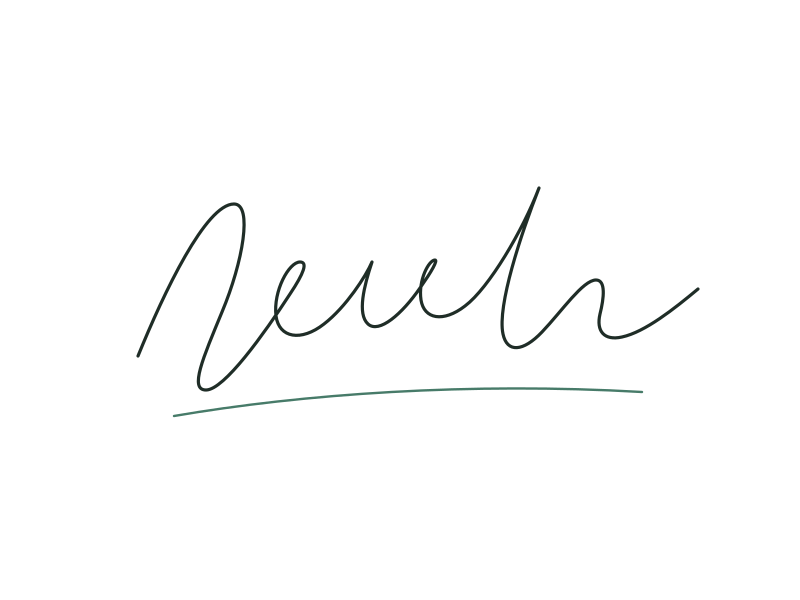 Sample · made with LineSVGYour drawing will appear here.
Describe it or drop in an image, then watch it draw.
Tool guide
Convert a handwritten signature photo into a clean, transparent SVG
Snap a photo of your signature on paper and get a smooth vector SVG built from real centerline strokes. LineSVG drops paper shadows and ruled notebook lines automatically, so you can thicken or thin the pen stroke, recolor it from black to navy or white, and place a crisp signature on contracts, watermarks, stamps or laser engravings.
- 01
Sign on plain paper and upload
Write with a dark pen on light paper, crop around the signature and upload PNG, JPG or WebP up to 20 MB.
- 02
Convert to pure strokes
Pure lines is enabled by default so every flourish comes back as a single path with a transparent background.
- 03
Set pen weight and export
Drag the stroke slider to match your document or engraver, recolor if needed, or remove an underline with Edit SVG.
Tips for better results
- Dark ink on unlined white paper gives the sharpest letterforms.
- If your scan has a printed signature line underneath, pick the "Ignore text/watermark" preset or ask Edit SVG to remove the underline.
- Keep Pure lines on when engraving a signature on wood, leather, jewelry or metal.
A suitable source image
A close smartphone photo of a dark-ink cursive signature on white paper, cropped tightly with even indoor lighting.
Try it in the workspace above →Signature to SVG: frequently asked questions
Does the exported SVG have a transparent background?
Yes. Paper backgrounds are removed so you can place the signature over PDFs, dark photography watermarks or colored stationery without a white box.
Can I make my signature thicker or change its ink color?
Yes. Because the signature is drawn as real SVG strokes rather than a bitmap cutout, the width slider and color picker adjust it cleanly in one click.
Will it work for Cricut pen signing or laser engraving?
Yes. With Pure lines enabled, each stroke is a single centerline path instead of a double outline, so pens and lasers follow your handwriting naturally.
Related tools
One workspace. Different starting points.
Each tool presets the output type, prompt and ratio. Pick one and start.
 Cut-ready shapes
Logo to vector
Rebuild a logo image as clean, scalable vector shapes.
Open tool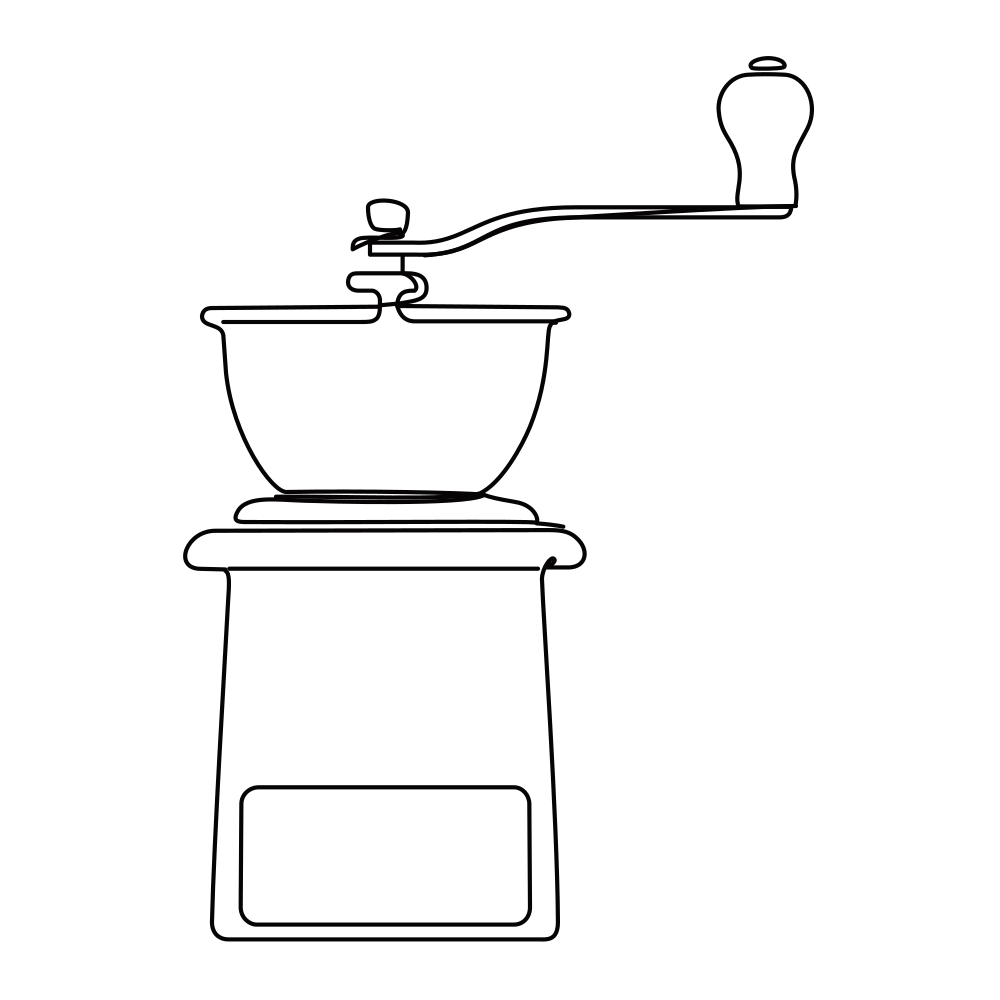 Editable lines
Line icon generator
Custom icons with clear, consistent strokes.
Open tool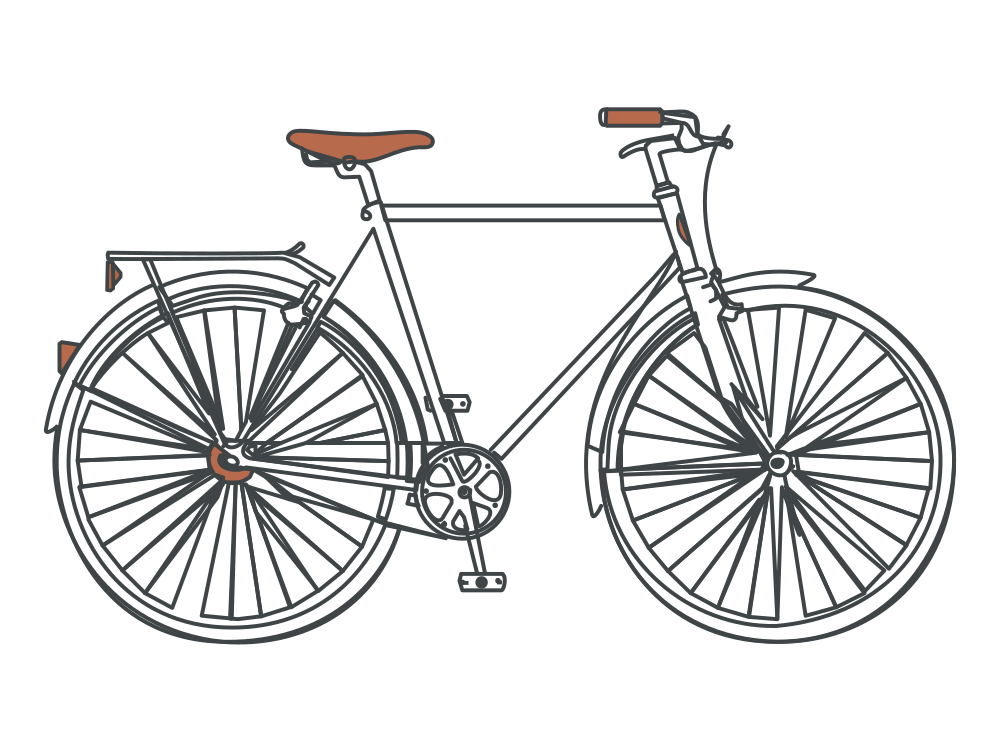 Editable lines
AI line art generator
Describe an idea and get line art with adjustable strokes.
Open tool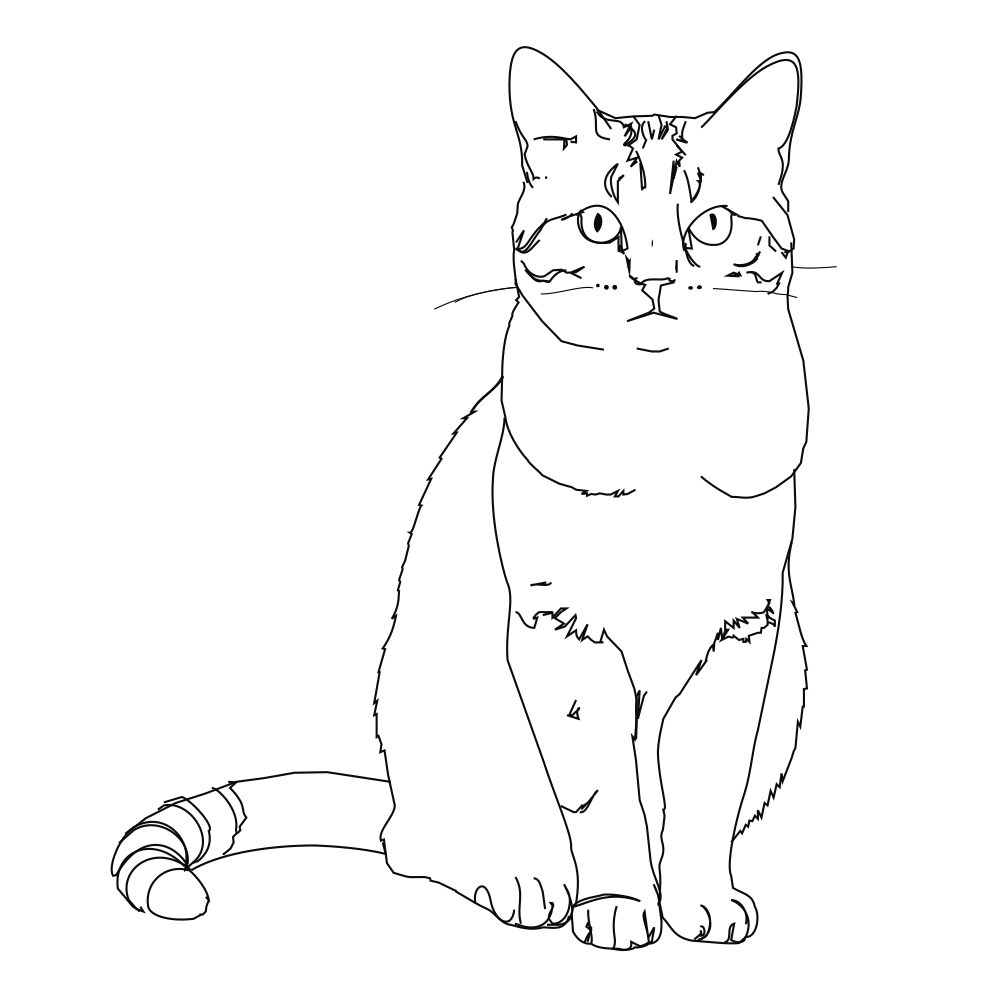 Editable lines
Photo to line art
Upload PNG, JPG or WebP (up to 20 MB). Get real SVG strokes you can thicken, recolor and export—not a flat bitmap filter.
Open tool Editable lines
Image to SVG
Convert a drawing or illustration into vector paths.
Open toolEditable linesOnline SVG editor
Upload any SVG to restyle its lines for free, or describe an edit (recolor, remove, rename) and AI changes the file in place.
Open toolStart your next design with editable lines
Describe an idea or drop in a drawing. Watch it draw, restyle the strokes, and export.