Hand-drawn illustration & picture book vectorizer
Digitize hand-painted picture book pages, marker drawings and character art into layered SVG vectors you can refine with AI.
Flat color shapes grouped by color.
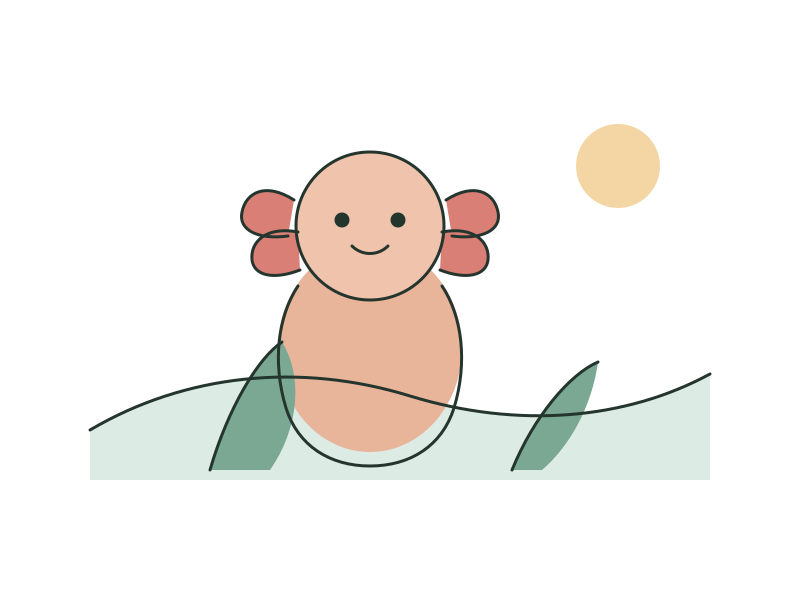 Sample · made with LineSVGYour drawing will appear here.
Describe it or drop in an image, then watch it draw.
Tool guide
Digitize hand-drawn illustrations and children’s picture book pages into editable SVGs
Photographed marker drawings, watercolor-and-ink book spreads and character sketches often suffer from uneven paper lighting and muddy edges. Upload each page to rebuild it as clean Color layers or Editable lines, then use Edit SVG to fix small character details, clean up color spills or add missing features without redrawing from scratch.
- 01
Photograph or scan your artwork
Shoot the page flat in even daylight and upload PNG, JPG or WebP up to 20 MB.
- 02
Pick Color layers or Editable lines
Color layers groups flat colors cleanly for full-color spreads; Editable lines extracts crisp ink outlines for digital coloring.
- 03
Touch up details with Edit SVG
Need to fix a character’s nose, keep water inside a lake border or add leaves? Describe the fix in Edit SVG to save a clean new version.
Tips for better results
- Avoid harsh phone shadow across the paper—shoot near a window or crop to the page border.
- Use "Ignore text/watermark" when you plan to typeset story text cleanly in InDesign, Canva or Affinity Publisher.
- Every AI edit stays in the Versions rail beside the original so you can compare and roll back anytime.
A suitable source image
A hand-painted marker spread of zoo animals on paper, converted to clean grouped vector shapes and touched up with AI edits for self-publishing.
Try it in the workspace above →Illustration vectorizer: frequently asked questions
Should I keep handwritten story text on the page or remove it?
For print books (such as KDP or offset printing), picking "Ignore text/watermark" to vectorize the artwork cleanly and adding crisp typography in your layout app gives the sharpest print.
Can I fix one small mistake without regenerating the whole page?
Yes. Click Edit with AI below the finished canvas and describe just the part to change—96–100% of untouched paths stay identical.
Which output type works best for black-ink sketches I want to color digitally?
Switch Output type to Editable lines so your ink work comes back as clean strokes on a transparent ground, ready to paint underneath in Illustrator or Procreate.
Related tools
One workspace. Different starting points.
Each tool presets the output type, prompt and ratio. Pick one and start.
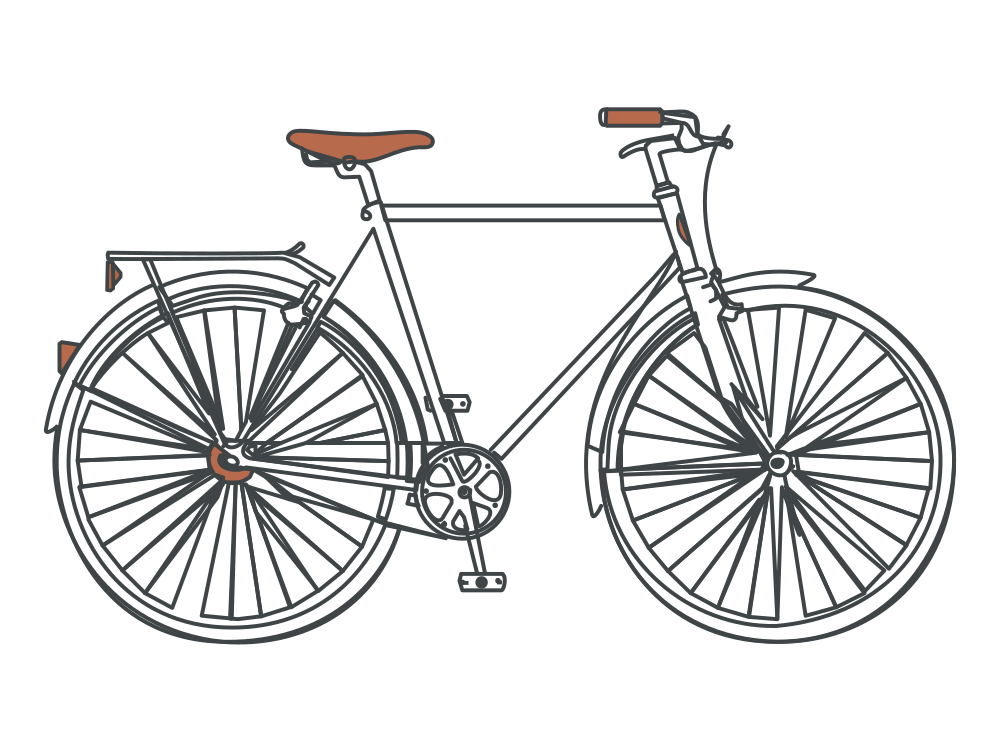 Editable lines
AI line art generator
Describe an idea and get line art with adjustable strokes.
Open tool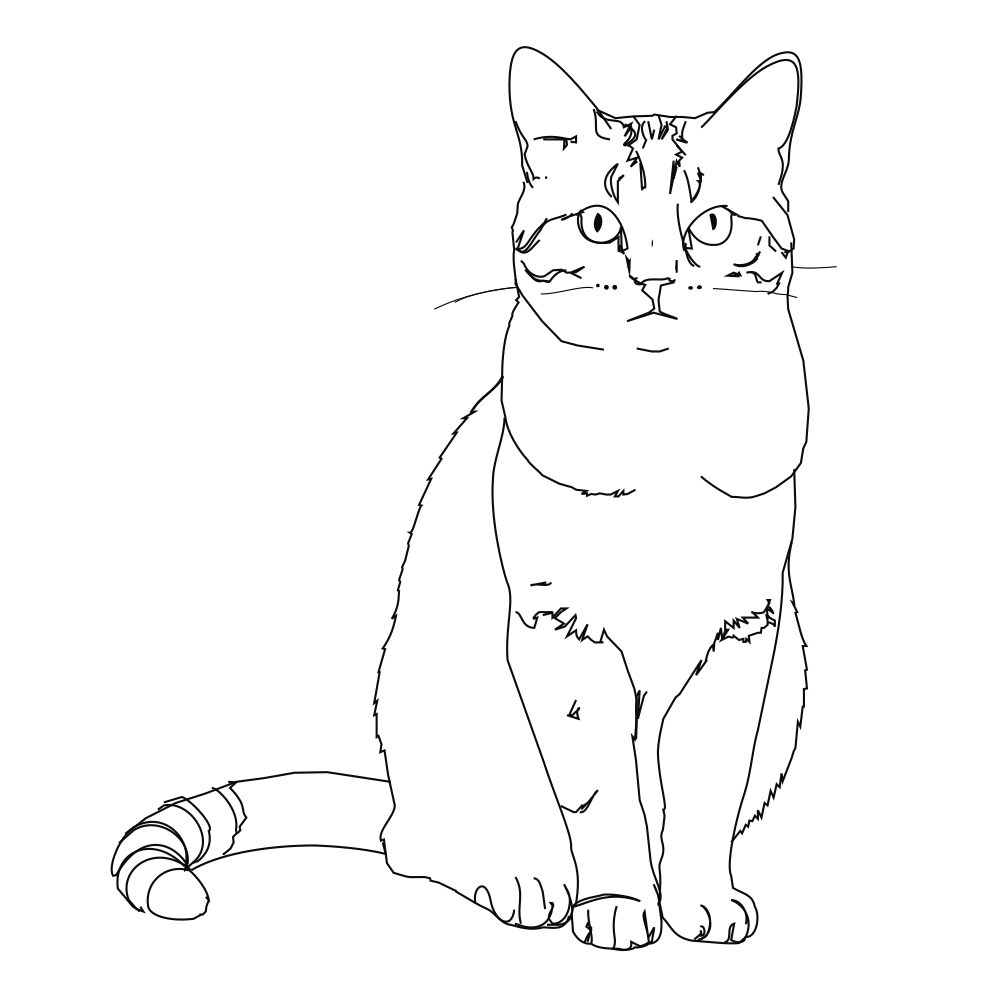 Editable lines
Photo to line art
Upload PNG, JPG or WebP (up to 20 MB). Get real SVG strokes you can thicken, recolor and export—not a flat bitmap filter.
Open tool Editable lines
Image to SVG
Convert a drawing or illustration into vector paths.
Open tool Editable lines
Online SVG editor
Upload any SVG to restyle its lines for free, or describe an edit (recolor, remove, rename) and AI changes the file in place.
Open tool Editable lines
Sketch to SVG
Bring a scanned or hand-drawn sketch into a vector workflow.
Open tool Editable lines
One line drawing
Turn a photo or prompt into minimalist portraits, pets and couples drawn in one continuous line.
Open toolStart your next design with editable lines
Describe an idea or drop in a drawing. Watch it draw, restyle the strokes, and export.