CNC & laser engraving SVG converter
Convert traditional motifs, reliefs and photos into unbroken single-line SVG paths for CNC routers and laser engravers.
Real strokes. Change width, color and dashes after generation.
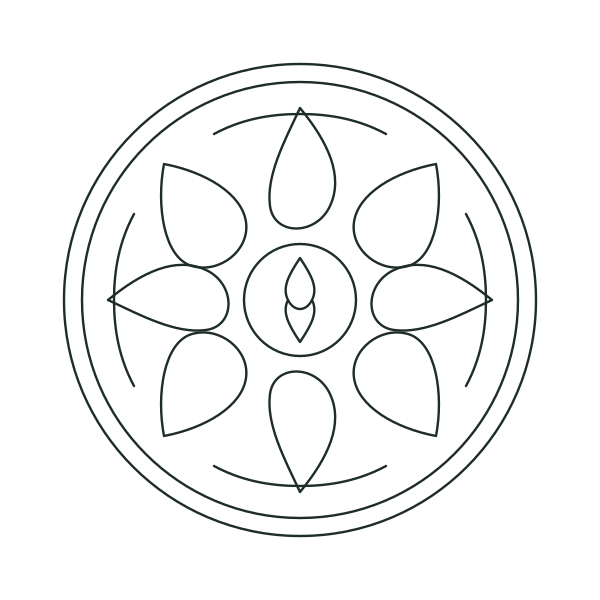 Sample · made with LineSVGYour drawing will appear here.
Describe it or drop in an image, then watch it draw.
Tool guide
Convert motifs, reliefs and photos into unbroken single-line SVGs for CNC & laser engraving
Relief pictures, dark-background patterns and raster artwork often turn into broken dashes or double-edged outlines in standard tracers. This tool redraws your source as continuous, 1:1 pure centerline strokes with zero fills—ready for LightBurn, VCarve, Carveco, xTool Creative Space and pen plotters.
- 01
Upload your motif or photo
Drop in a traditional ornament, dark-background relief image, badge or portrait photo up to 20 MB.
- 02
Keep Pure lines enabled
Pure lines is turned on automatically so no filled patches or double outlines sneak into your toolpath.
- 03
Inspect continuity and export SVG
Zoom in up to 400% on the canvas, fix any detail in place with Edit SVG if needed, and download your SVG.
Tips for better results
- Use the "1:1 exact lines" preset when converting existing geometric or traditional patterns.
- Crop away outer frames or text captions you do not want the bit or laser to engrave.
- If a complex relief misses fine inner curves, run a quick Edit SVG pass asking for smoother continuous lines.
A suitable source image
A traditional dragon or floral medallion on a dark background, converted into clean unbroken single-stroke paths for wood or brass engraving.
Try it in the workspace above →CNC & laser engraving SVG: frequently asked questions
Why use this instead of normal bitmap tracing in LightBurn or Illustrator?
Edge tracers follow both sides of every thick line, making your laser or V-bit cut each stroke twice. LineSVG outputs single centerline strokes so the tool follows each path once.
Does it work on dark-background relief or gold-on-black images?
Yes. The vision redraw reads the motif structure regardless of whether the source is dark-on-light or light-on-dark, and outputs clean strokes on an empty background.
How do I bring the SVG into CNC or laser software?
Download the SVG and import it directly into LightBurn, xTool Creative Space, VCarve or Carbide Create; set the layer to Score, Line or V-engrave.
Related tools
One workspace. Different starting points.
Each tool presets the output type, prompt and ratio. Pick one and start.
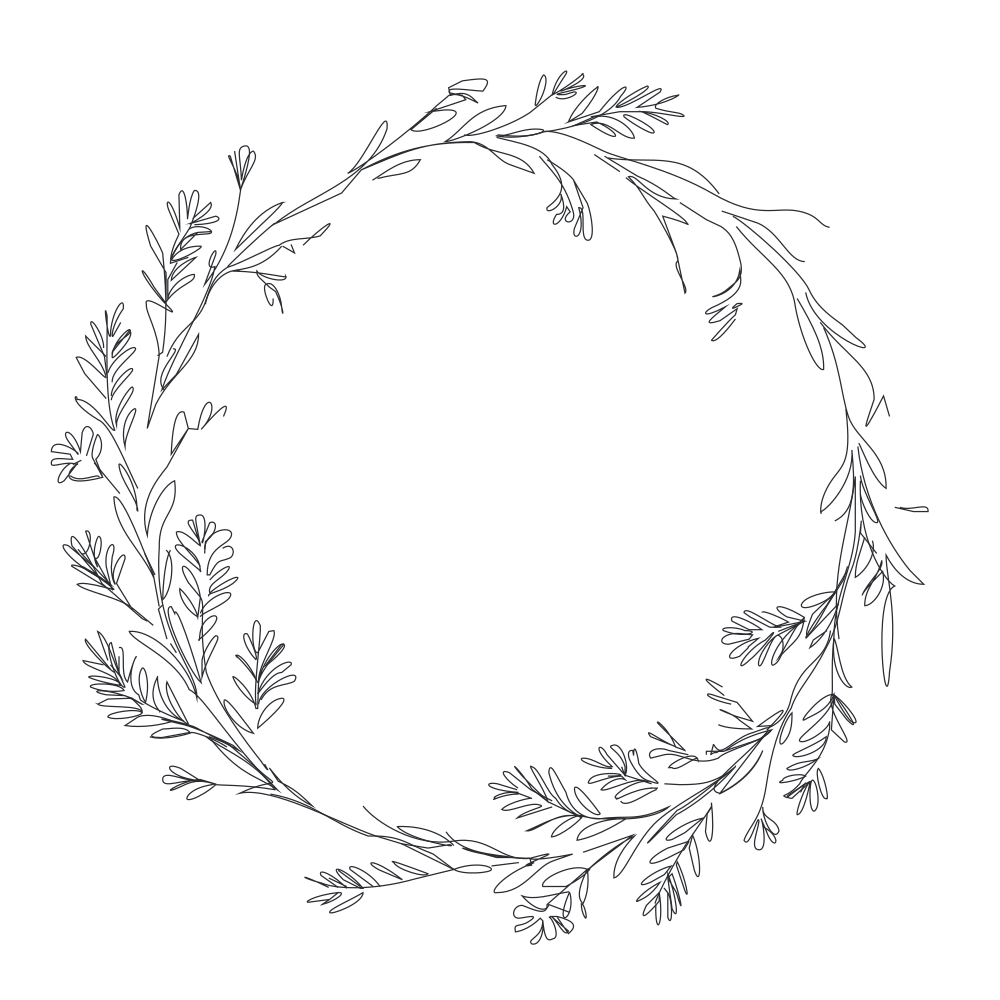 Editable lines
Single line SVG for Cricut
Convert an image or prompt into pen, foil and score designs with one path per line, no double lines.
Open tool Cut-ready shapes
Laser cut SVG
Turn a reference picture or prompt into connected, cut-ready shapes for lasers and vinyl cutters.
Open tool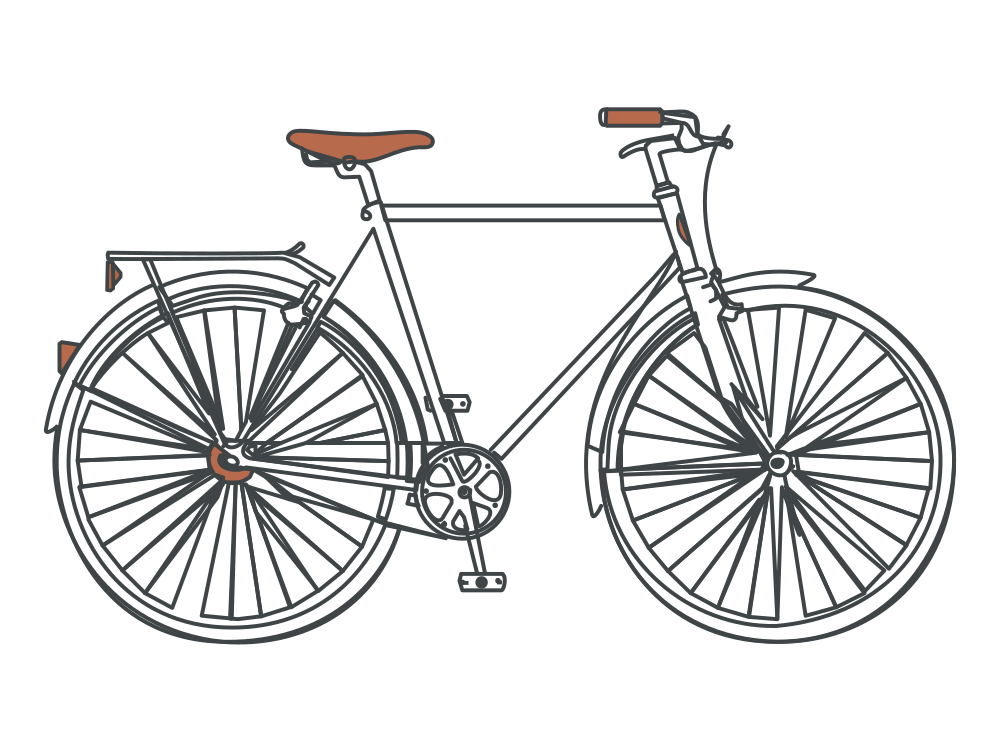 Editable lines
AI line art generator
Describe an idea and get line art with adjustable strokes.
Open tool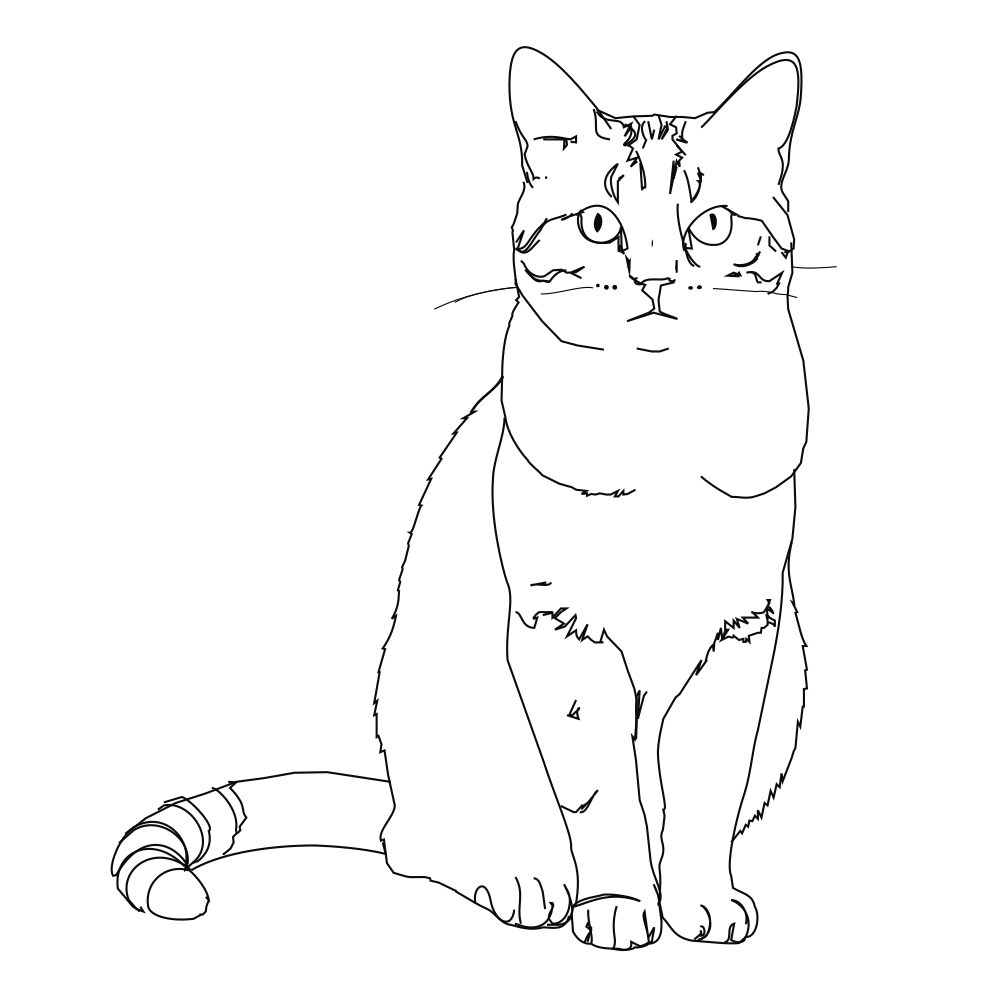 Editable lines
Photo to line art
Upload PNG, JPG or WebP (up to 20 MB). Get real SVG strokes you can thicken, recolor and export—not a flat bitmap filter.
Open tool Editable lines
Image to SVG
Convert a drawing or illustration into vector paths.
Open tool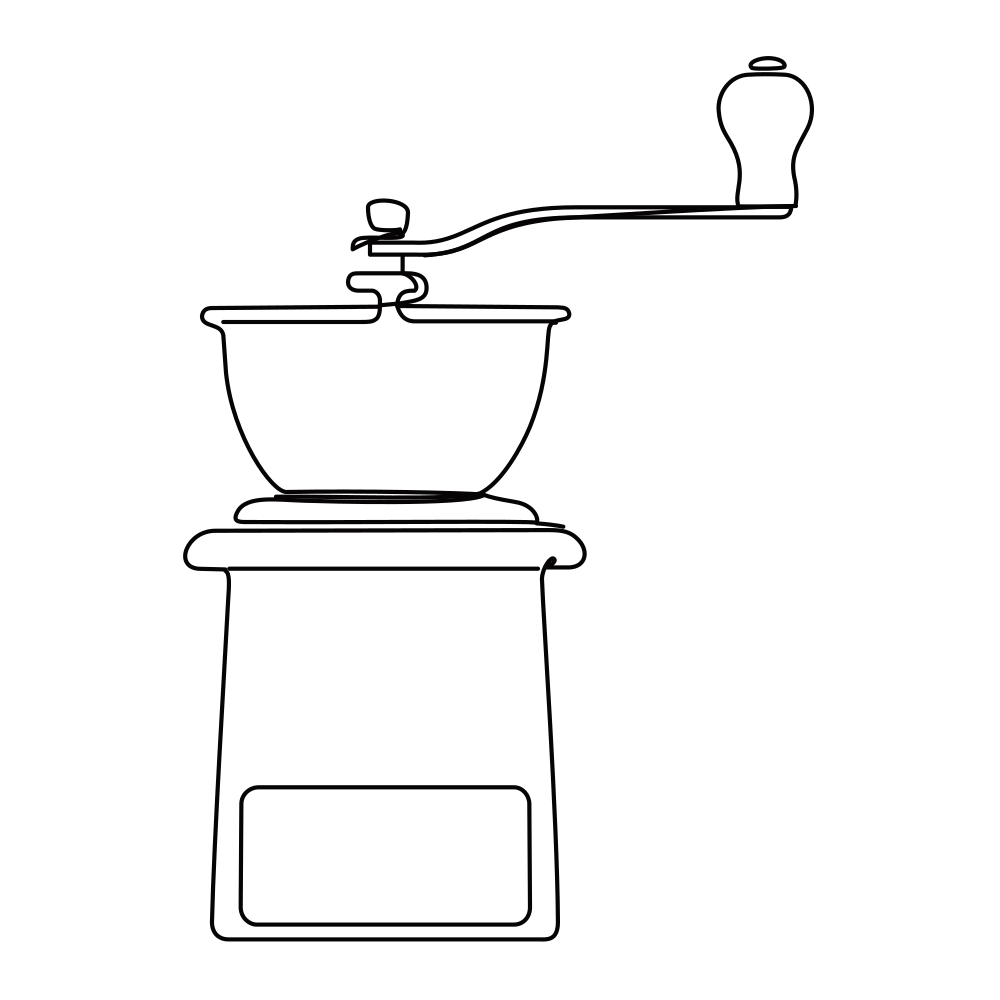 Editable lines
Online SVG editor
Upload any SVG to restyle its lines for free, or describe an edit (recolor, remove, rename) and AI changes the file in place.
Open toolStart your next design with editable lines
Describe an idea or drop in a drawing. Watch it draw, restyle the strokes, and export.