Photo, sketch or text to editable SVG line art
Upload a photo, sketch, signature or diagram—or describe an idea. LineSVG outputs real vector strokes you can thicken, recolor, animate and take into Illustrator, Figma or CNC & cutting machines.
Real strokes. Change width, color and dashes after generation.
 Sample · made with LineSVGYour drawing will appear here.
Describe it or drop in an image, then watch it draw.
Real results
Generated once. Adjustable forever.
Every drawing here is a real SVG made by LineSVG. Drag the slider: you are editing the strokes in the file itself.
Why LineSVG
Lines you can keep working with.
Most converters hand you a picture that happens to end in .svg. LineSVG gives you strokes you can restyle.
Real strokes, not outlines
Lines are stored as strokes, not filled shapes, so weight, color and dashes stay adjustable after generation.
Color when you want it
Keep colored strokes, fills and gradients together in one editable file.
See it draw live
Paths stream onto the canvas as they are generated, so you can judge the result early.
Made for your editor
Export clean SVG or PNG, copy the code, and keep refining in Figma, Illustrator or Inkscape.
How it works
Three steps from idea to editable SVG
- 01
Describe or upload
Type what you want, or drop in a PNG, JPG or WebP drawing.
- 02
Watch it draw
Lines stream onto the canvas. The full SVG is ready the moment the drawing completes.
- 03
Restyle and export
Adjust stroke weight, color or dashes, then download SVG or PNG, or copy the code.
Tools by scenario
One workspace. Different starting points.
Each tool presets the output type, prompt and ratio. Pick one and start.
 Editable lines
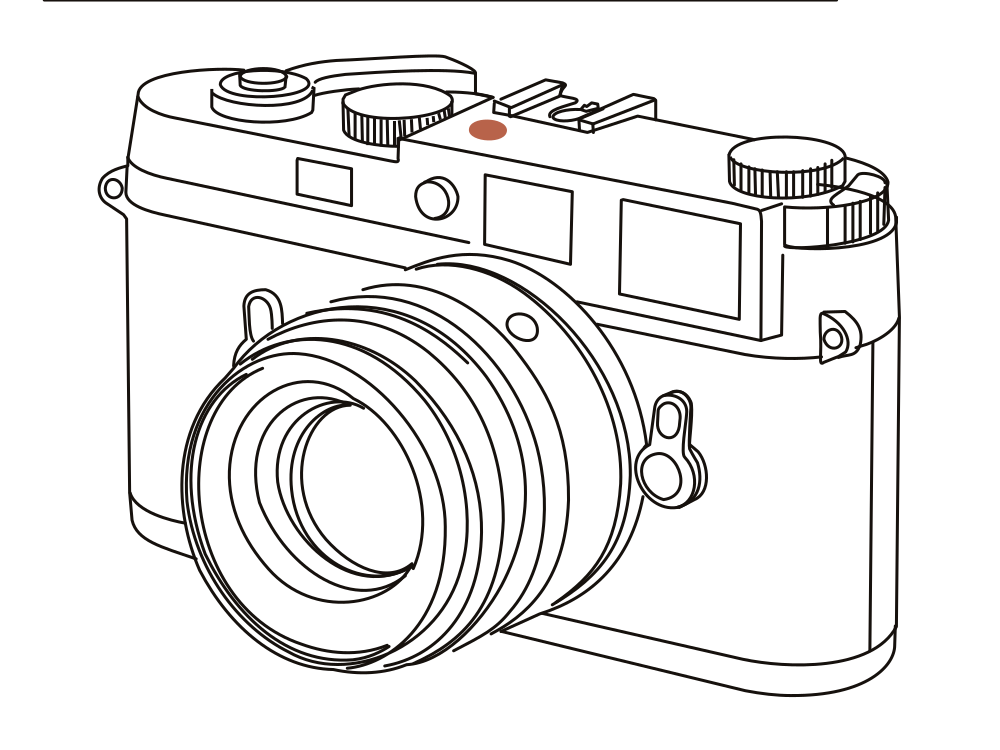
Photo to line art
Upload PNG, JPG or WebP (up to 20 MB). Get real SVG strokes you can thicken, recolor and export—not a flat bitmap filter.
Open tool Editable lines
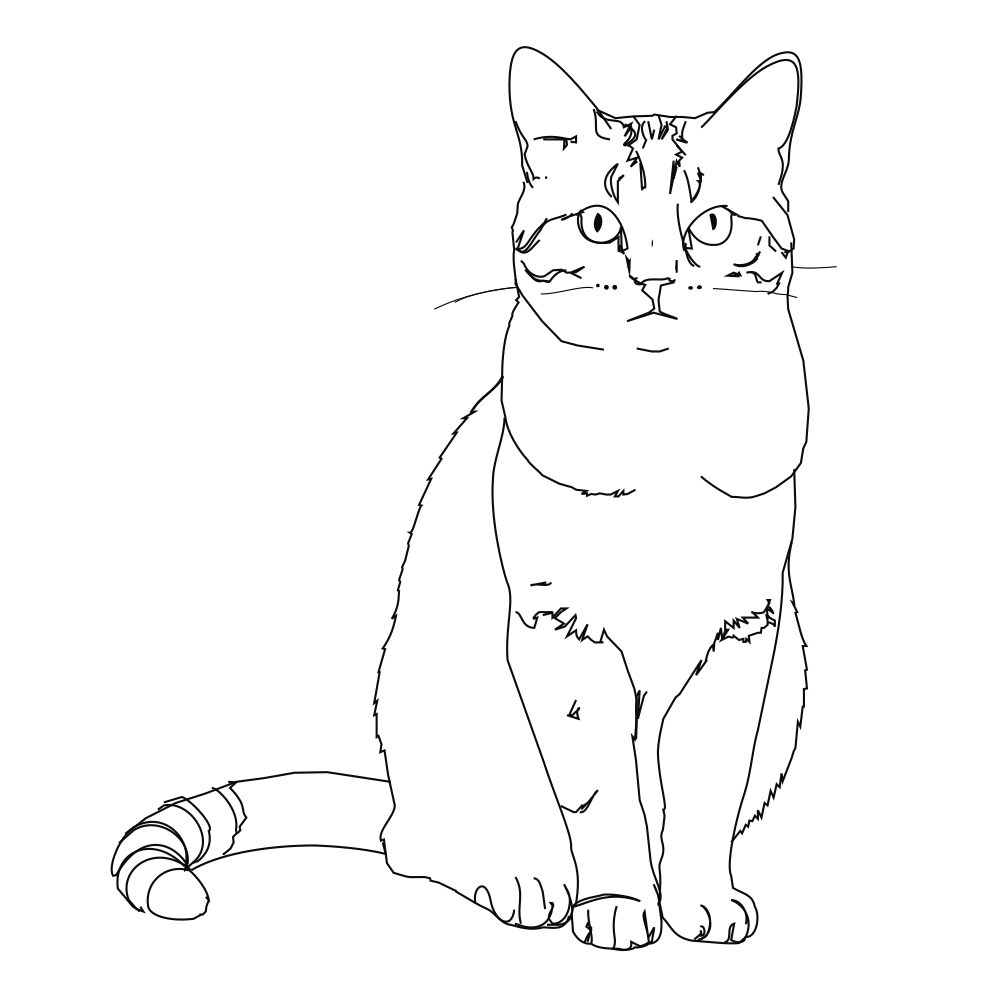
Image to SVG
Convert a drawing or illustration into vector paths.
Open tool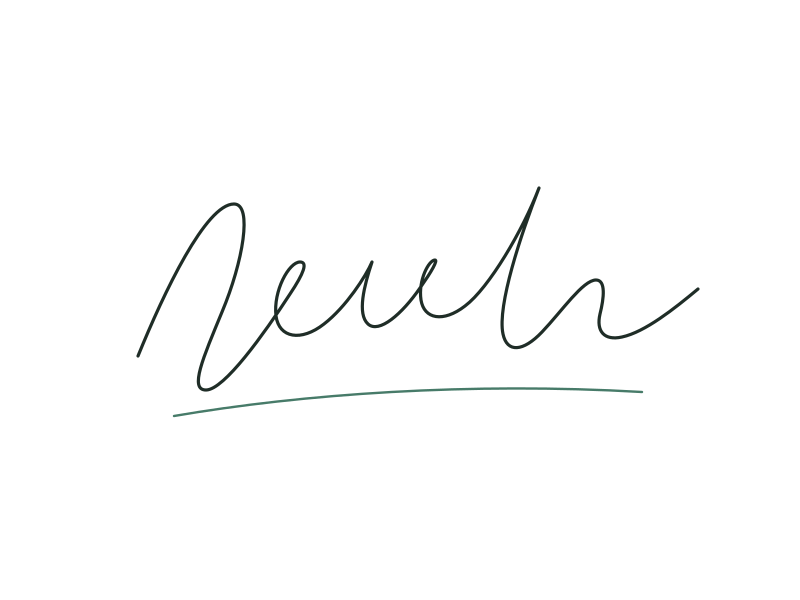 Editable lines
Signature to SVG
Turn a photo or scan of a handwritten signature into a clean, transparent SVG with adjustable stroke thickness.
Open tool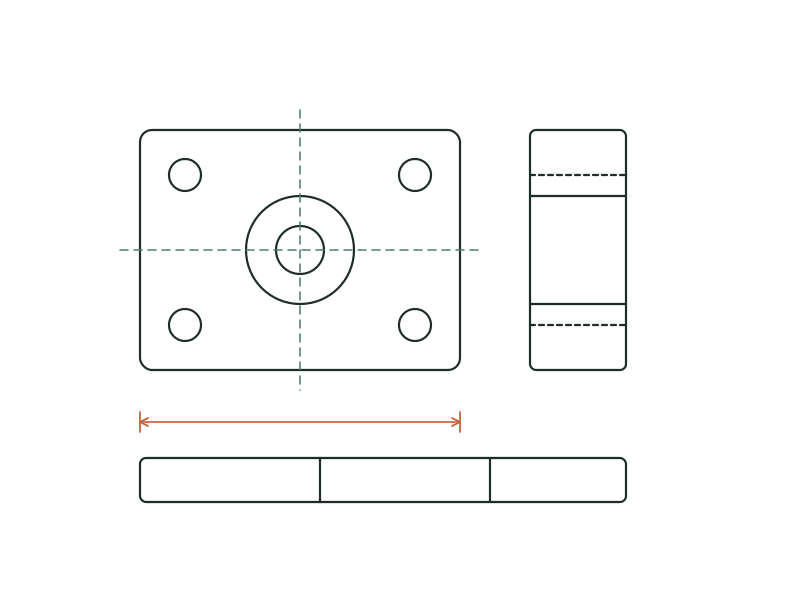 Editable lines
Technical diagram to SVG
Convert mechanical sketches, product manual views and academic figures into crisp, orthographic SVG line art.
Open tool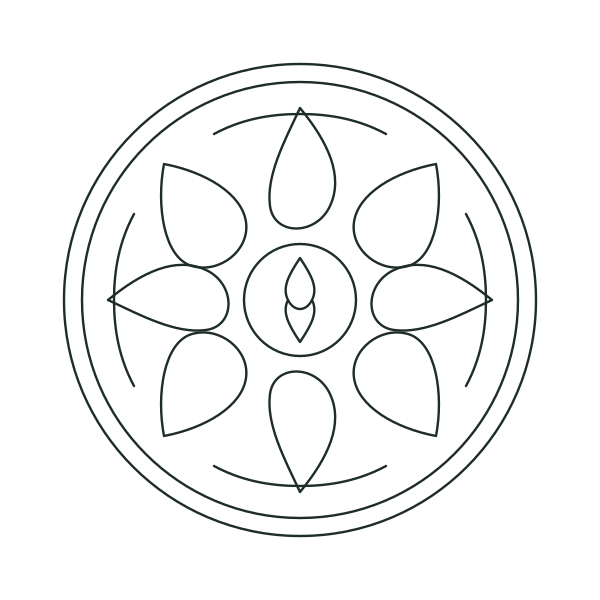 Editable lines
CNC & laser engraving SVG
Convert traditional motifs, reliefs and photos into unbroken single-line SVG paths for CNC routers and laser engravers.
Open tool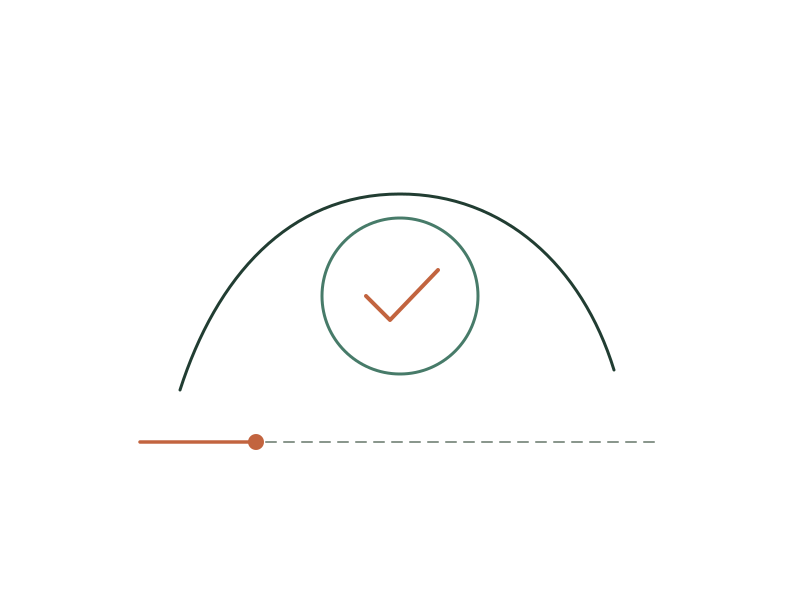 Editable lines
SVG stroke animator
Upload any SVG to preview and export draw-on or fade-in animations for free, or add AI motion.
Open toolStarting from a text prompt? Try the AI line art generator · Browse all 18 tools
Simple credit pricing
Every generation uses credits. Pick a monthly allowance or buy a pack when you need one. Save 60% with annual billing.
Save 60% with annual billing. Subscription credits arrive monthly and each grant expires after 30 days.
From the blog
Put your exported SVG to work
CNC & Laser Engraving SVGs: Convert Patterns to Single Paths
Convert traditional motifs, dark-background reliefs and photos into continuous, unbroken single-line SVG paths with zero double outlines for CNC and lasers.

Digitize Hand-Drawn Children's Book Pages into Editable SVGs
Turn photographed marker, ink and watercolor picture book spreads into clean vector SVGs, then fix small character details in place with AI edits.
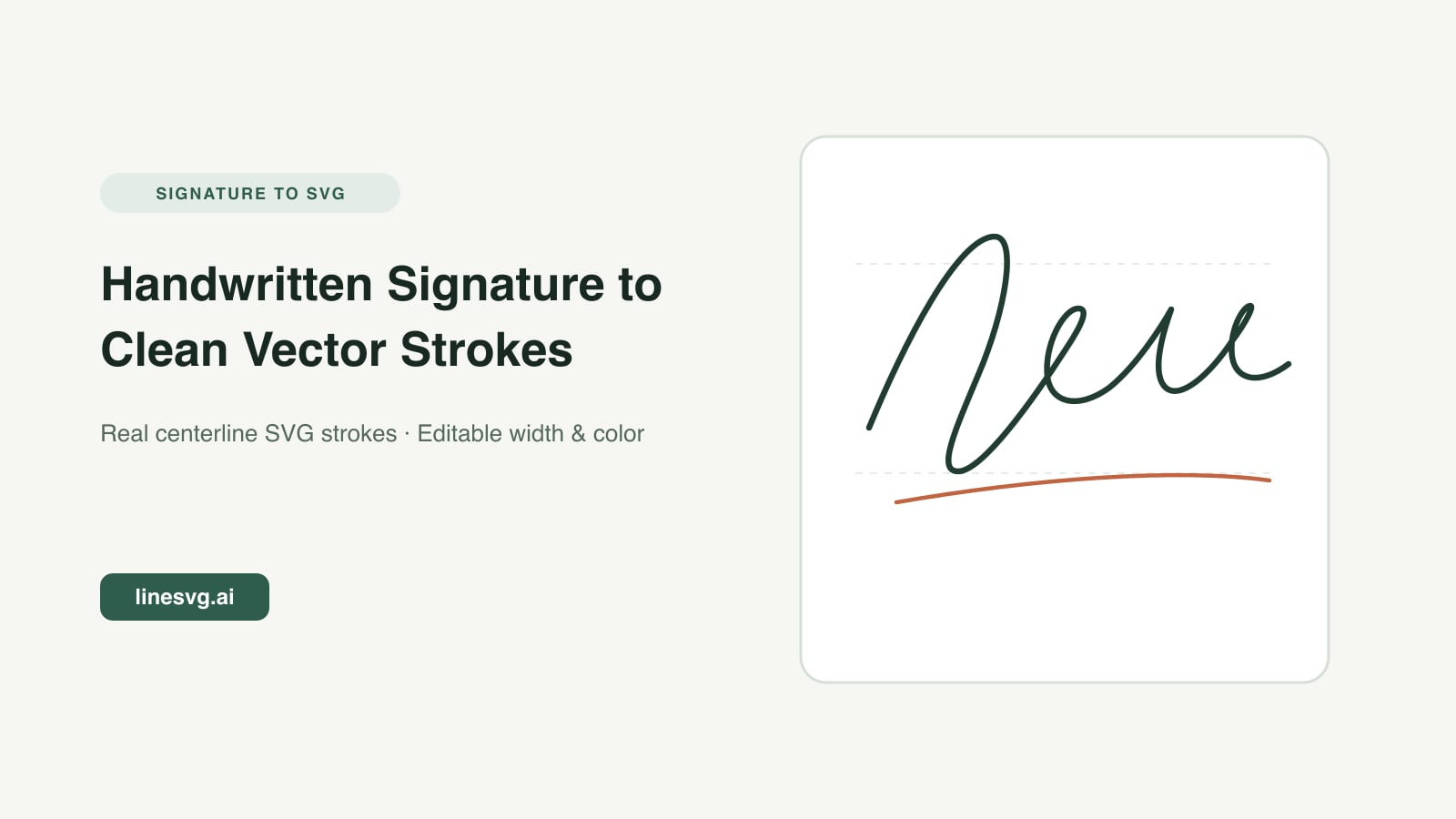
Signature to SVG: Turn a Handwritten Photo into Clean Vector
Convert a smartphone photo or scan of your handwritten signature into a transparent, single-stroke SVG you can thicken, recolor, animate or laser engrave.
FAQ
Before you start
Most vectorizers trace an image into filled outlines that only look like lines. LineSVG produces actual SVG strokes, so you can change width, color and dashes afterwards. Some elements, such as filled areas or gradients, are kept as fills on purpose.
Yes. Text to SVG starts from a description; Image to SVG starts from an existing drawing, illustration or sketch. PNG, JPG and WebP files up to 20 MB are supported.
LineSVG reinterprets your image as clean vector strokes rather than tracing every pixel, so proportions and small details can shift. Clear line drawings on plain backgrounds give the closest results. Treat the output as an editable starting point.
You can watch a free demo in the workspace without signing in. New accounts receive welcome credits, and each generation or conversion uses a fixed number of credits shown next to the button. If a task fails, its credits are returned.
Anywhere that opens SVG: Figma, Illustrator, Inkscape, Affinity Designer, or your code editor. Paths, strokes and gradients import as regular vector objects, so you can keep editing there.
Start your next design with editable lines
Describe an idea or drop in a drawing. Watch it draw, restyle the strokes, and export.